


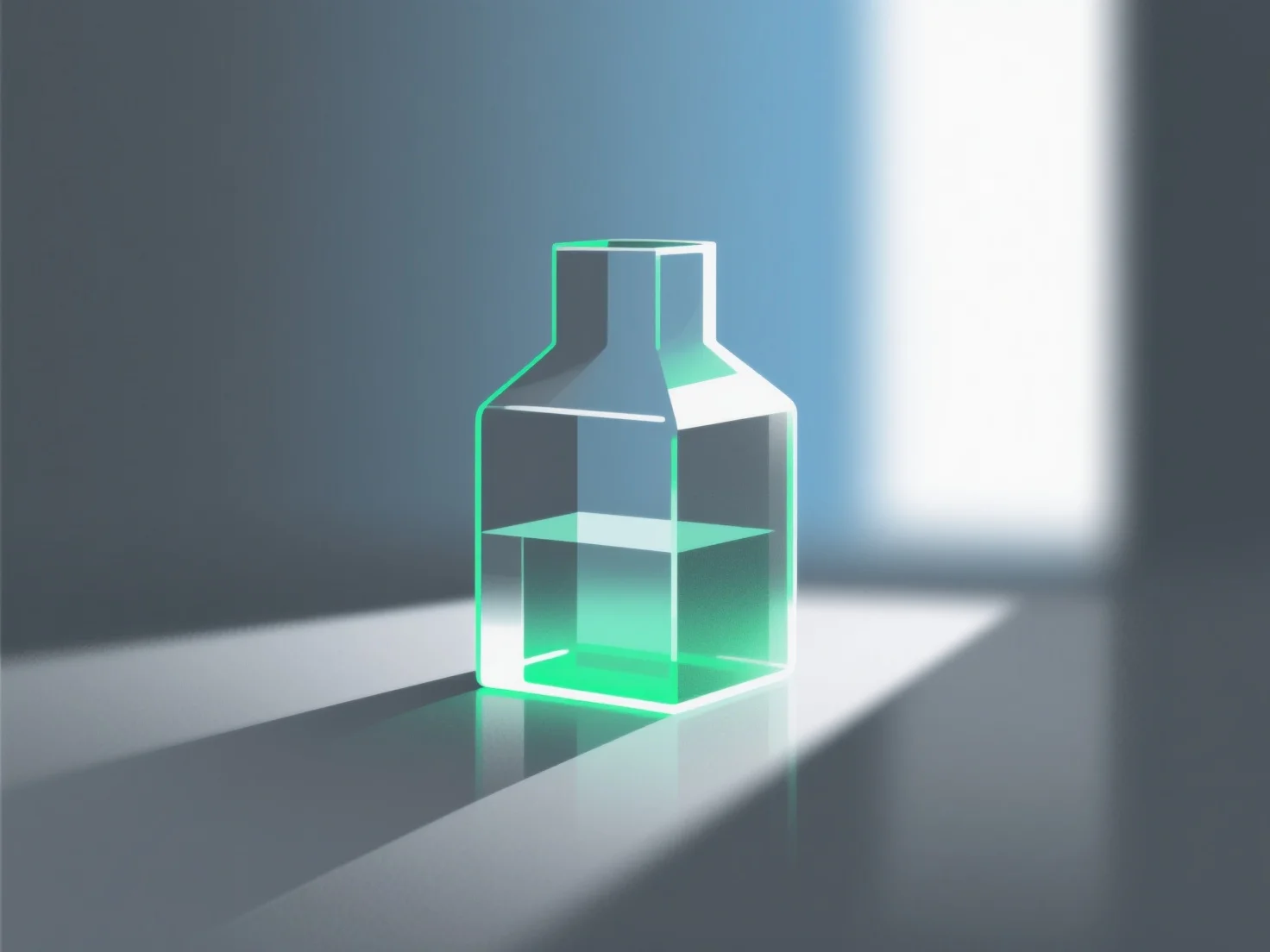
Simulasi bahan kaca dalam rendering 3D terutama melibatkan replikasi sifat optik inti mereka: transmisi cahaya, refleksi, dan refraksi.
Langkah-langkah dan parameter utama meliputi: - **Transmisi**: Atur nilai tinggi untuk memastikan cahaya dapat menembus, meniru transparansi kaca. - **Indeks refraksi**: Gunakan sekitar 1,5 (kaca standar) untuk mensimulasikan pembengkokan cahaya secara akurat saat memasuki/keluar dari material. - **Kekasaran permukaan**: Nilai yang lebih rendah untuk kaca yang jernih dan halus; nilai yang lebih tinggi untuk efek buram atau bertekstur.
Pemula bisa mulai dengan preset perangkat lunak.