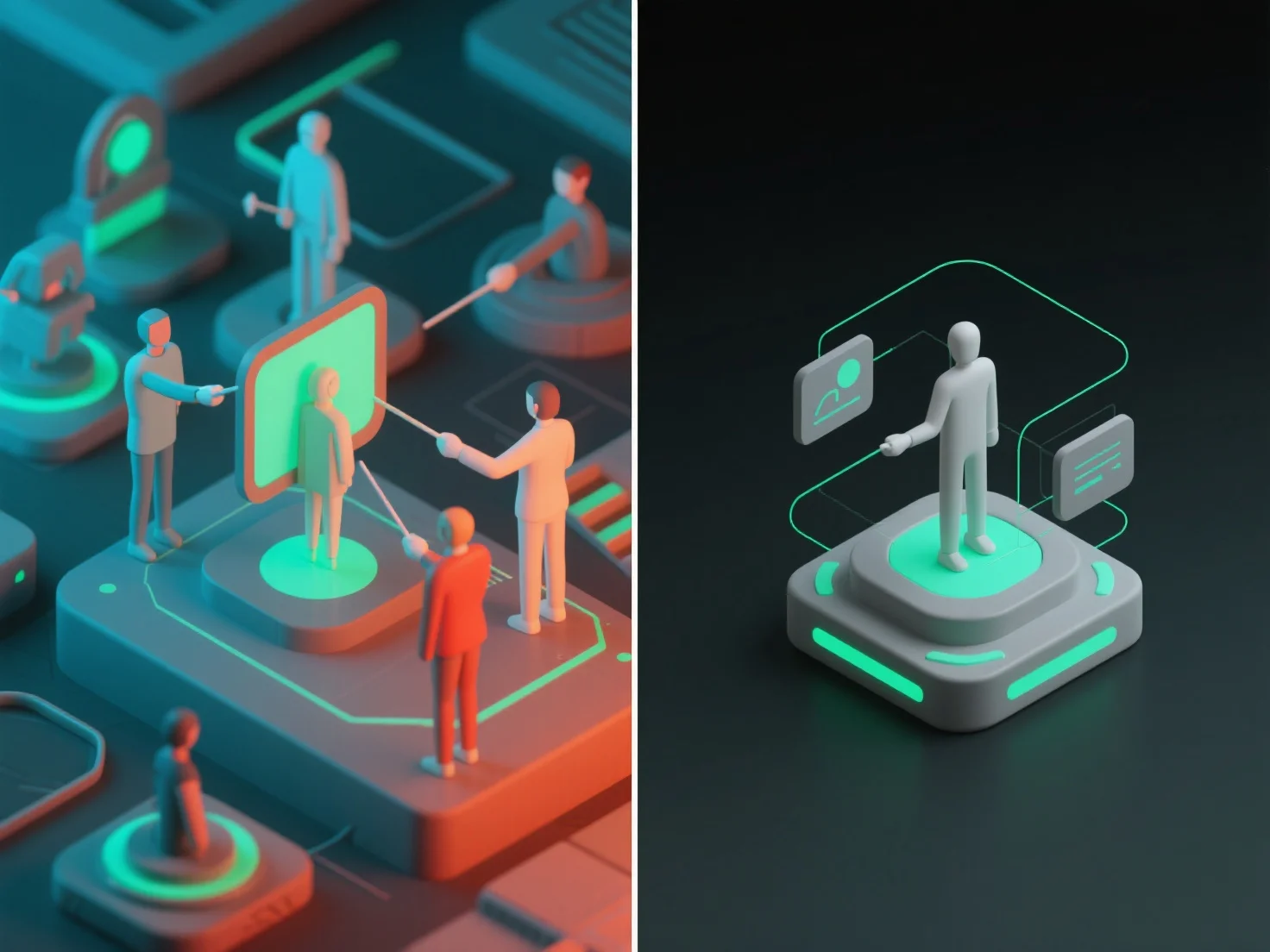
Saat berkolaborasi pada model 3D, izin dan kontrol akses dikelola dengan mendefinisikan peran pengguna dan menetapkan tingkat akses yang terperinci, memastikan anggota tim hanya berinteraksi dengan bagian-bagian model yang relevan dengan tugas mereka. Peran pengguna utama meliputi: pemirsa (akses hanya-baca untuk melihat model), editor (memodifikasi bagian atau komponen tertentu), dan admin (mengelola izin untuk semua pengguna). Tingkat akses selanjutnya membatasi tindakan, seperti membatasi pengunduhan, komentar, atau pengeditan model penuh kepada pengguna yang berwenang. Dalam praktiknya, alat kolaborasi 3D berbasis cloud sering menawarkan template peran yang telah ditetapkan sebelumnya.


Bagaimana Anda mengelola izin dan kontrol akses saat berkolaborasi pada model 3D?
Kolaborasi model 3D menggunakan peran pengguna dan tingkat akses granular untuk mengelola izin, dengan alat cloud yang menawarkan template yang telah ditetapkan sebelumnya untuk keamanan dan efisiensi.