


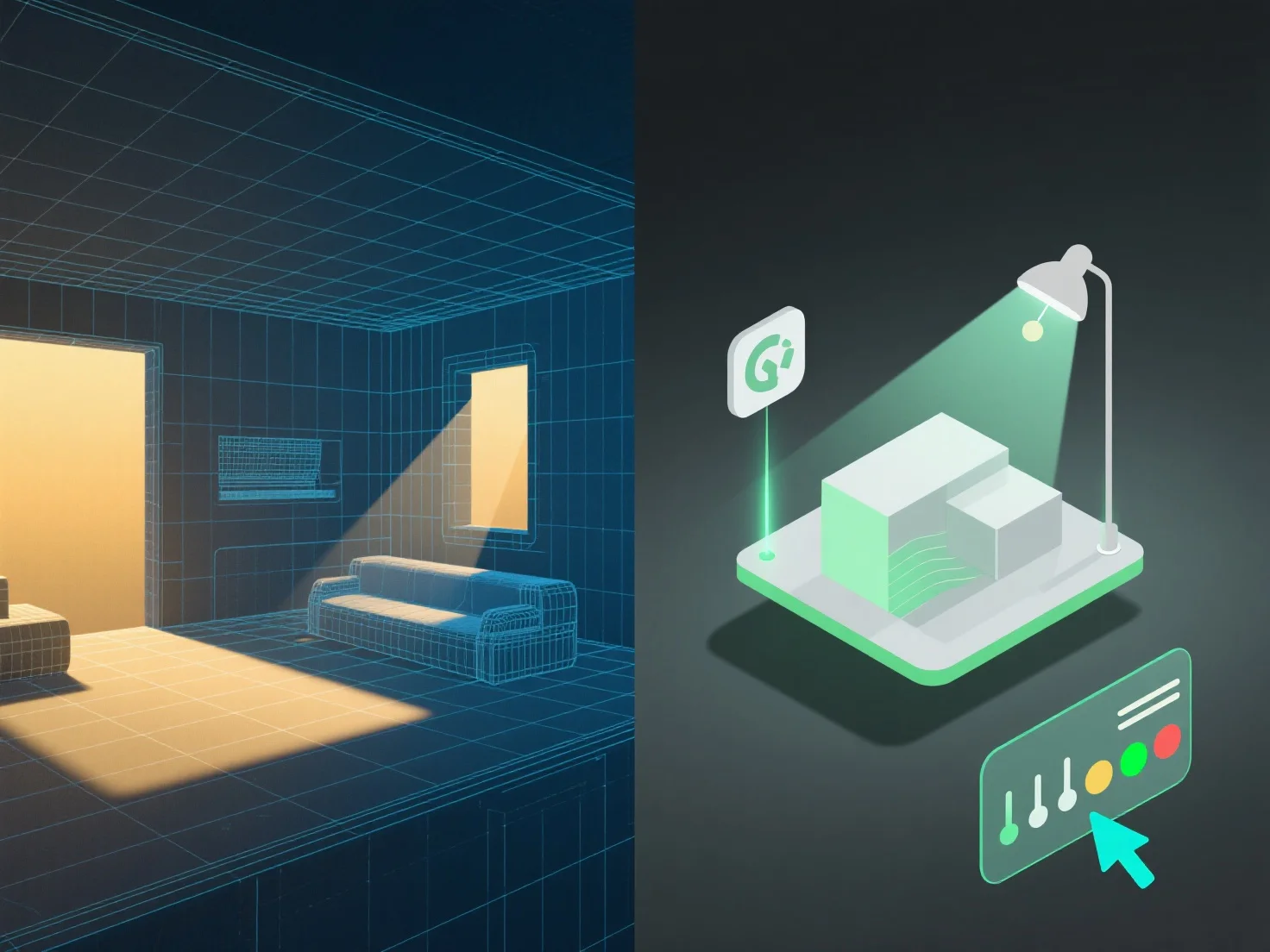
Mengintegrasikan alat pencahayaan dengan pemodelan 3D untuk manajemen adegan yang lebih baik membutuhkan penyelarasan parameter pencahayaan dengan struktur, material, dan konteks model untuk meningkatkan realisme dan efisiensi alur kerja.
Pertama, hubungkan sumber cahaya (cahaya arah, titik, atau area) ke geometri dan detail tekstur model. Ini memastikan interaksi cahaya yang akurat seperti pemancaran bayangan, refleksi, dan refraksi, yang meniru perilaku di dunia nyata.
Kedua, sinkronkan pencahayaan dengan kasus penggunaan adegan: Dalam visualisasi arsitektur, sejajarkan dengan dimensi model untuk mensimulasikan cahaya alami.
Ketiga, gunakan template pencahayaan untuk perubahan model yang sering. Template diperbarui secara otomatis dengan penyesuaian pada model, menjaga pencahayaan yang konsisten tanpa penyesuaian manual, serta mempermudah manajemen.
Dengan menggabungkan langkah-langkah ini, pencahayaan dan model 3D bekerja secara harmonis, memastikan adegan yang realistis dan dikelola secara efisien.