


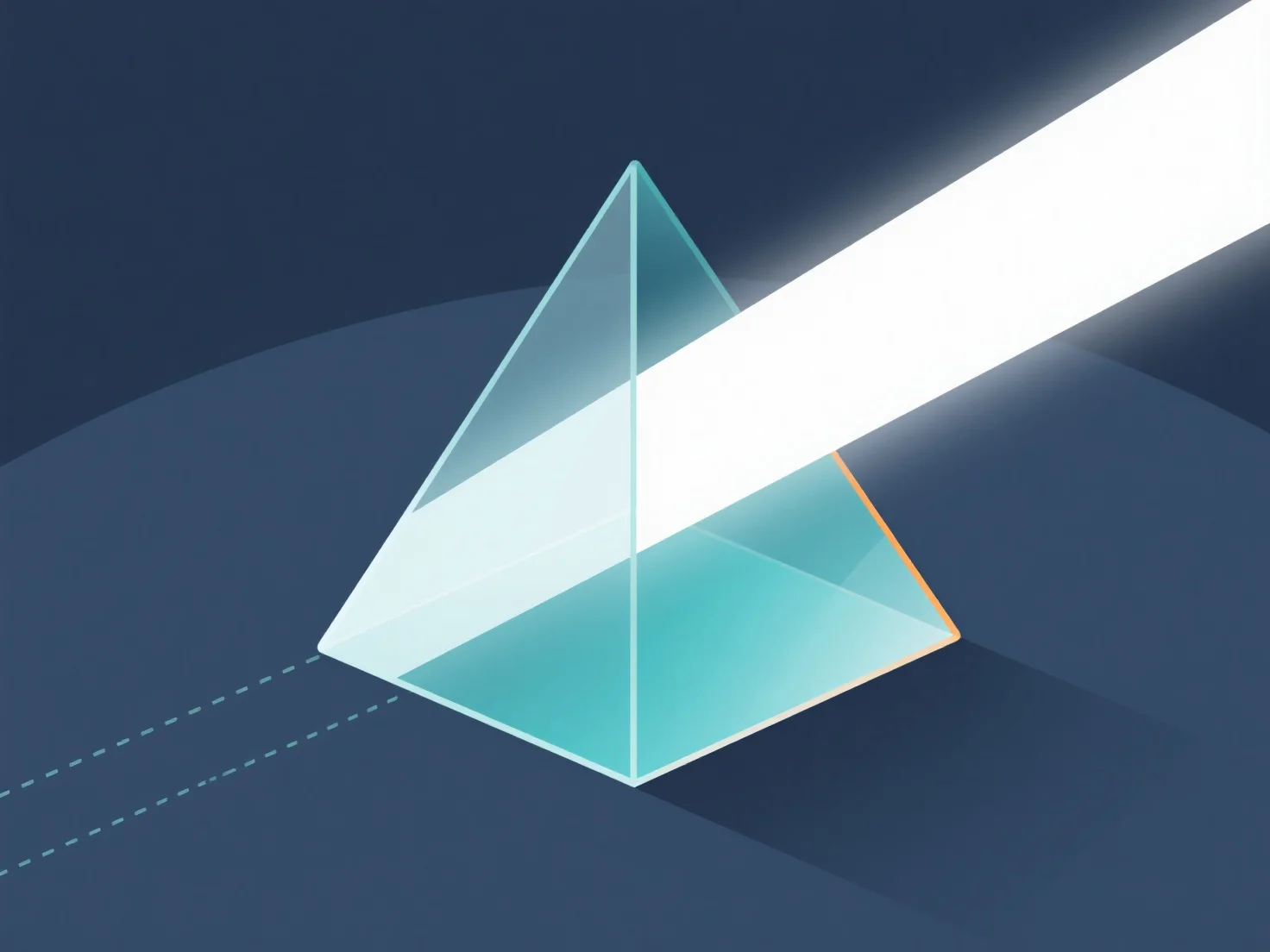
Menangani pembiasan cahaya melalui bahan-bahan dalam model 3D terutama dilakukan dengan mengatur properti material.
- **Atur indeks bias (RI):** RI menentukan sudut pembengkokan cahaya. Nilai umum: kaca ~1,5, air ~1,33, udara ~1,0. Tetapkan RI dalam pengaturan material untuk menentukan kekuatan pembiasan. - **Gunakan teknik rendering:** Ray-tracing melacak jalur cahaya melalui material; PBR memanfaatkan fisika dunia nyata. Keduanya memungkinkan simulasi pembiasan yang akurat. - **Sesuaikan pengaturan perangkat lunak:** Dalam alat 3D, aktifkan pembiasan dalam pengaturan render, tetapkan RI ke material, dan sesuaikan glossiness/opacity untuk menyempurnakan efek.
Proses ini meniru perilaku cahaya di dunia nyata, menciptakan efek material transparan/translucent yang realistis dalam model 3D.