


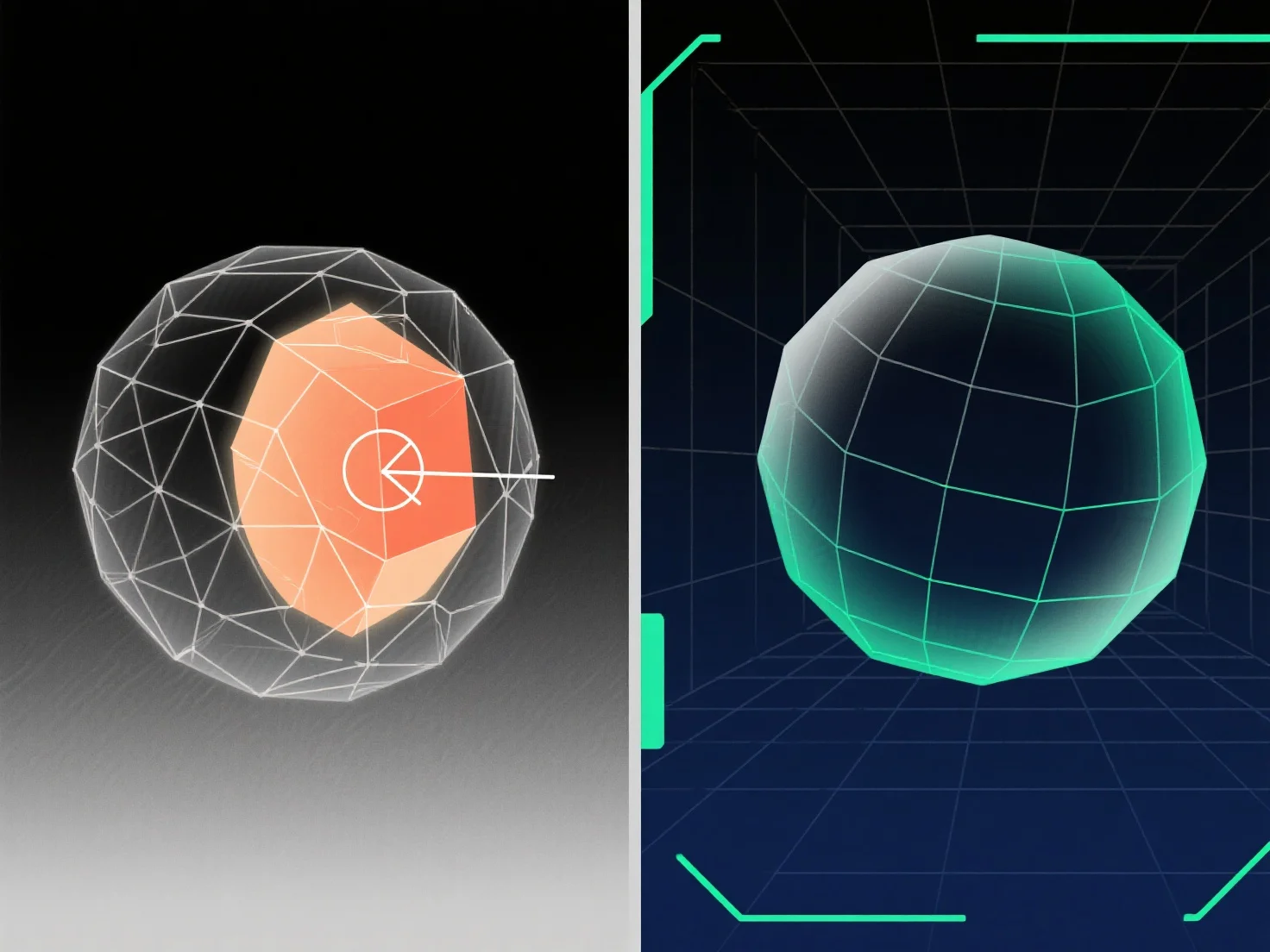
Untuk menangani geometri yang tumpang tindih dalam pemodelan 3D, solusi utama termasuk menggunakan operasi Boolean, membersihkan simpul/wajah yang berlebihan, dan menerapkan alat perbaikan mesh.
Geometri yang tumpang tindih. Di mana permukaan, tepi, atau simpul menempati ruang 3D yang sama. Sering terjadi selama penggabungan model, kesalahan Boolean, atau duplikasi, yang mengakibatkan gangguan rendering, masalah unwrapping UV, atau kegagalan ekspor; menyelesaikannya melibatkan identifikasi tumpang tindih dan menghapus, menggabungkan, atau memisahkan elemen yang bertentangan.
Metode umum: - Operasi Boolean: Gunakan "Union," "Difference," atau "Intersect" untuk menggabungkan atau mengurangi volume yang tumpang tindih, menyederhanakan mesh. - Pembersihan Vertex/Face: Hapus duplikat, gabungkan vertex yang tumpang tindih, atau hapus face yang berlebihan untuk menghilangkan tumpang tindih spasial. - Alat Perbaikan Mesh: Gunakan fitur perangkat lunak.
Untuk tumpang tindih yang sulit terlihat, aktifkan tampilan wireframe atau gunakan seleksi berbasis jarak; untuk model yang kompleks, isolasi bagian-bagian untuk menyelesaikan masalah secara bertahap.