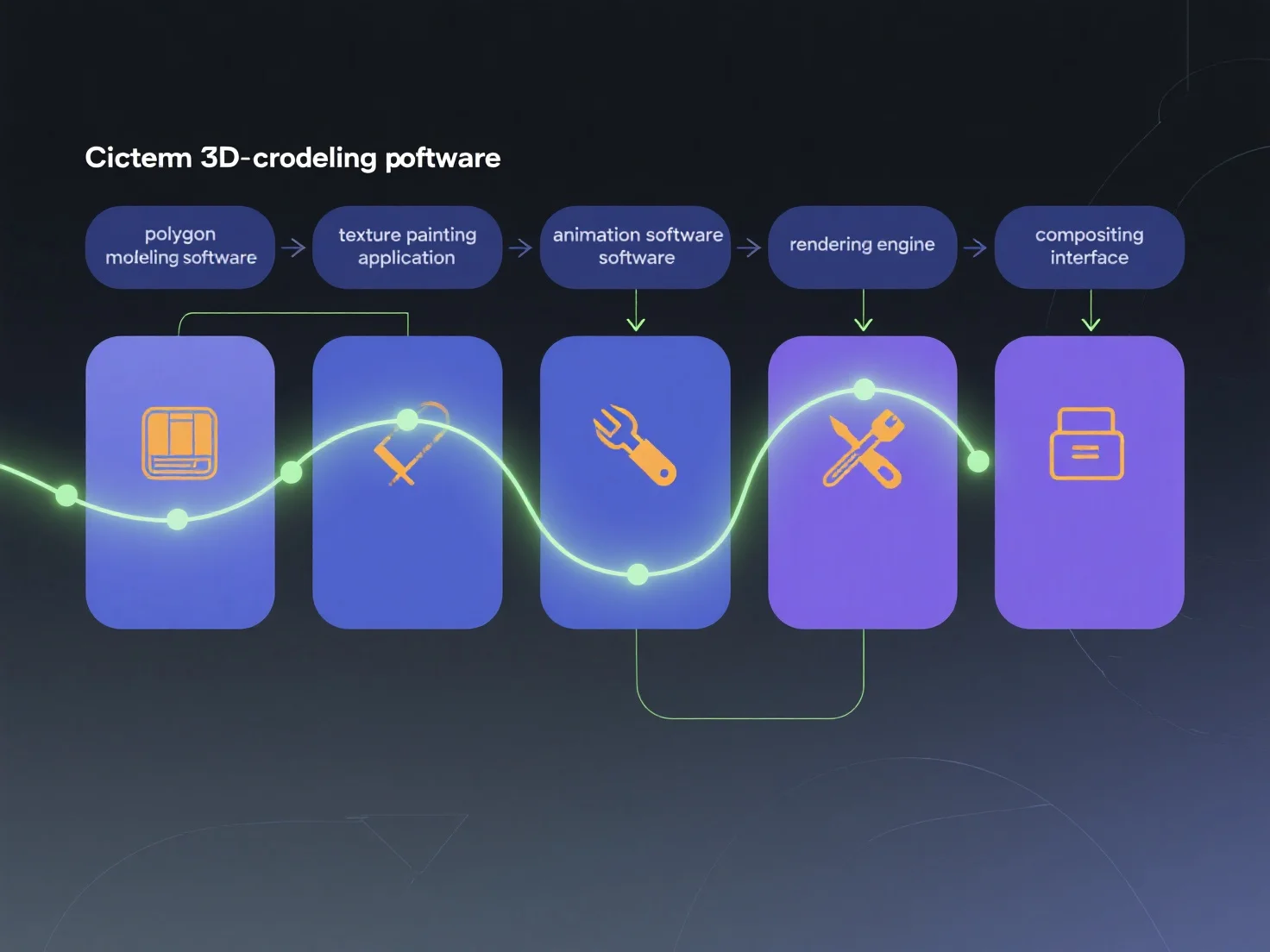
Alat-alat berbeda terintegrasi ke dalam pipa konten 3D sinematik dengan mengkhususkan diri dalam tahap produksi yang berbeda dan bertukar data standar, memastikan kelangsungan alur kerja yang mulus. Setiap alat berfokus pada tugas spesifik: pemodelan 3D (misalnya, Blender, Maya) membentuk aset inti; tekstur (misalnya, Substance Painter) menambahkan detail permukaan; animasi (misalnya, MotionBuilder) menganimasikan gerakan; rendering (misalnya, Arnold) menghasilkan visual akhir. Tahap-tahap ini terhubung melalui format universal seperti FBX atau USD, mentransfer data dari hulu (seni konsep) ke hilir (pemrosesan gambar). Untuk mengoptimalkan integrasi, petakan alat-alat ke tahap-tahap tersebut.


Bagaimana alat-alat berbeda terintegrasi ke dalam proses pembuatan konten 3D sinematik?
Pipa 3D sinematik menggunakan alat khusus untuk setiap tahap, serta menukar data melalui format standar untuk alur kerja yang mulus.