


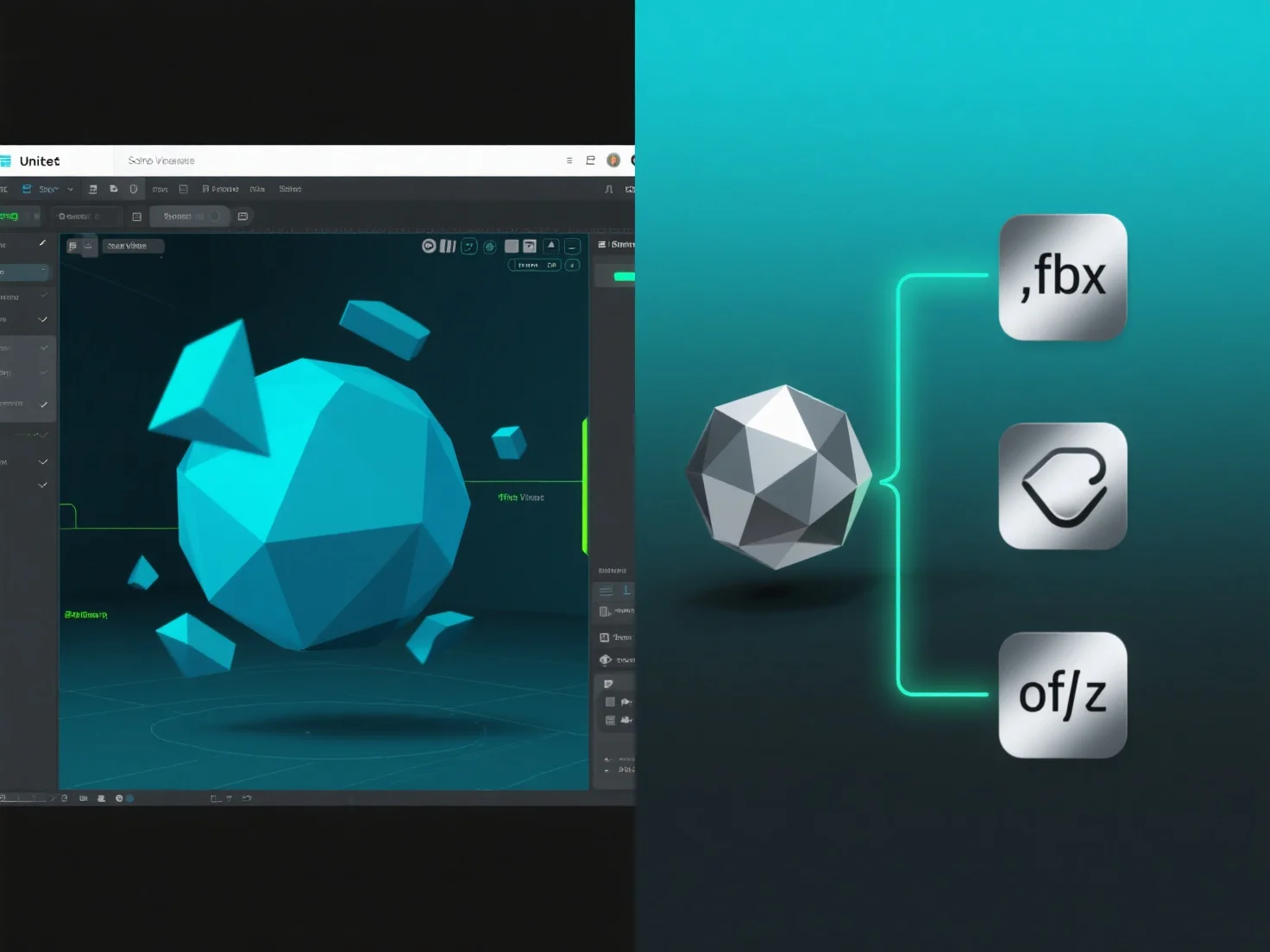
Model 3D di Unity menggunakan format .fbx atau .obj dengan mengimpornya sebagai file aset, memungkinkan integrasi geometri 3D, tekstur, dan animasi ke dalam proyek.
Pipa impor Unity memproses file-file ini saat diimpor, mengekstraksi data mesh (vertiks, poligon) dan referensi material, yang sangat penting untuk rendering.
Untuk file .fbx, klip animasi tambahan.
Setelah diimpor, model-model tersebut menjadi aset yang dapat diedit, yang dapat digunakan dalam adegan, prefabs, atau sebagai komponen dari objek game, sehingga mempermudah alur kerja pengembangan.
Metode impor ini memastikan model .fbx dan .obj terintegrasi dengan mulus ke dalam Unity, memberikan fleksibilitas untuk penciptaan konten 3D.