


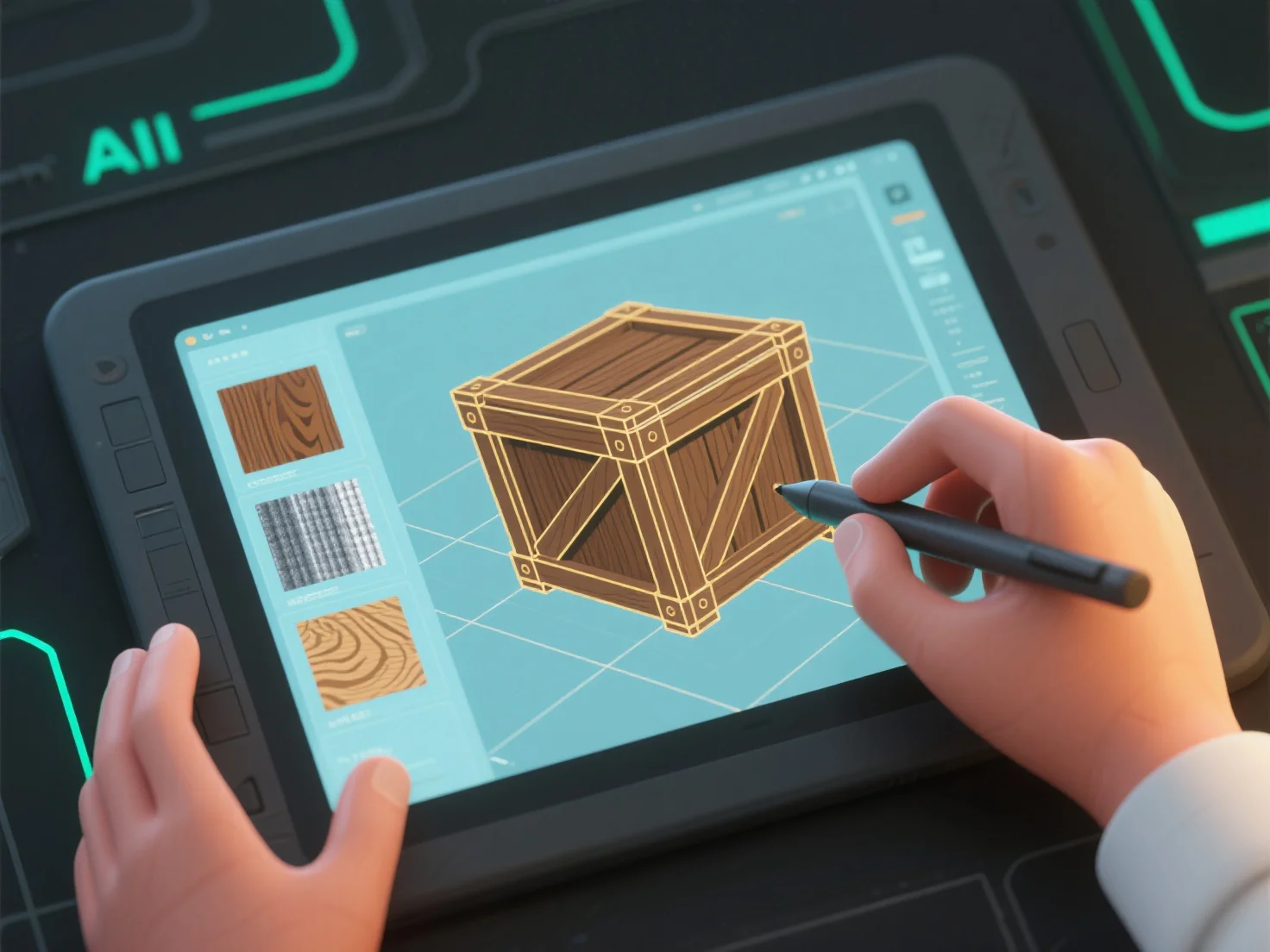
Modeler 3D menciptakan tekstur dan material dengan menggabungkan desain tekstur 2D.
Pertama, pembuatan tekstur: Desain peta 2D (diffuse, normal, roughness) untuk menambahkan detail permukaan seperti pori-pori, goresan, atau pola, yang diterapkan pada permukaan model.
Kedua, definisi material: Atur atribut seperti albedo (warna dasar), metalik, atau kasar untuk mengontrol interaksi cahaya, mensimulasikan hasil akhir seperti matte, glossy, atau metalik.
Ketiga, integrasi alat: Perangkat lunak seperti Substance Painter (lukisan tekstur) atau Blender (simpul material) menggabungkan peta tekstur dan pengaturan material untuk hasil yang kohesif.
Pemula dapat memulai dengan perpustakaan tekstur yang sudah jadi dan menyesuaikan properti dasar.