


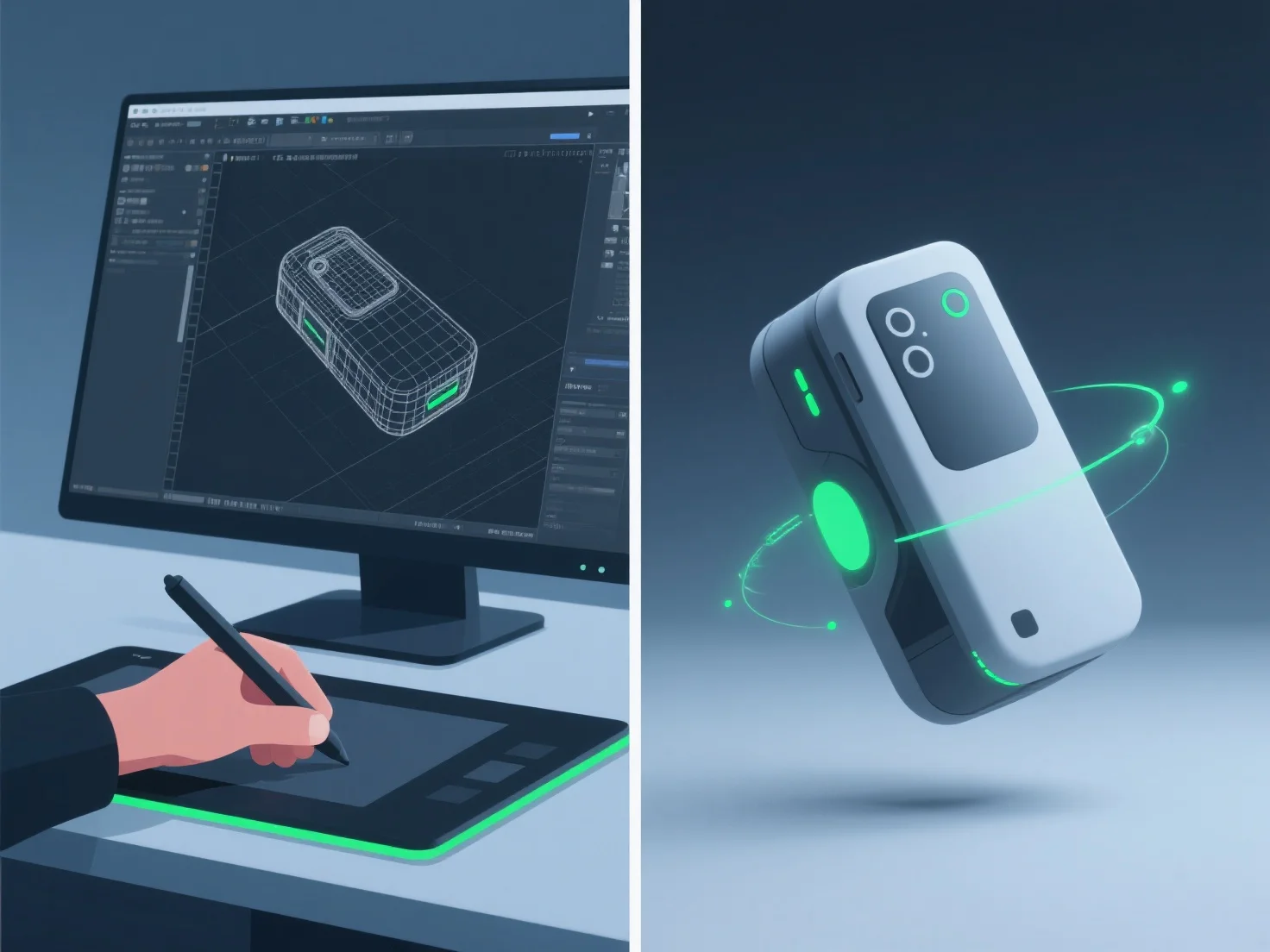
Modeler 3D menciptakan animasi demonstrasi produk yang realistis dengan mengintegrasikan pemodelan 3D yang detail, rigging yang presisi, animasi keyframe, dan simulasi material/tekstur, memastikan bentuk, gerakan, dan detail permukaan produk yang akurat.
- **Pemodelan 3D**: Membuat replika digital terperinci, menangkap dimensi dan fitur yang tepat untuk meniru produk yang sebenarnya. - **Rigging**: Menambahkan struktur kerangka untuk memungkinkan gerakan alami, seperti engsel tutup atau penekanan tombol, meniru mekanisme di dunia nyata. - **Animasi Keyframe**: Mengatur pose kunci untuk menentukan urutan gerakan, menyelaraskan waktu dengan cara kerja produk di kehidupan nyata (misalnya, pembukaan tutup yang mulus). - **Simulasi Material/Tekstur**: Menerapkan sifat permukaan yang realistis, seperti reflektifitas logam atau hasil akhir matte plastik, untuk meningkatkan keotentikan visual.
Kombinasi ini memastikan animasi mencerminkan penggunaan sebenarnya dari produk, membuat demonstrasi menjadi realistis dan menarik.