


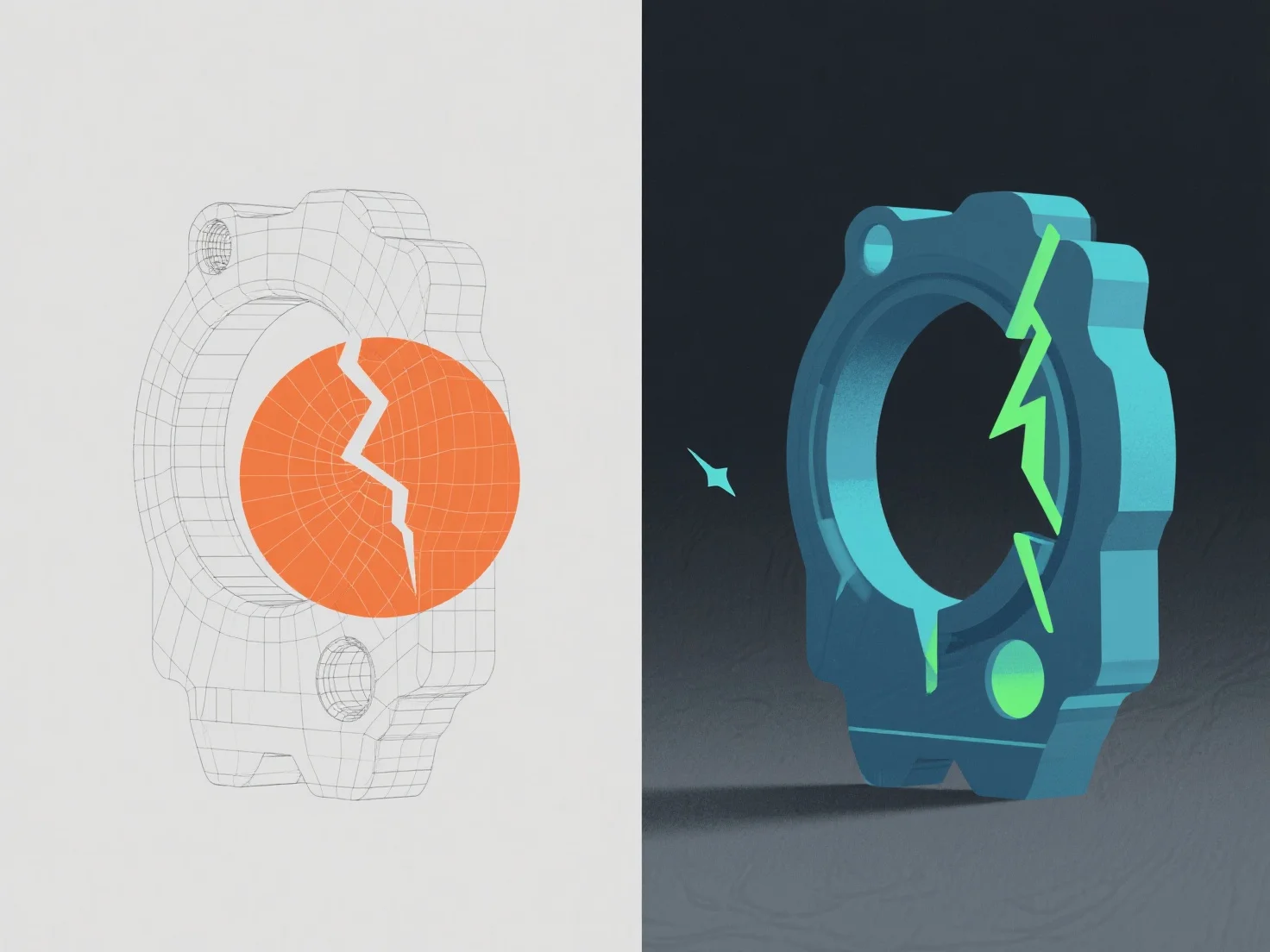
Kesalahan dalam model 3D diidentifikasi melalui alat validasi perangkat lunak dan inspeksi manual, kemudian diperbaiki dengan menyesuaikan geometri, topologi, atau data tekstur.
Masalah umum termasuk tepi non-manifold (ditandai oleh alat seperti Analisis Mesh Blender, diperbaiki dengan menggabungkan atau menghapus simpul berlebih), normal terbalik (terdeteksi melalui celah shading, diperbaiki dengan menghitung ulang normal), dan peregangan tekstur (terlihat dalam alat unwrapping UV, disesuaikan dengan menyempurnakan peta UV).
Pemeriksaan otomatis di Maya atau ZBrush terlebih dahulu menangkap kesalahan dasar, sedangkan tinjauan manual memastikan konsistensi visual/teknis, memastikan model memenuhi standar proyek seperti integritas mesh dan kesiapan rendering.