


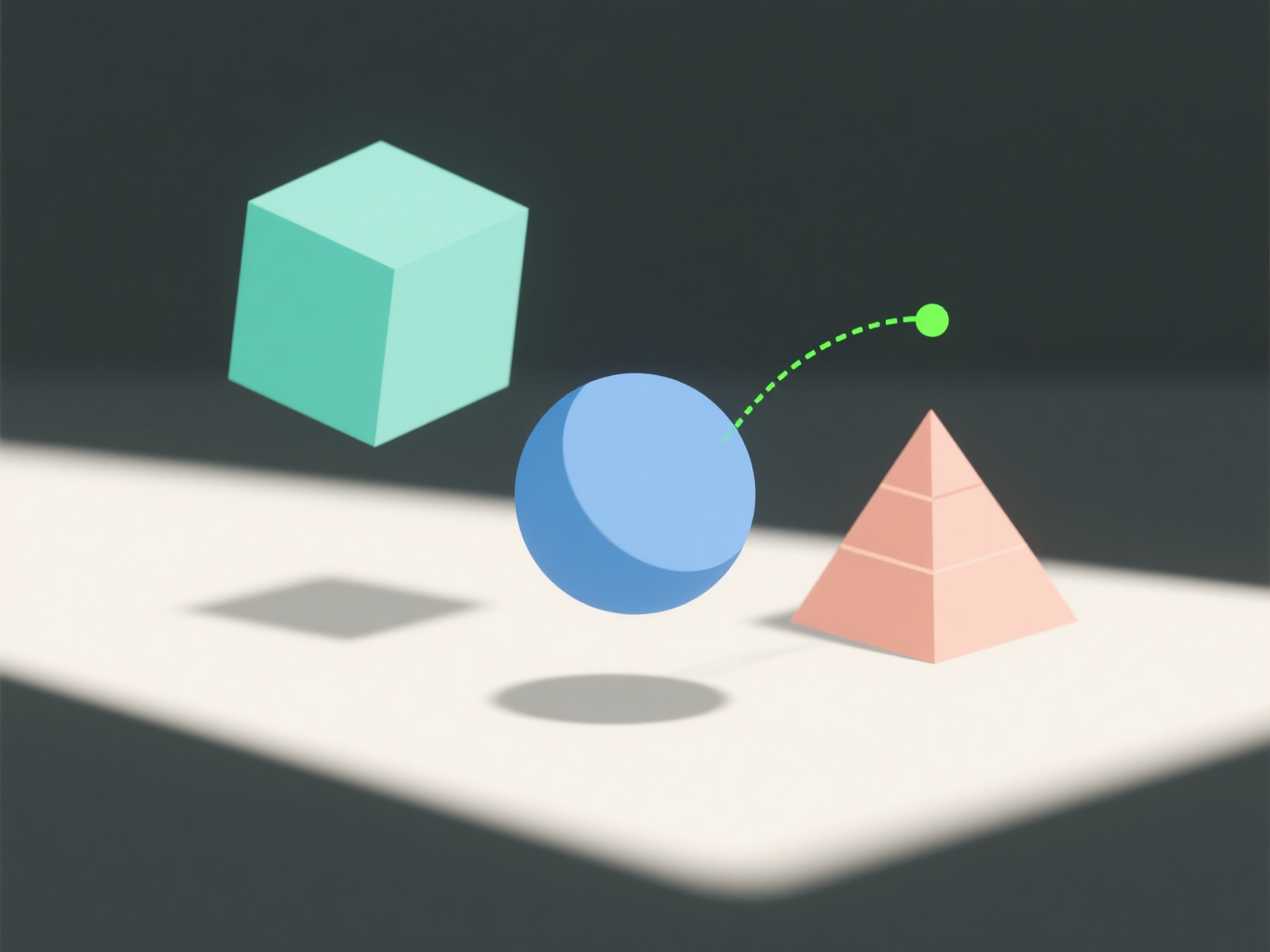
Les nœuds de modèle 3D clignotent pendant le rendu principalement en raison d'une géométrie qui se chevauche, d'un échantillonnage d'éclairage incohérent ou d'un anti-aliasing insuffisant. Ces problèmes peuvent confondre le moteur de rendu ou créer un rendu visuel inégal.
- Géométrie qui se chevauche : Lorsque les pièces du modèle occupent le même espace, le moteur de rendu ne peut pas décider laquelle afficher, ce qui provoque des scintillements. - Éclairage incohérent : L'échantillonnage inégal de la lumière entraîne des changements de luminosité aléatoires, ce qui fait cligner les nœuds. - Anti-aliasing insuffisant : Un mauvais lissage des bords entraîne des lignes irrégulières qui scintillent lors du mouvement.
Pour résoudre ce problème, vérifiez s'il y a des faces qui se chevauchent dans votre modèle, augmentez le nombre d'échantillons d'éclairage ou augmentez les niveaux d'anti-aliasing dans votre moteur de rendu.