


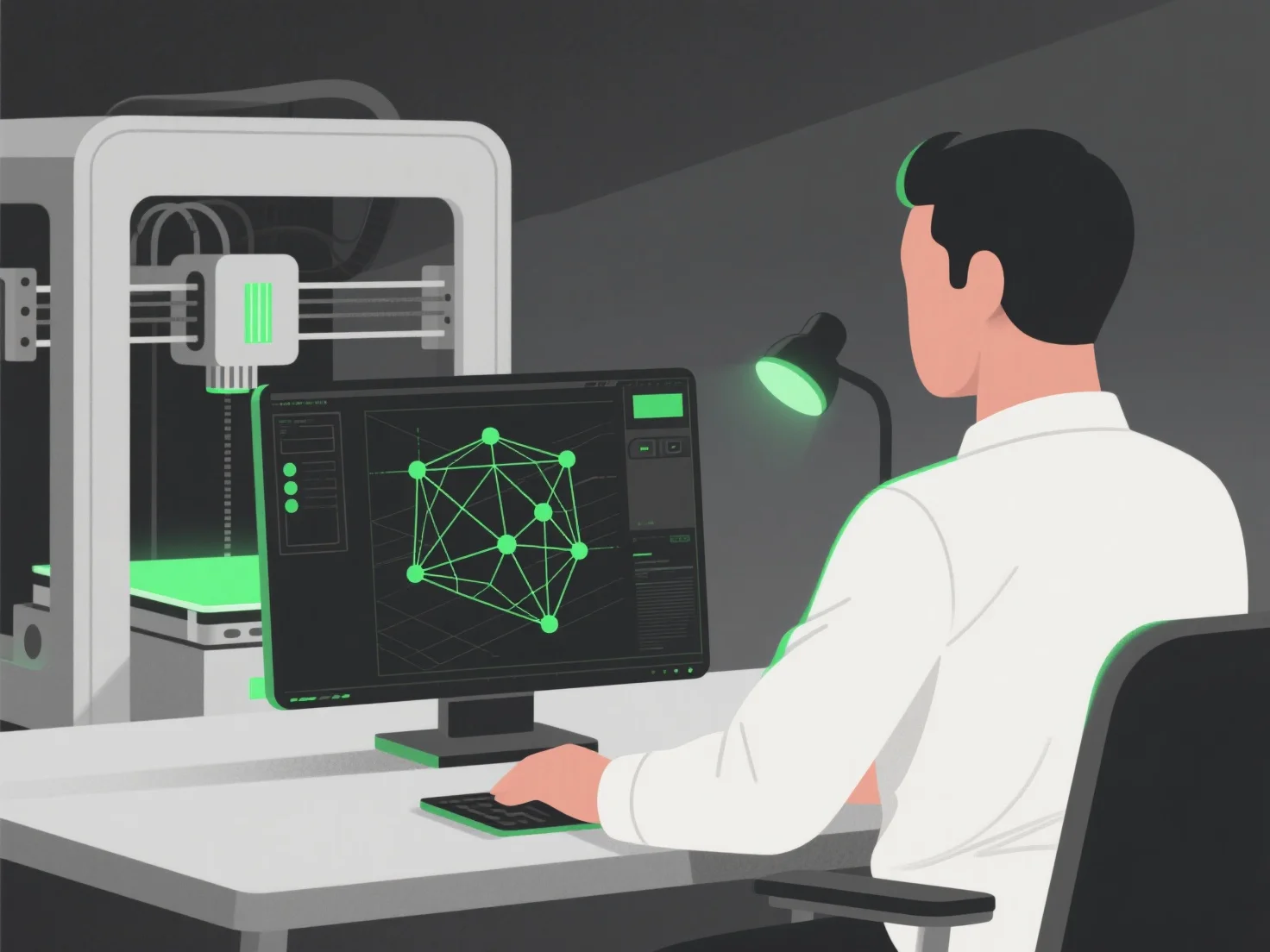
Le processus de création d'un modèle 3D pour l'impression 3D comprend trois étapes principales : la conception du modèle numérique, l'optimisation pour l'imprimabilité et la préparation à la fabrication par couches.
Tout d'abord, concevez le modèle 3D en utilisant un logiciel tel que Blender, Tinkercad ou Fusion 360, où vous façonnez la structure et les détails de l'objet.
Ensuite, optimisez le modèle pour l'imprimabilité : vérifiez s'il y a des problèmes tels que des surplombs (nécessitant des supports), des murs trop fins (susceptibles de se casser) ou une géométrie non maniables (causant des erreurs de découpe) afin d'éviter les échecs d'impression.
Ensuite, découpez le modèle avec un logiciel de découpe.
Pour les débutants, commencer avec des outils simples et des designs préfabriqués aide à apprendre le processus en douceur, en s'assurant que le modèle numérique se traduit avec précision en un objet physique.