


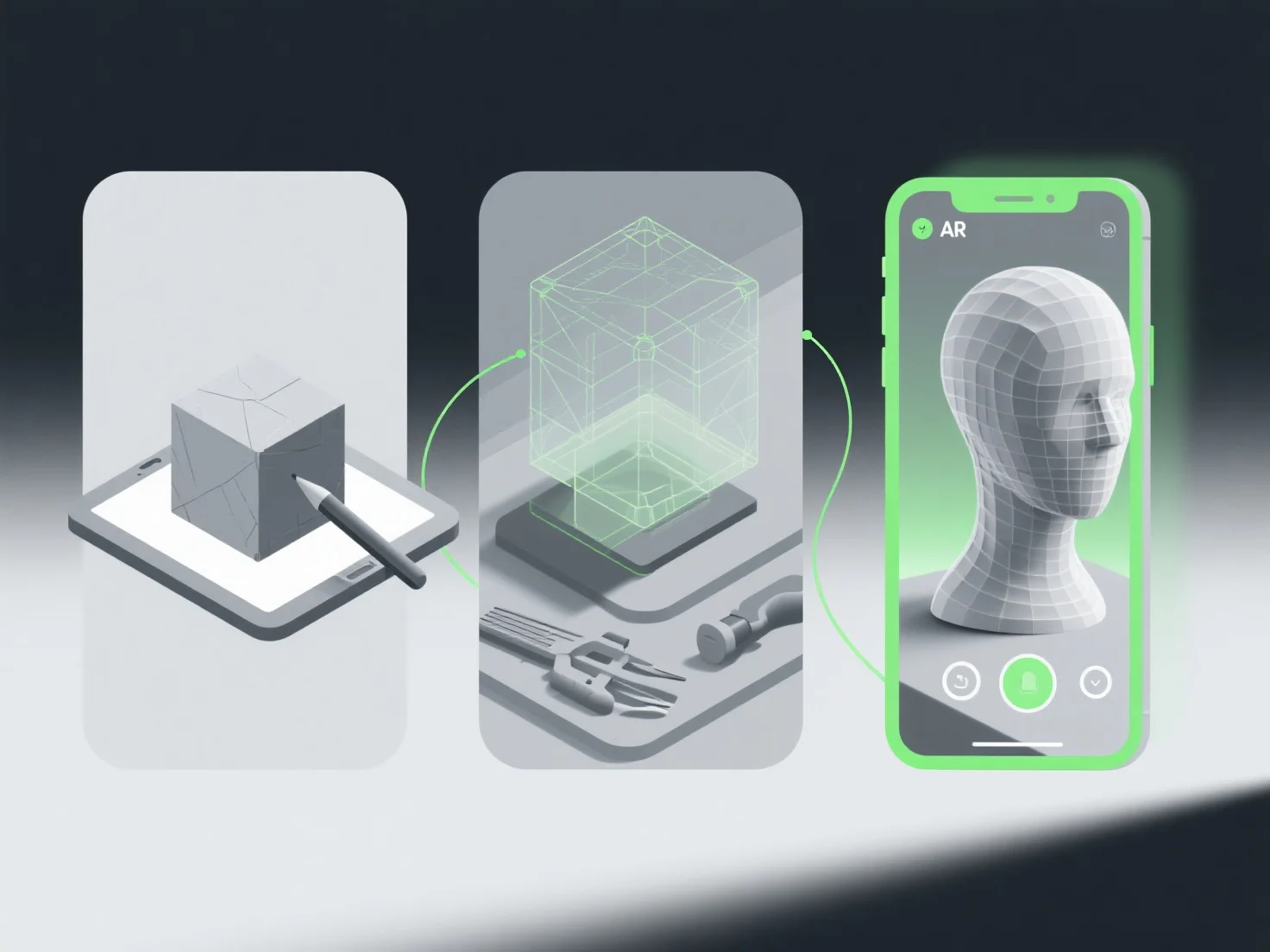
Le flux de travail optimal pour la création de modèles 3D pour des expériences de réalité augmentée (RA) implique la définition des exigences, une modélisation efficace, une optimisation en temps réel, une intégration spécifique à la RA et des tests rigoureux pour assurer la compatibilité et les performances.
Tout d'abord, définissez les cas d'utilisation de la RA et les contraintes techniques : Clarifiez la plateforme cible.
Ensuite, créez des modèles low-poly : utilisez des outils tels que Blender ou Maya pour construire une géométrie légère, en évitant les polygones excessifs qui ralentissent le rendu.
Ensuite, optimisez les textures et les matériaux : Appliquez des textures compressées et hautement efficaces.
Intégrer des éléments de suivi de la réalité augmentée : ajouter des marqueurs ou des points de repère.
Enfin, testez sur les appareils cibles : validez sur le matériel AR réel pour vérifier les retards, les bugs ou la compatibilité, et répétez le processus pour affiner le modèle.
Ce flux de travail garantit que les modèles AR sont légers, visuellement cohérents et fonctionnent sans heurts, améliorant ainsi l'immersion de l'utilisateur et réduisant les obstacles techniques.