


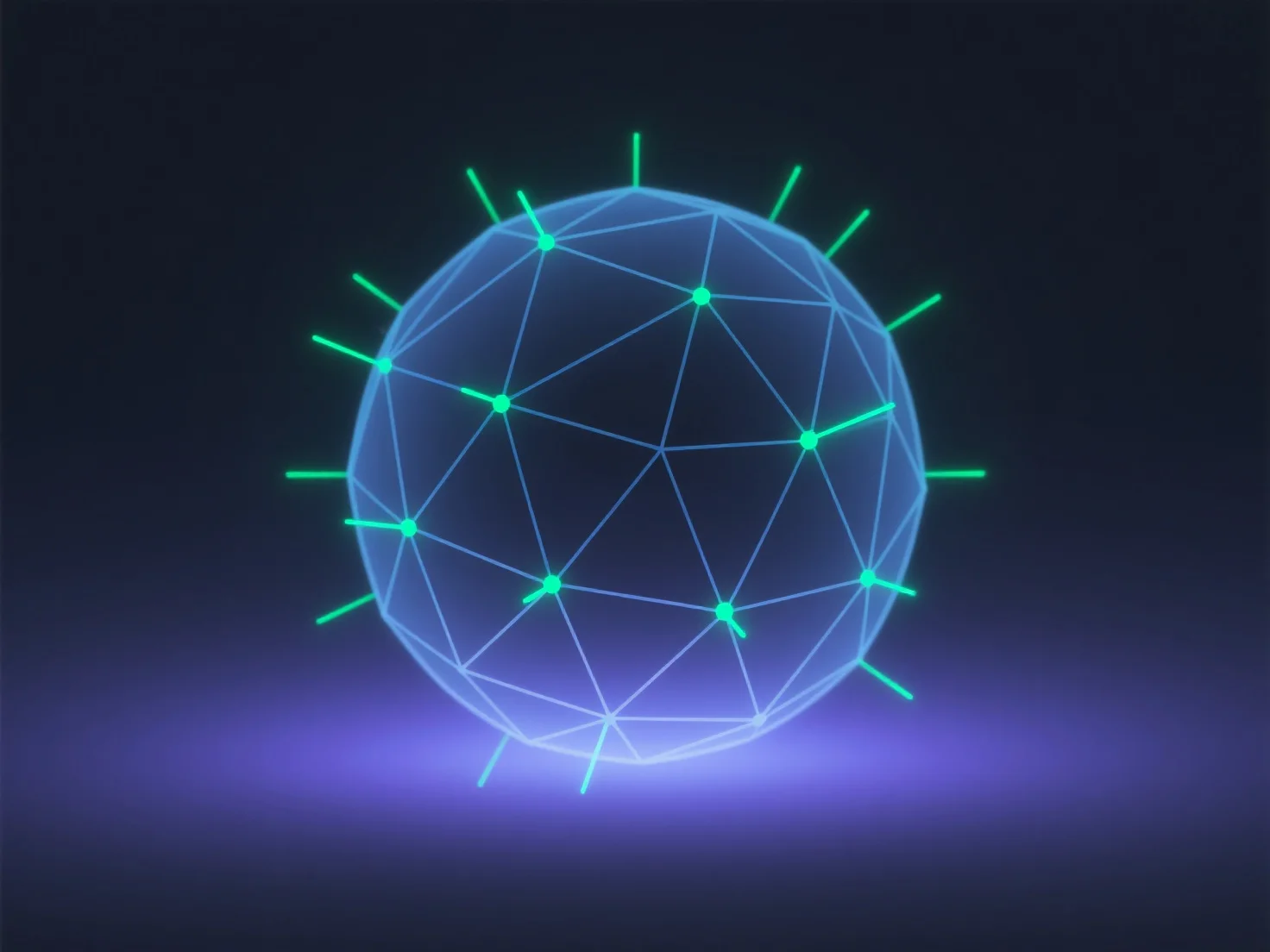
Les normales dans les modèles 3D sont des vecteurs directionnels qui indiquent l'orientation d'une surface, généralement stockés sous forme de valeurs de coordonnées 3D (x, y, z) par vertex ou face. Ils déterminent la façon dont la lumière interagit avec la surface, influençant directement l'ombrage et la qualité du rendu.
Rôle clé : Les normales contrôlent la réflexion de la lumière, affectant les détails visuels tels que la douceur ou les bords nets dans le rendu 3D.
Méthode de stockage : Elles sont généralement stockées sous forme de normales de vertex (une par vertex) ou de normales de face (une par polygone), chaque normale étant représentée par trois valeurs numériques (x, y, z) pour définir sa direction dans l'espace 3D.
En résumé, les normales sont essentielles pour des visuels 3D réalistes, leur stockage étant lié aux sommets ou aux faces via des coordonnées 3D.