


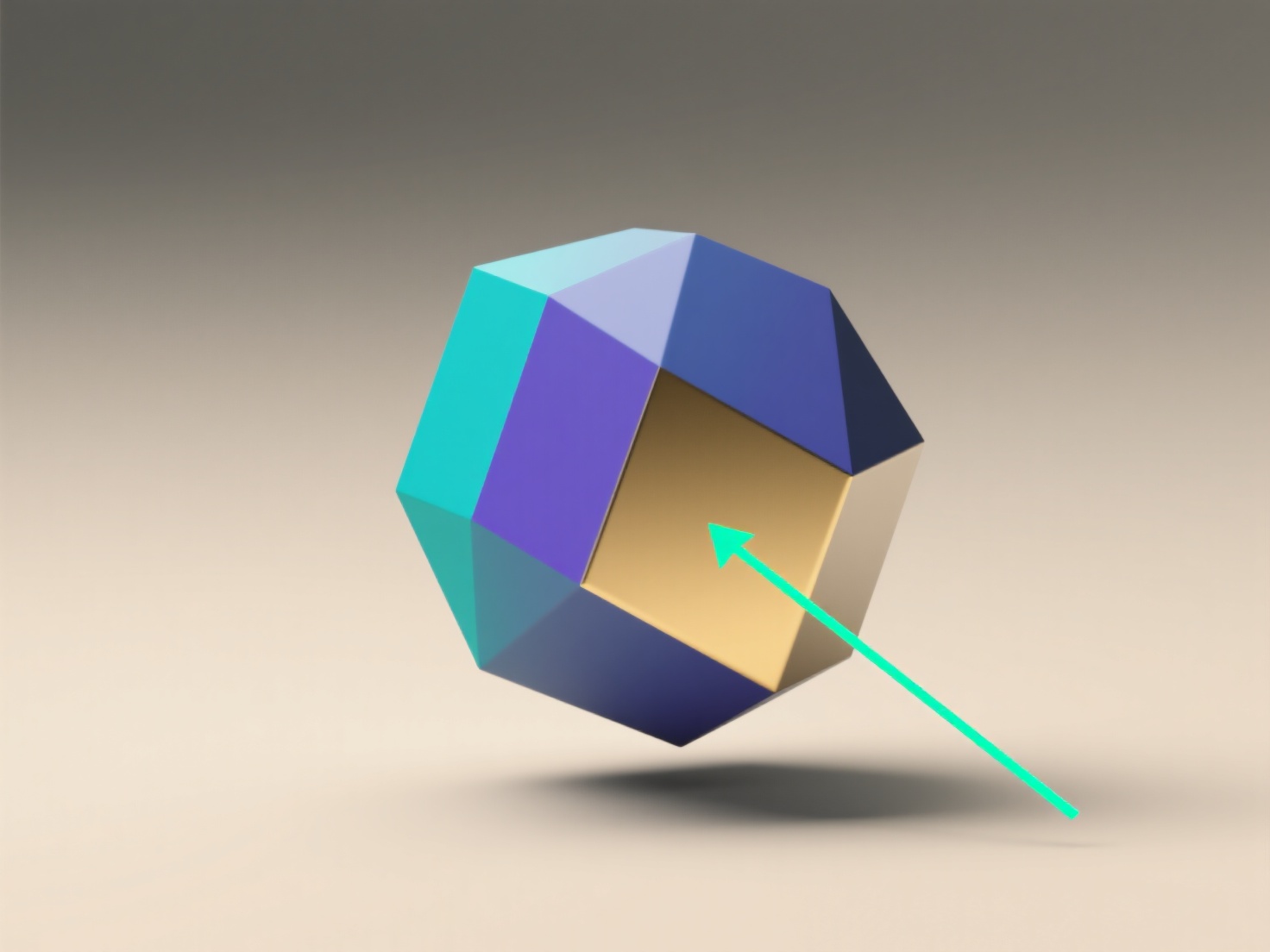
Pour configurer un modèle 3D primitif, ouvrez un outil de modélisation 3D.
- **Choisissez votre outil et votre primitif** : Utilisez des outils gratuits comme Blender. Allez dans "Ajouter > Mesh" pour choisir un primitif (par exemple, un cube). - **Ajustez les propriétés de base** : Dans le panneau des propriétés, ajustez la taille (par exemple, les "Dimensions" de Blender), le nombre de segments (pour plus de détails) ou la résolution. - **Positionnez et affinez** : Déplacez-le avec la touche "G" (saisir) ou faites-le pivoter avec "R" pour placer le primitif. Pour les formes arrondées (sphères), lissez-les ou subdivisez-les pour obtenir plus de détails de surface. - **Conseil pour les débutants** : Commencez simplement. Essayez d'abord un cube, ajustez ses dimensions et pratiquez son déplacement pour vous familiariser.