


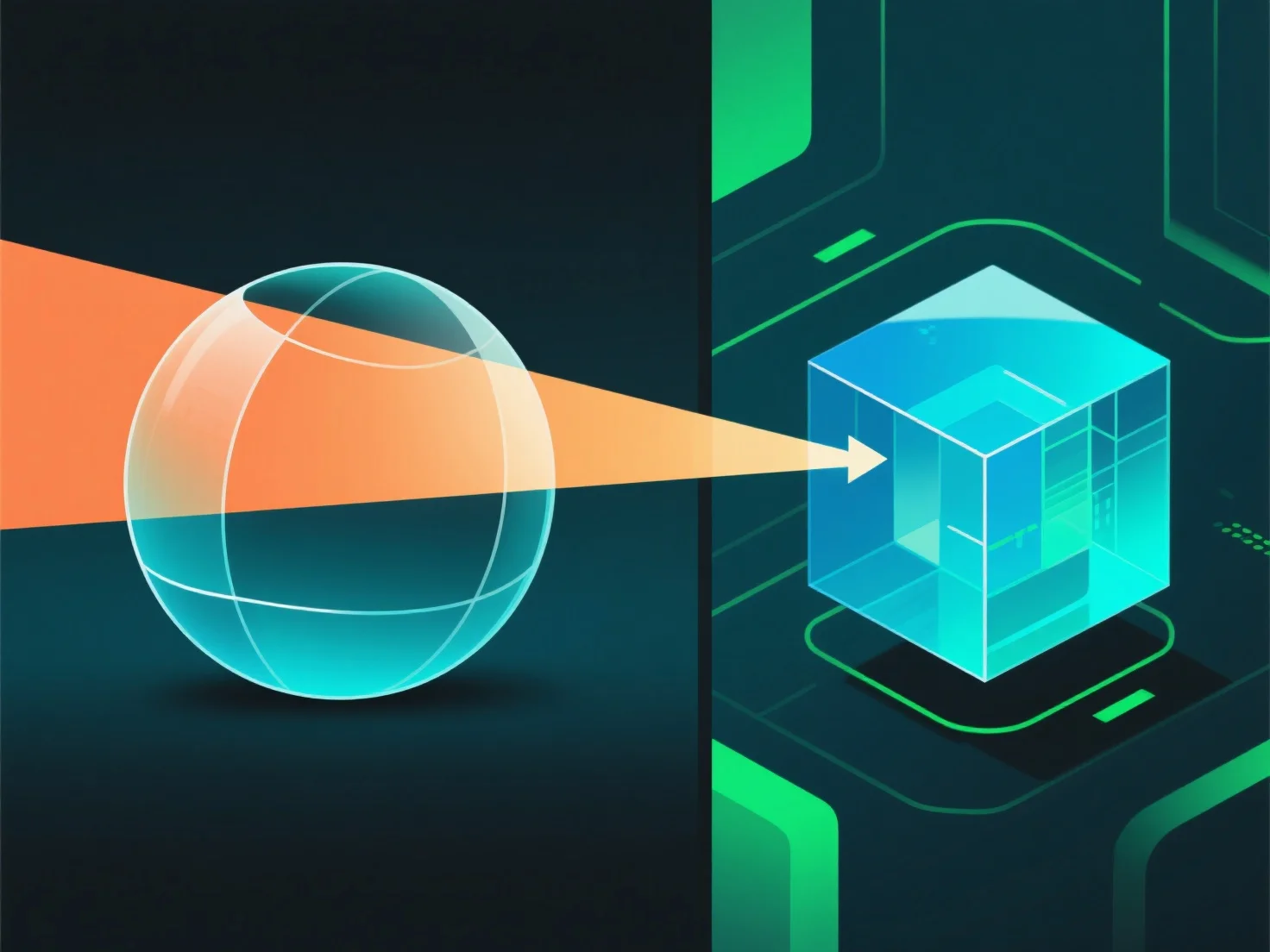
Dans le rendu 3D, la transparence des matériaux fonctionne en simulant l'interaction de la lumière, y compris la transmission, l'absorption et la réflexion, afin de reproduire les effets visuels du monde réel.
- **Opacité** : Contrôle la transmission de la lumière. Une opacité élevée bloque la majeure partie de la lumière (par exemple, un plastique opaque), tandis qu'une opacité faible laisse passer la lumière (par exemple, un verre transparent). - **Réfraction** : Déflecte la lumière lorsqu'elle pénètre dans le matériau, déformant les objets derrière (par exemple, une paille qui semble courbée dans l'eau). - **Réflexion de surface** : Une partie de la lumière rebondit sur la surface. Même les matériaux transparents ont des réflexions subtiles.
Ces paramètres se combinent pour imiter le comportement de la lumière, créant des effets transparents convaincants.