


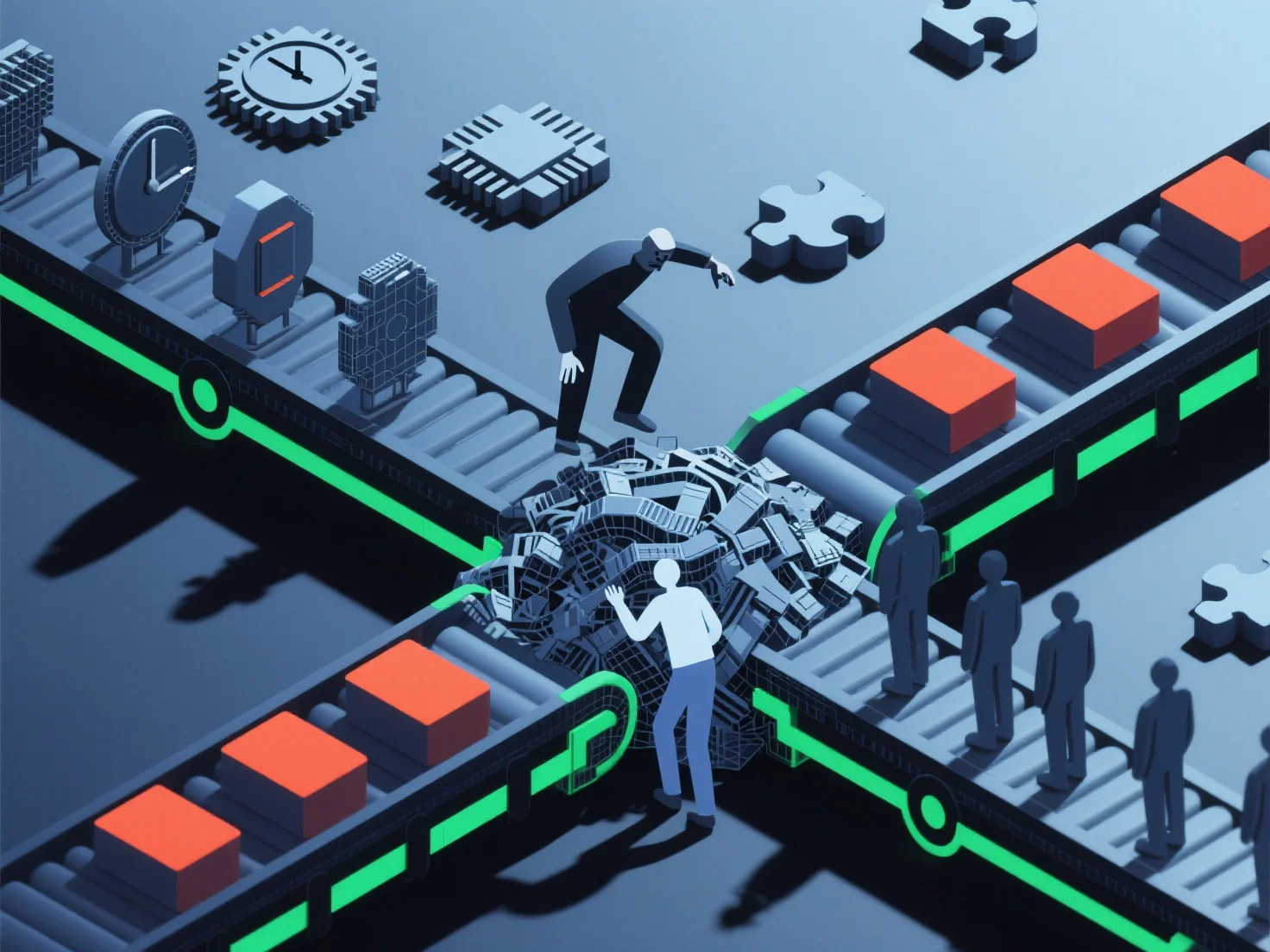
Le déséquilibre des compétences ralentit les flux de travail 3D en créant des goulots d'étranglement en raison de compétences inégales dans des étapes critiques telles que la modélisation, la texturation ou le rigging, perturbant la progression des tâches et augmentant les retards.
- **Retards de tâches** : Les membres de l'équipe moins qualifiés prennent souvent plus de temps pour accomplir des tâches ou nécessitent des révisions fréquentes, ce qui retarde les délais du projet. - **Mauvaise allocation des ressources** : Les membres qualifiés peuvent être surchargés en corrigeant des erreurs ou en comblant des lacunes, tandis que les compétences sous-utilisées entraînent des inefficiences. - **Désalignements entre les étapes** : Des écarts de compétences entre les différentes étapes.
Ce déséquilibre perturbe le flux fluide du design à la production finale, réduisant considérablement l'efficacité du flux de travail.