


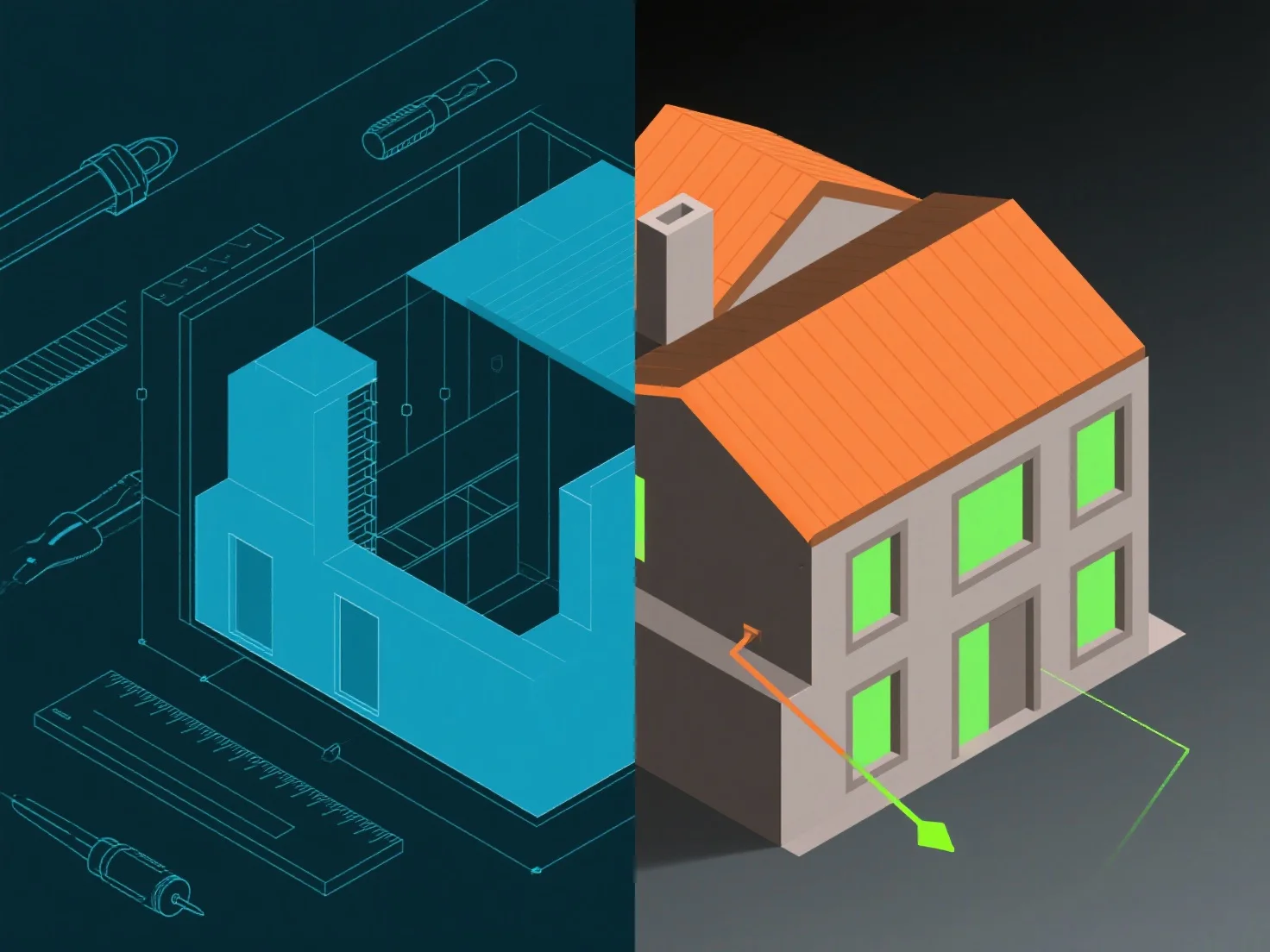
Lorsqu'ils sont utilisés pour des workflows architecturaux 3D, AutoCAD et Revit diffèrent principalement dans leur approche de conception et leur intégration de données. AutoCAD se concentre sur le dessin manuel 2D/3D et la modélisation d'objets individuels, idéal pour la géométrie personnalisée ou les détails techniques. Revit, un outil BIM, utilise des composants paramétriques liés aux données, avec des modifications qui mettent automatiquement à jour les éléments connexes tels que les plans ou les calendriers.
Scénarios architecturaux 3D clés : - Géométrie personnalisée : AutoCAD convient aux formes non standard et au dessin détaillé grâce à des outils flexibles. - Coordination de projet : Revit excelle dans les grands projets, en reliant les modèles 3D aux données matérielles/documents pour assurer une cohérence interdisciplinaire.
Choisissez Revit pour des itérations/une collaboration fréquentes ; AutoCAD pour des dessins 3D simples et des détails personnalisés.