


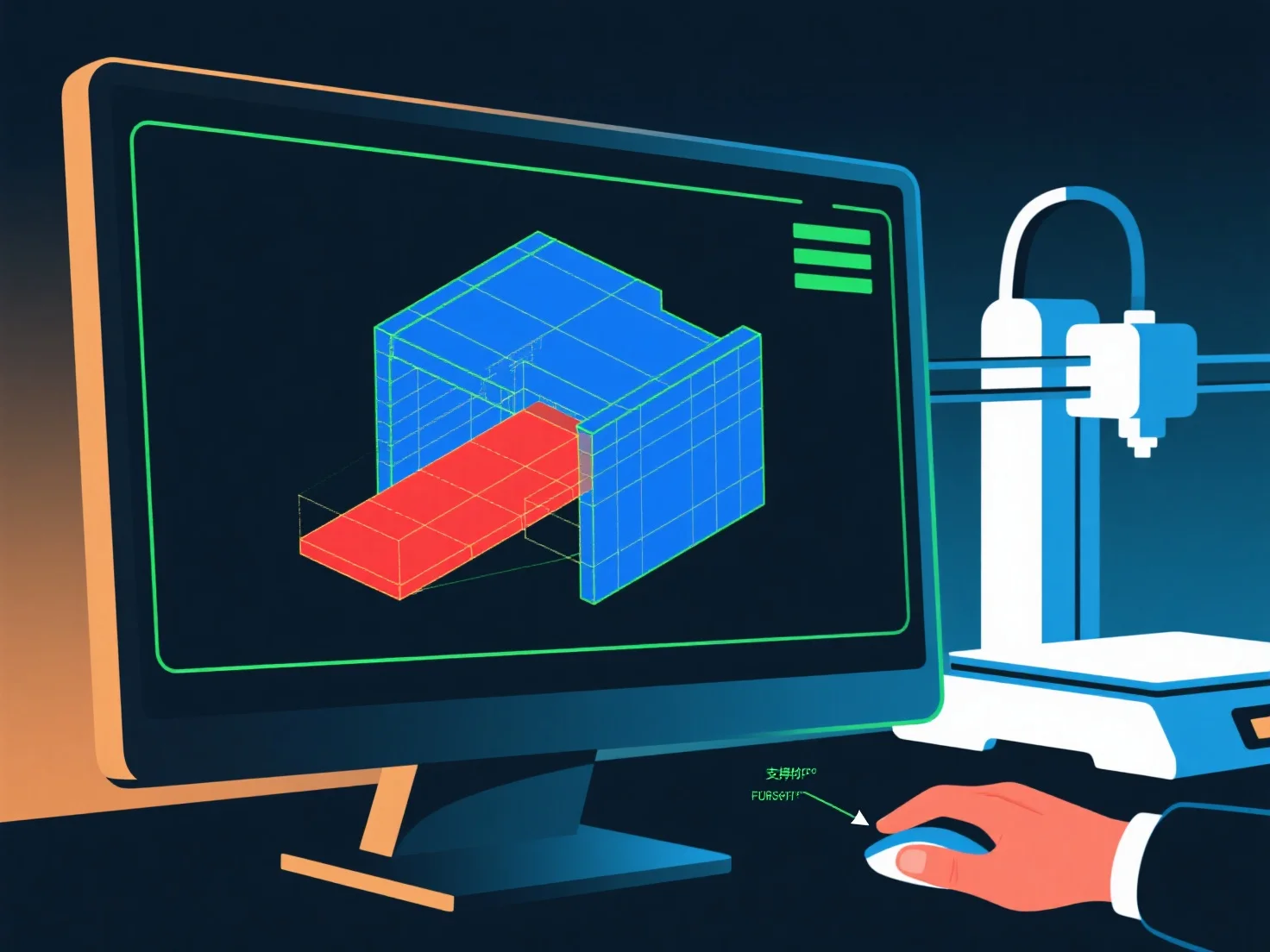
Un modeleur 3D assure la préparation à l'impression 3D en vérifiant l'intégrité géométrique, la stabilité structurelle et l'imprimabilité, avec des contrôles clés pour prévenir les échecs courants.
Tout d'abord, confirmez que le modèle est étanche : corrigez les lacunes, les trous ou les arêtes non-manifoldes (arêtes connectées à <2 ou >2 faces), car ceux-ci provoquent des erreurs de découpe.
Deuxièmement, maintenez une épaisseur de mur appropriée : Assurez-vous que les murs sont suffisamment épais (1 à 3 mm, selon le matériau) pour éviter les cassures ; éliminez les sections trop fines sujettes à l'effondrement.
Troisièmement, gérez les surplombs : Gardez les angles ≤45° autant que possible ; pour les surplombs plus abrupts, ajoutez des supports via un logiciel de modélisation ou refaites la conception pour réduire les zones non soutenues.
Enfin, testez avec les outils de slicer : prévisualisez les couches, vérifiez s'il y a des erreurs et ajustez les paramètres.