


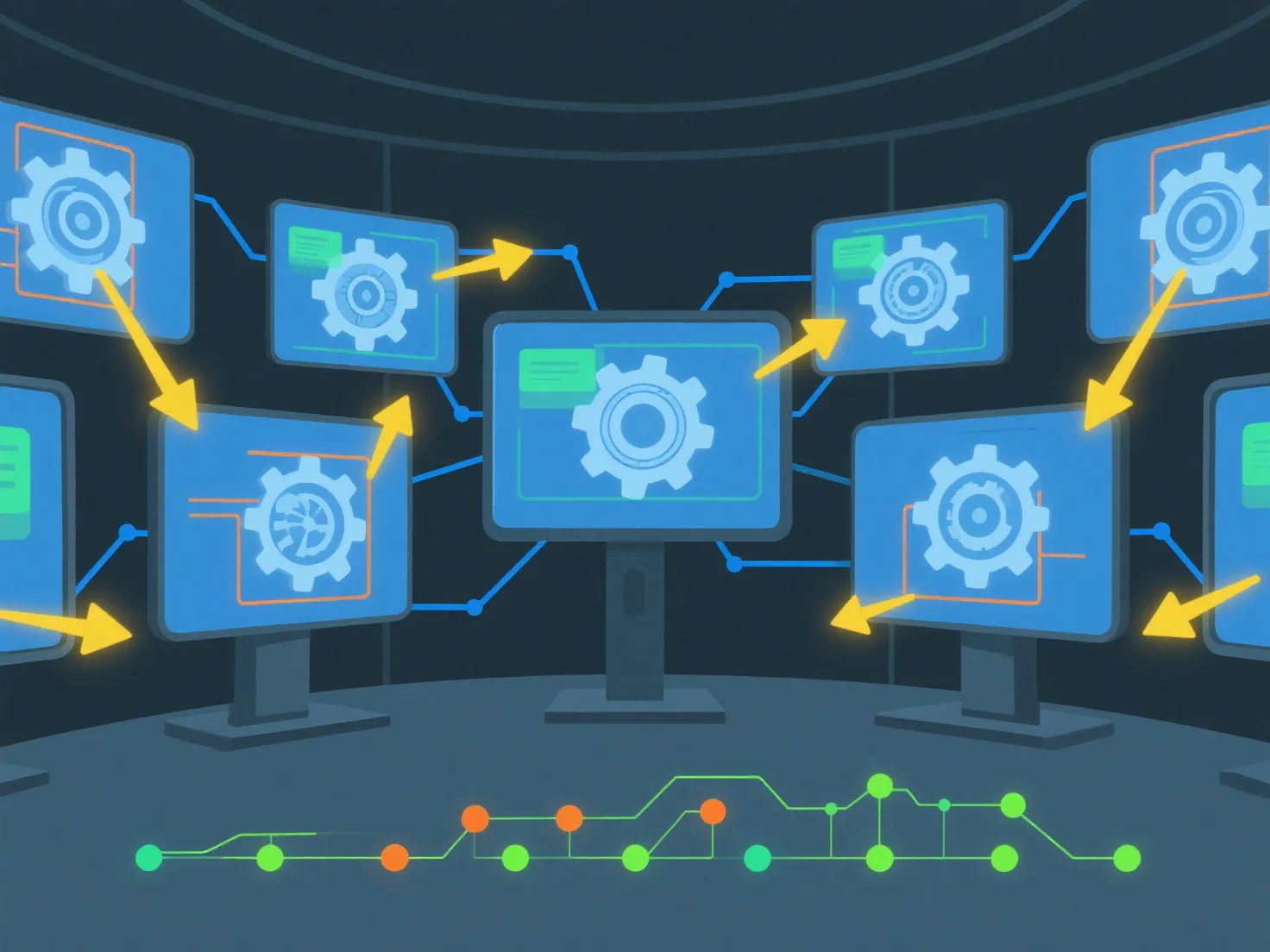
Pour partager des ressources 3D et suivre les modifications en temps réel à l'aide d'un logiciel collaboratif, commencez par télécharger les fichiers 3D dans un espace de travail cloud partagé et configurez les autorisations d'accès de l'équipe. Cette configuration permet une visualisation/édition simultanée et enregistre automatiquement l'historique des modifications pour plus de transparence.
Tout d'abord, téléchargez et définissez l'accès : Ajoutez des fichiers 3D.
Ensuite, activez la collaboration en temps réel : utilisez des outils avec synchronisation en direct pour permettre à plusieurs utilisateurs de travailler simultanément sur le même élément, en évitant les conflits de version.
Enfin, suivez automatiquement les modifications : le logiciel enregistre les édits avec l'utilisateur, l'horodatage et les détails de la modification, afin que les équipes puissent facilement revoir l'historique ou récupérer des versions précédentes.
Cela assure un partage transparent, des mises à jour en temps réel et une traçabilité claire des modifications pour une collaboration efficace au sein de l'équipe d'actifs 3D.