


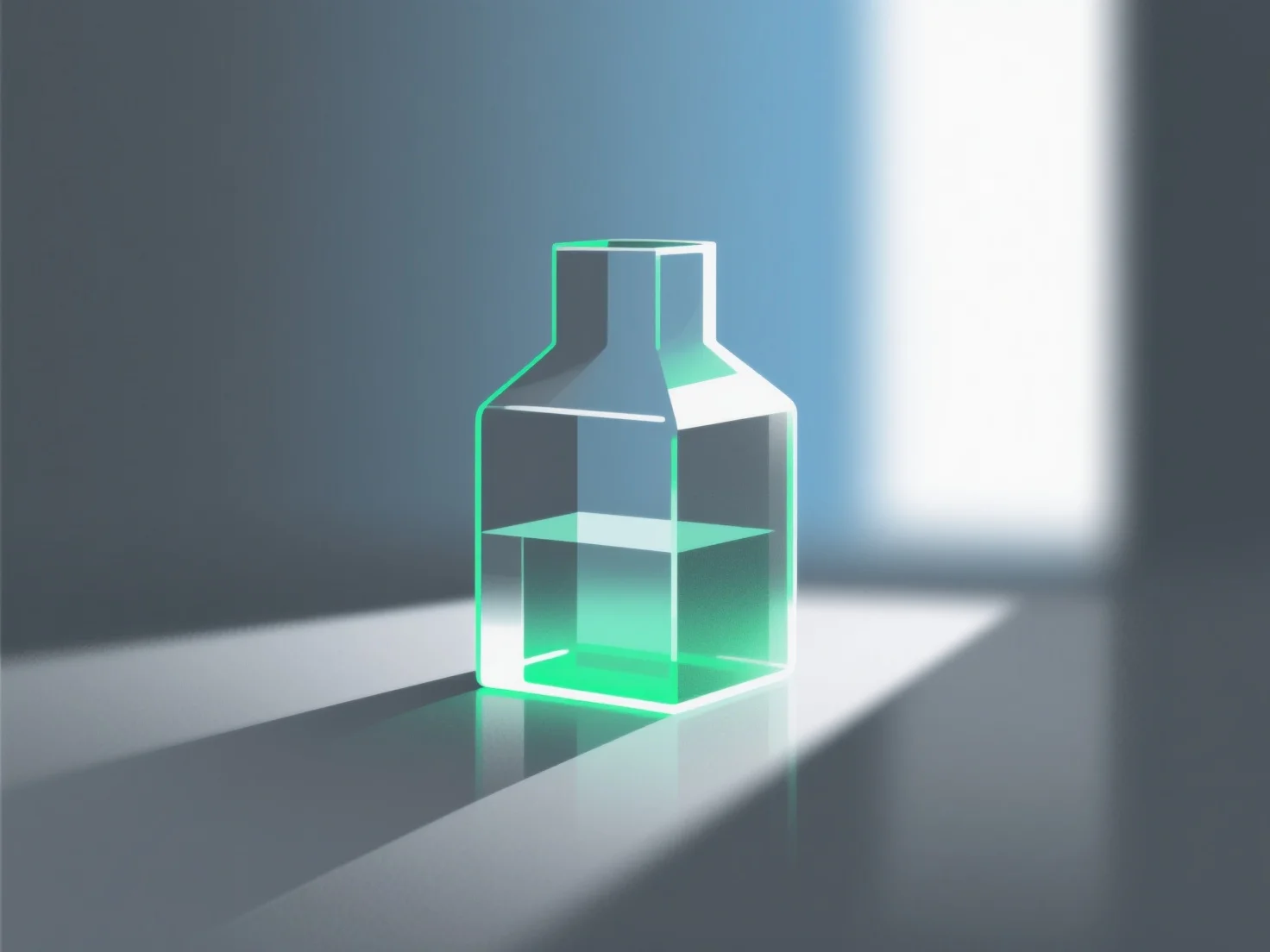
Simuler des matériaux en verre dans le rendu 3D consiste principalement à reproduire leurs propriétés optiques fondamentales : la transmission de la lumière, la réflexion et la réfraction.
Les étapes et paramètres clés incluent : - **Transmission** : Définissez des valeurs élevées pour assurer le passage de la lumière, imitant la transparence du verre. - **Indice de réfraction** : Utilisez environ 1,5 (verre standard) pour simuler avec précision la flexion de la lumière lorsqu'elle pénètre dans/sort du matériau. - **Rugosité de surface** : Des valeurs plus basses pour un verre clair et lisse ; des valeurs plus élevées pour des effets dépolis ou texturés.
Les débutants peuvent commencer avec des préréglages logiciels.