


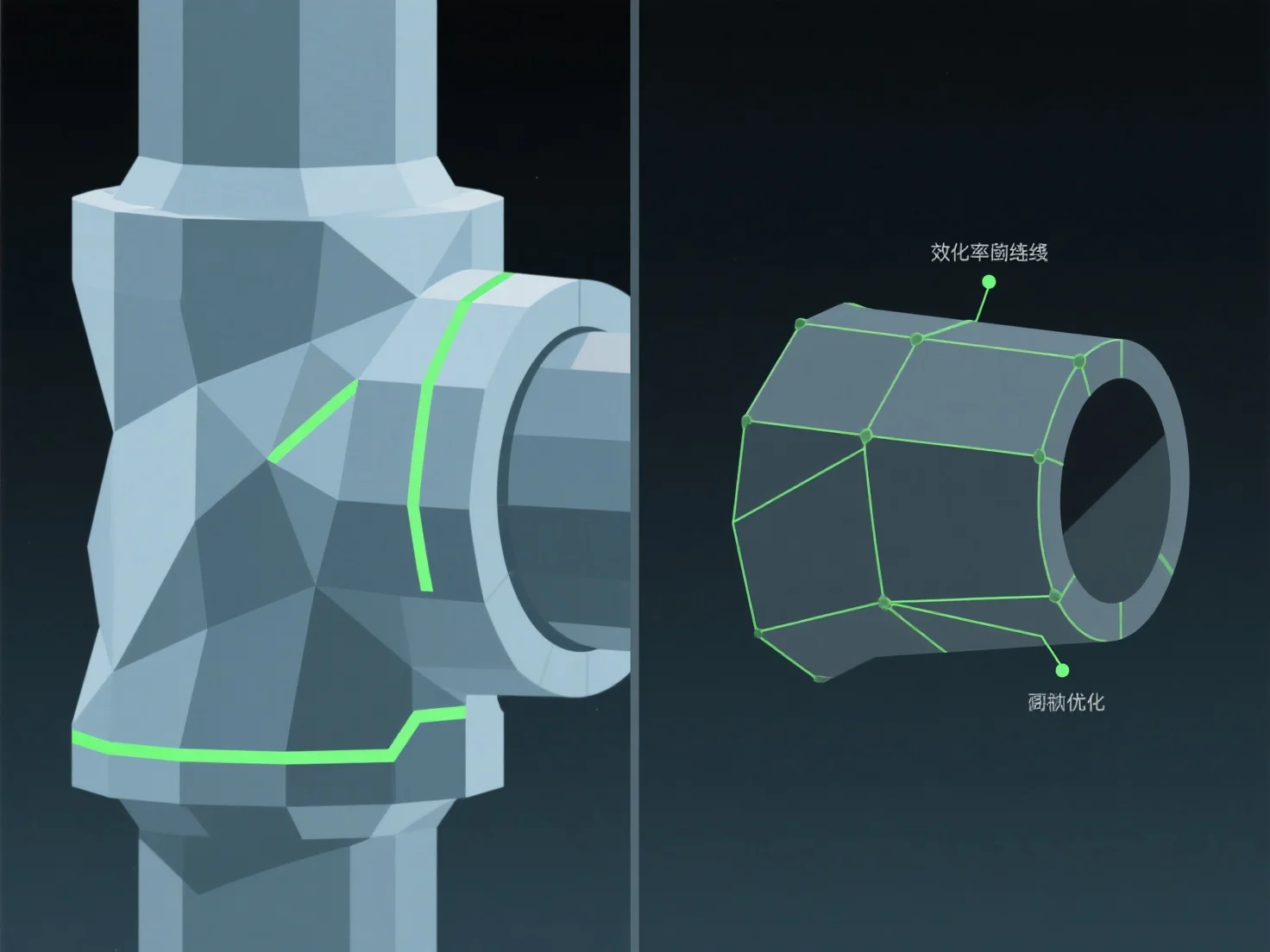
Pour optimiser la topologie d'un modèle 3D pour l'animation, concentrez-vous sur un flux d'arêtes propre aligné sur les chemins de mouvement naturels et utilisez des polygones dominants en quadrilatère. Cela assure une déformation fluide pendant le rigging et l'animation, en évitant des problèmes tels que l'étirement ou le pincement des mailles aux articulations.
Les pratiques clés incluent : - Aligner les boucles d'arêtes avec les points d'articulation (par exemple, les coudes, les genoux) pour soutenir les flexions et les torsions naturelles. - Maintenir une densité de polygones uniforme afin de répartir uniformément le stress de mouvement sur le maillage.
Pour les zones complexes et très dynamiques, ajoutez des boucles de bord ciblées pour améliorer la flexibilité sans compliquer excessivement le maillage, rendant ainsi le rigging et l'animation plus efficaces.