


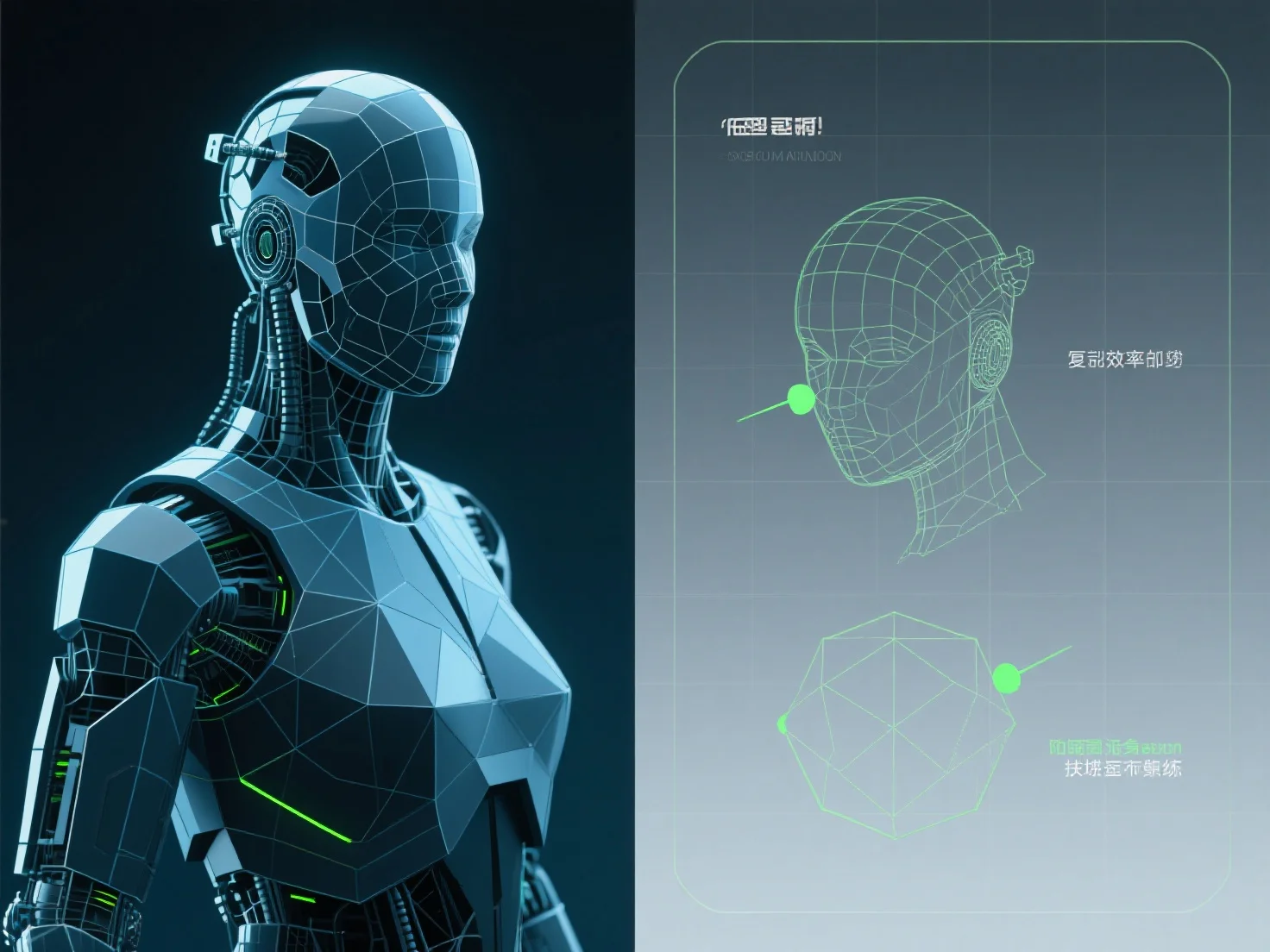
L'optimisation des modèles 3D pour le rendu de jeux en temps réel implique principalement de réduire le nombre de polygones, de compresser les textures et de mettre en œuvre des systèmes de niveau de détail (LOD) afin d'équilibrer la qualité visuelle et les performances.
Réduire le nombre de polygones : Simplifier la complexité du maillage en supprimant les sommets non essentiels.
Compression des textures : Utilisez des formats tels que DXT, ASTC ou BCn pour réduire la taille des fichiers de texture et l'utilisation de la mémoire sans perte significative de qualité ; combinez les petites textures en atlas pour minimiser les appels de dessin.
Systèmes LOD : Mettez en œuvre plusieurs versions de modèles avec différents niveaux de détail. Les modèles plus détaillés sont rendus près de la caméra, tandis que les modèles moins détaillés (avec moins de polygones et des textures plus simples) sont activés à distance, réduisant ainsi les exigences de rendu.
Pour les débutants, commencez par des outils automatisés de réduction de polygones et d'atlas de textures pour rationaliser les efforts d'optimisation initiaux.