


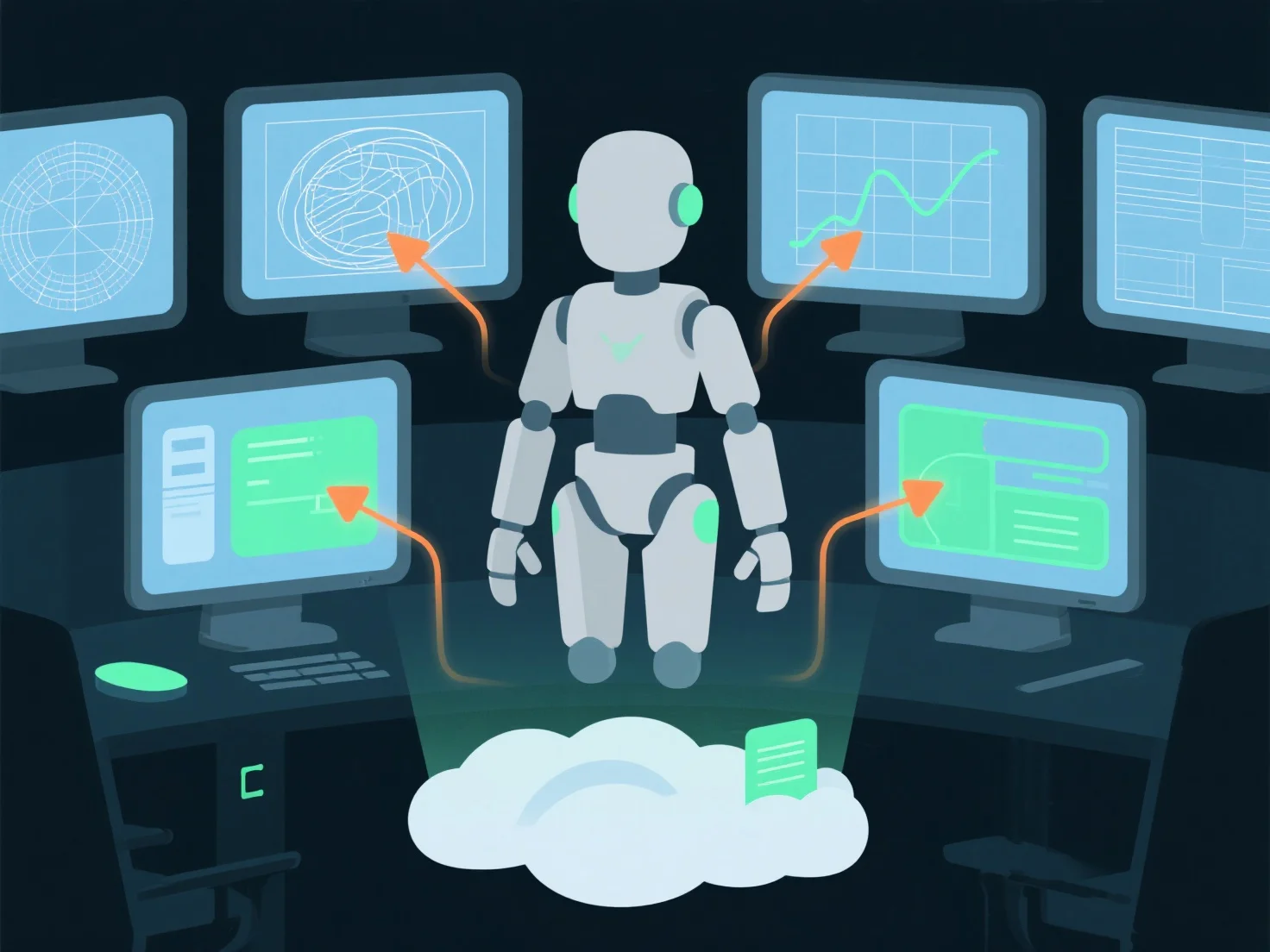
La gestion des flux de travail de modélisation 3D collaborative dans le développement de jeux implique l'utilisation du contrôle de version, de bibliothèques d'actifs partagées et de conventions claires pour suivre les changements et aligner les efforts de l'équipe.
- **Systèmes de contrôle de version** : Des outils tels que Perforce ou Git LFS suivent les révisions des fichiers, empêchant les écrasements et permettant les annulations, assurant que tout le monde travaille avec les dernières itérations. - **Bibliothèques d'actifs partagées** : Les plateformes cloud (par exemple, Unity Collaborate, Unreal Engine's Asset Management) centralisent les modèles 3D, les textures et les animations pour un accès en temps réel à l'équipe. - **Directives claires** : La normalisation de la nomenclature, l'attribution des tâches et les documents de conception alignent les modèles avec les objectifs du jeu, réduisant le travail de refonte et assurant la cohérence.
Cette configuration simplifie la collaboration, maintient l'intégrité des actifs et assure l'efficacité du processus de développement.