


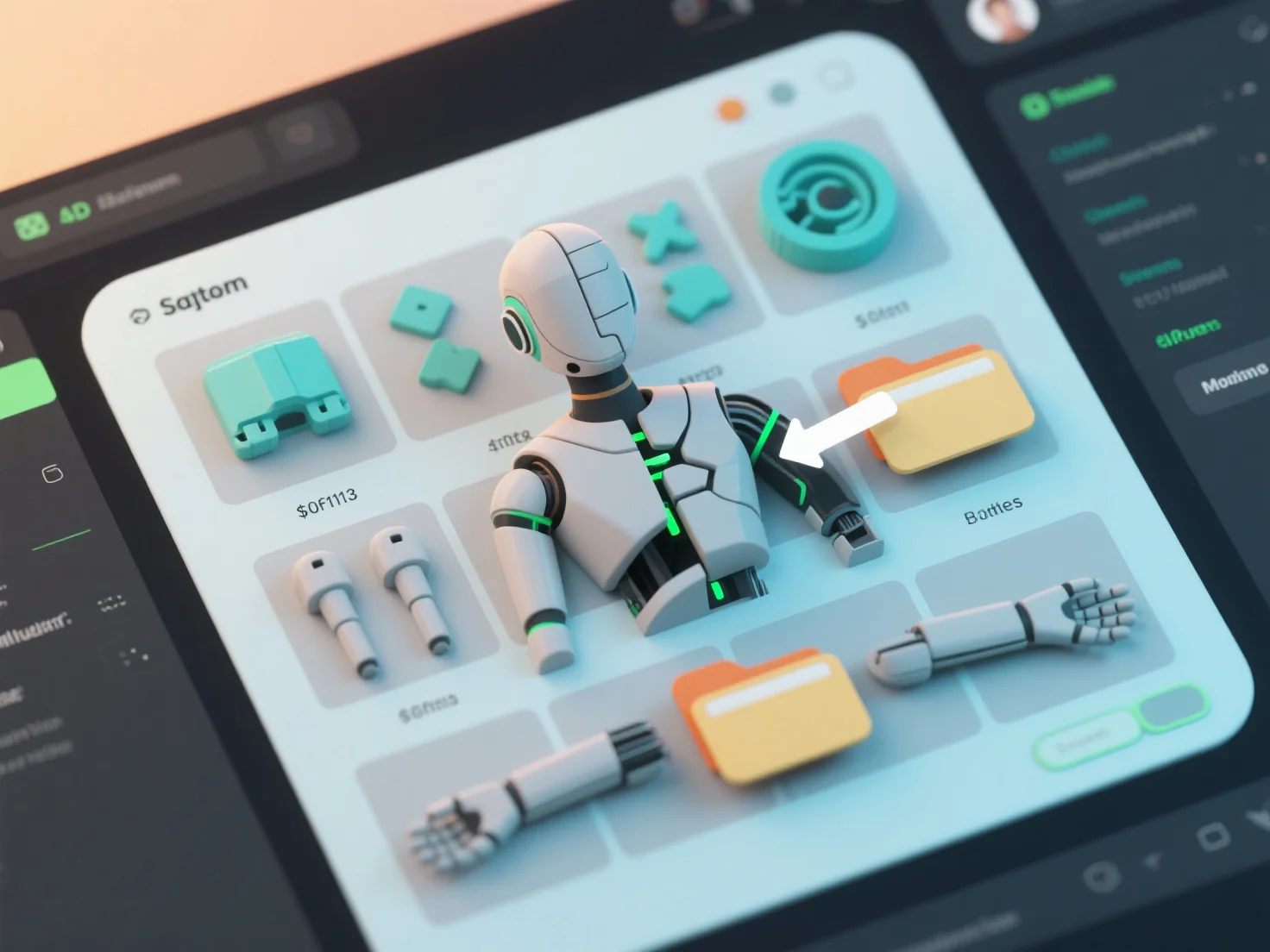
Le maintien de l'organisation des actifs dans un projet de modélisation 3D basé sur une équipe repose sur deux pratiques fondamentales : une structure de fichiers unifiée et des conventions de nommage cohérentes. Celles-ci permettent à tous les membres de l'équipe de localiser, d'accéder et de mettre à jour rapidement les actifs, réduisant ainsi les erreurs et rationalisant la collaboration.
Structure de fichiers unifiée : Créez un disque partagé avec des dossiers clairs et hiérarchiques.
Règles de nommage cohérentes : Utilisez un format standardisé.
Commençons par définir ces éléments dans un modèle partagé et en organisant une session d'alignement d'équipe pour assurer leur respect, tout en gardant les actifs organisés dès le lancement du projet.