


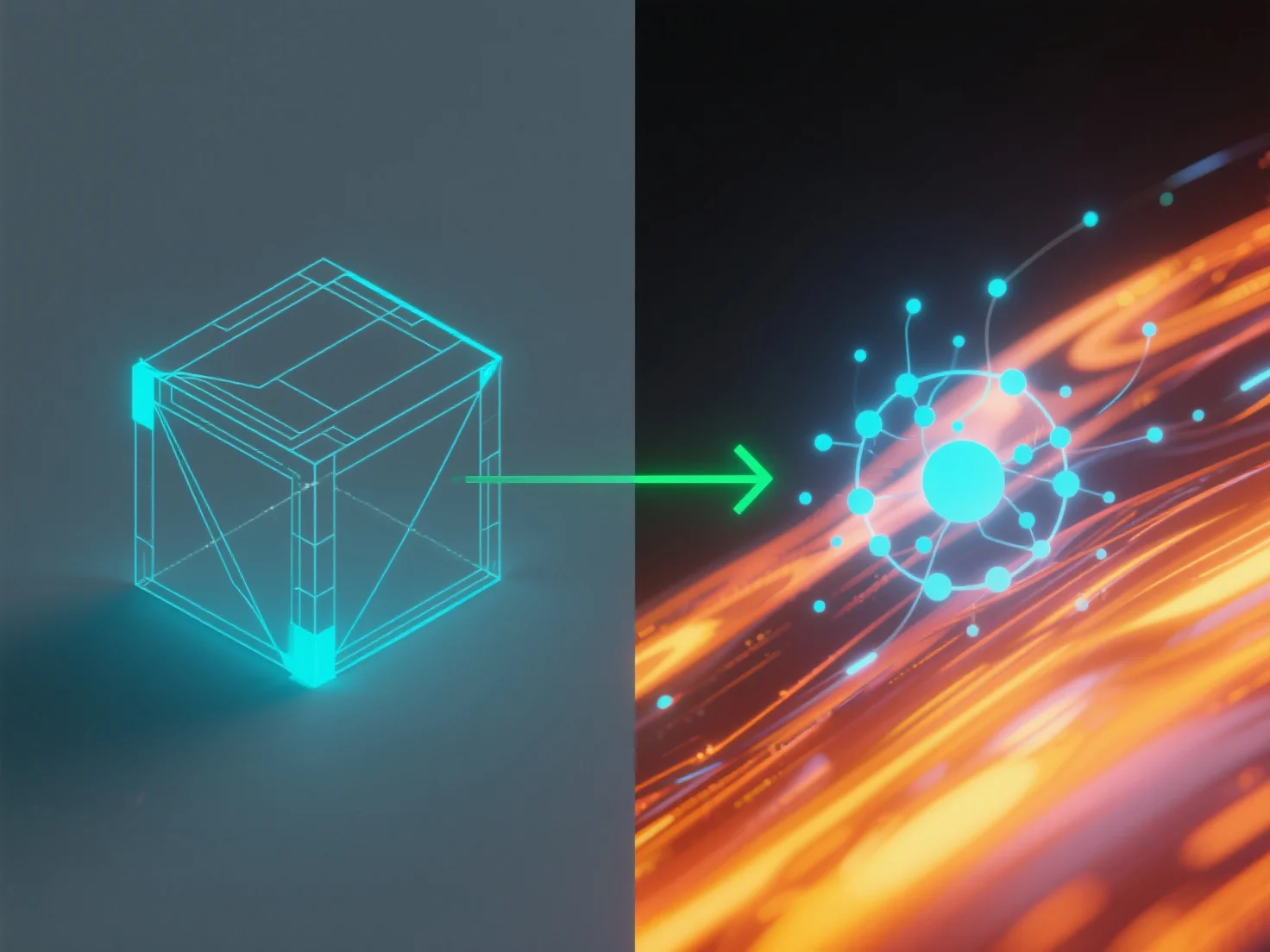
L'intégration d'outils de simulation avec des logiciels de modélisation pour la physique du monde réel implique de les connecter via des méthodes de transfert de données compatibles afin d'appliquer les lois physiques du monde réel.
Les étapes clés de l'intégration comprennent : - **Transfert de données** : Utiliser des formats de fichiers standard (par exemple, FBX, STEP) ou des API pour partager la géométrie et les propriétés du modèle entre les outils. - **Application de physique** : Les outils de simulation appliquent des moteurs physiques au modèle, calculant la dynamique telle que les trajectoires de mouvement ou la charge structurelle.
Cas d'utilisation courants : ingénierie (tests de durabilité), jeux (animations réalistes), architecture (analyse de stabilité). Pour les débutants, les logiciels avec des moteurs intégrés.