


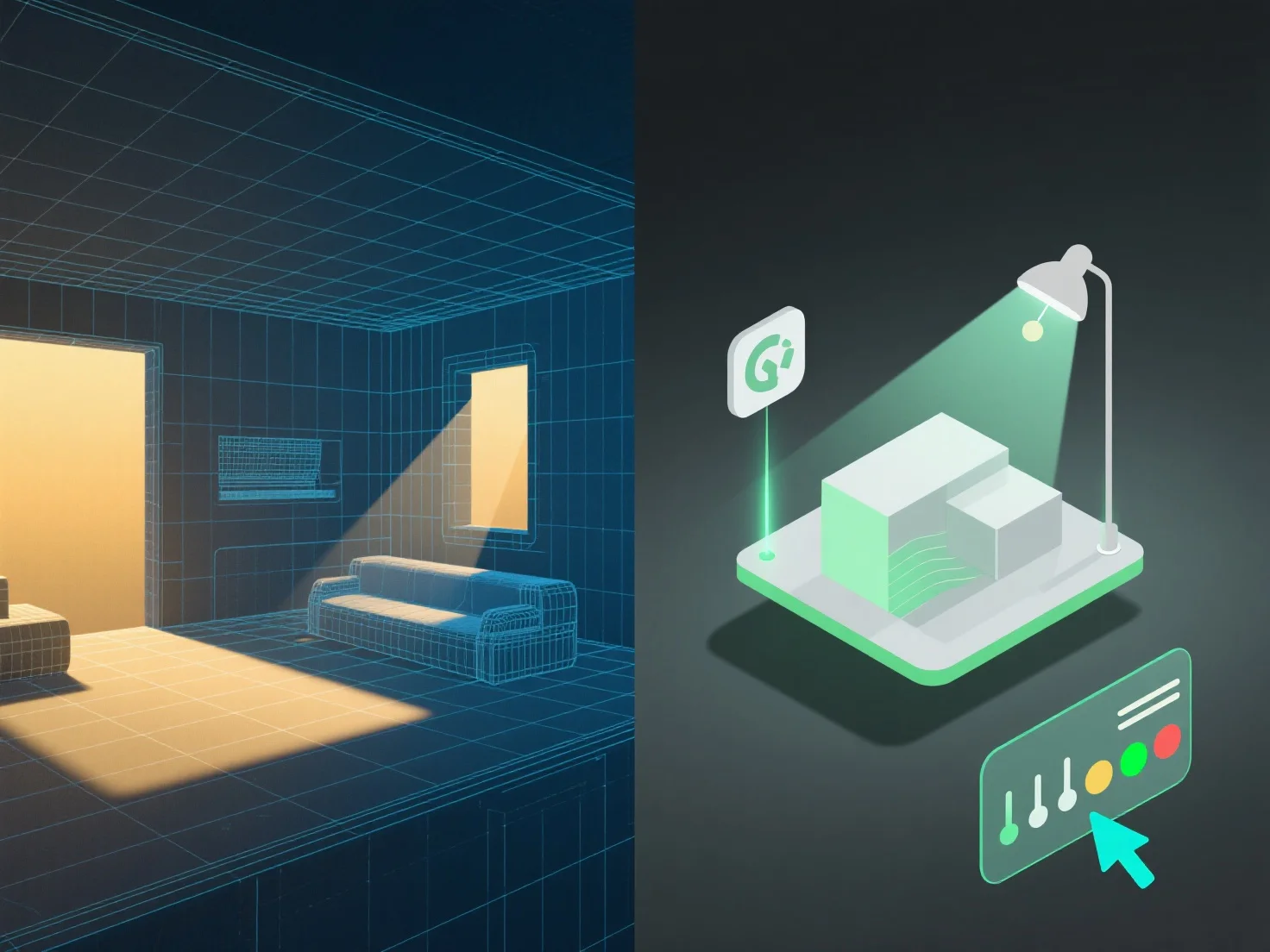
L'intégration d'outils d'éclairage avec la modélisation 3D pour une meilleure gestion des scènes nécessite d'aligner les paramètres d'éclairage avec la structure, les matériaux et le contexte du modèle afin d'améliorer le réalisme et l'efficacité du flux de travail.
Tout d'abord, liez les sources de lumière (lumières directionnelles, ponctuelles ou d'ambiance) à la géométrie et aux détails de texture du modèle. Cela garantit des interactions de lumière précises, telles que le jet d'ombres, les reflets et les réfractions, imitant le comportement du monde réel.
Deuxièmement, synchronisez l'éclairage avec les cas d'utilisation de la scène : Dans la visualisation architecturale, alignez-vous sur les dimensions du modèle pour simuler la lumière naturelle.
Troisièmement, utilisez des modèles d'éclairage pour des changements de modèle fréquents. Les modèles sont mis à jour automatiquement en fonction des ajustements apportés au modèle, ce qui permet de maintenir un éclairage cohérent sans ajustements manuels, tout en simplifiant la gestion.
En combinant ces étapes, l'éclairage et les modèles 3D travaillent en harmonie, assurant des scènes réalistes et gérées efficacement.