


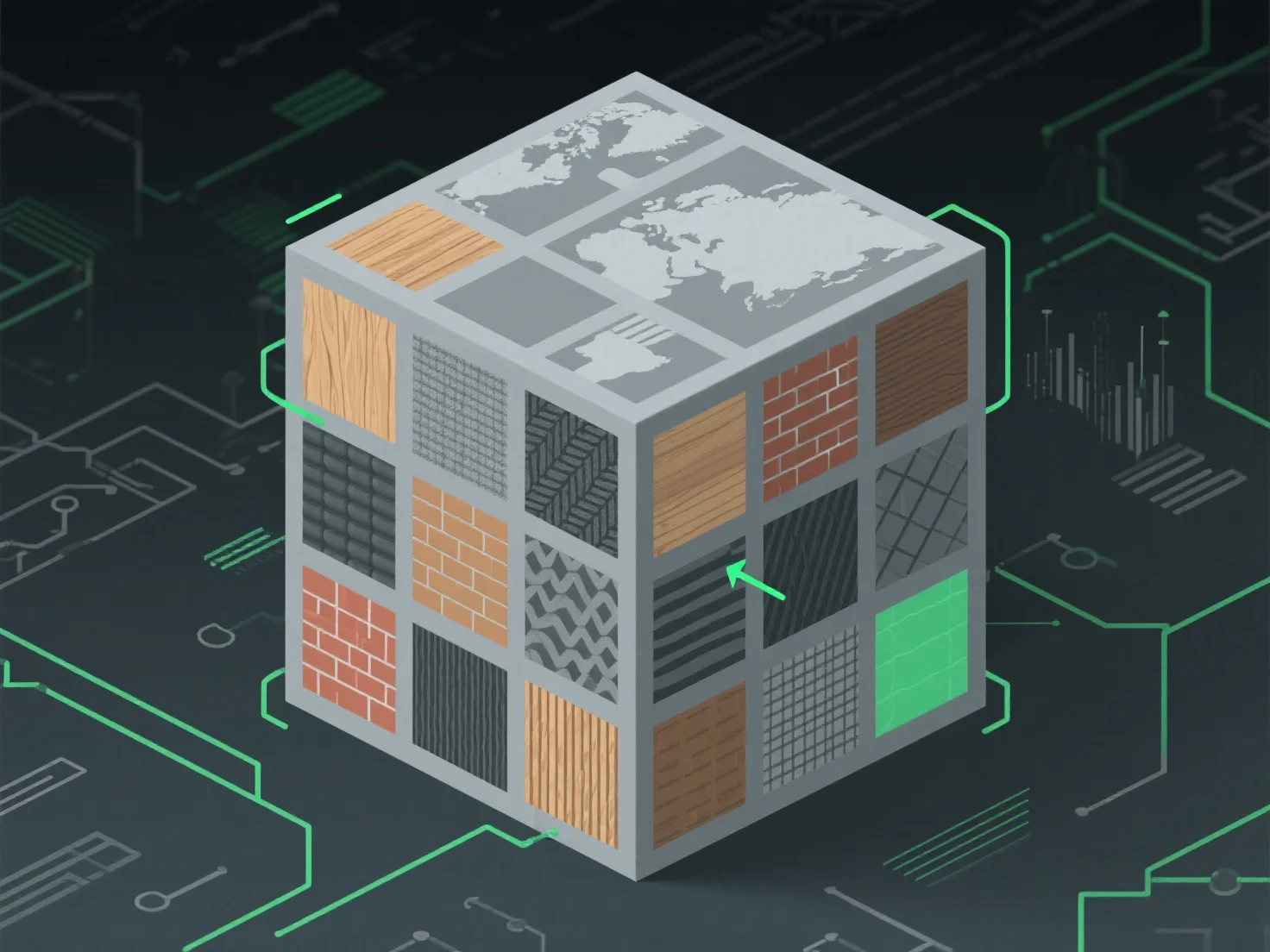
Pour gérer les atlas de textures pour un mappage de textures optimisé, concentrez-vous sur un emballage efficace afin de minimiser l'espace inutilisé et réduire les appels de dessin, en consolidant les petites textures en un seul atlas, en alignant les coordonnées UV pour une cartographie précise de la surface du modèle, et en assurant des transitions fluides entre les régions afin d'éviter les artefacts visuels.
Les principales applications dans différents secteurs : - Développement de jeux : Réduit la charge de travail du GPU en réduisant les échanges de textures pendant le rendu. - 3D en temps réel (AR/VR) : Améliore les performances en rationalisant l'accès aux données de texture.
Pour des tailles de texture variées, utilisez des outils d'emballage automatisés avec un rembourrage pour éviter les saignements et maintenir la qualité visuelle.