


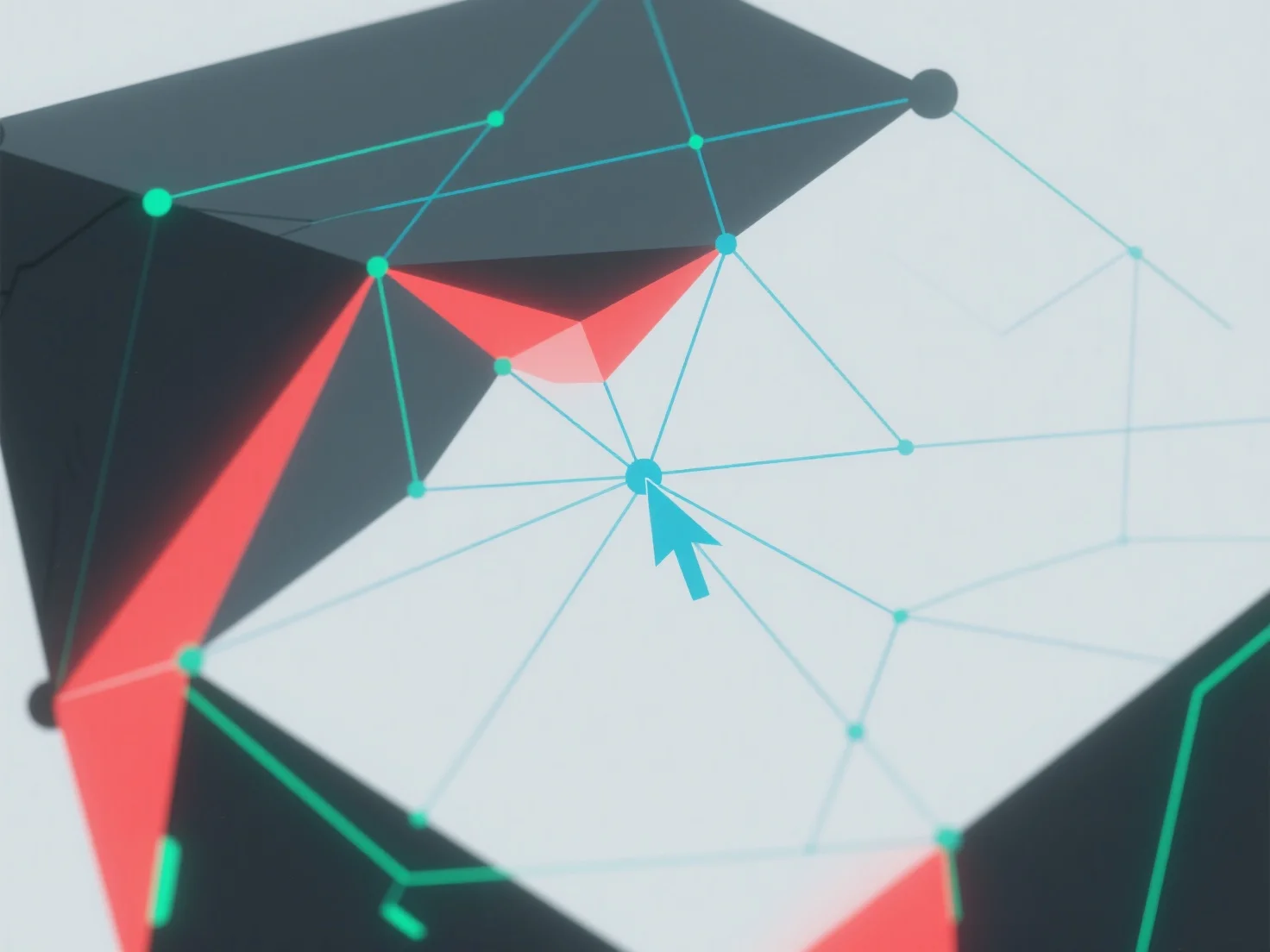
La géométrie non-manifold dans la modélisation 3D est gérée en identifiant et en résolvant les erreurs topologiques à l'aide d'outils logiciels 3D.
Tout d'abord, utilisez des fonctions intégrées telles que "vérification du maillage" ou "réparation du maillage" pour détecter les problèmes : les problèmes courants incluent des faces qui se croisent, des arêtes en double, ou des sommets avec plus de deux faces adjacentes.
Ensuite, corrigez les erreurs en fusionnant les sommets qui se chevauchent, en supprimant la géométrie redondante ou en ajustant les connexions des faces pour s'assurer que chaque bord relie exactement deux faces.
Si les problèmes persistent, simplifiez le modèle en réduisant sa complexité ou utilisez des plugins de réparation automatisés pour rationaliser le processus.