


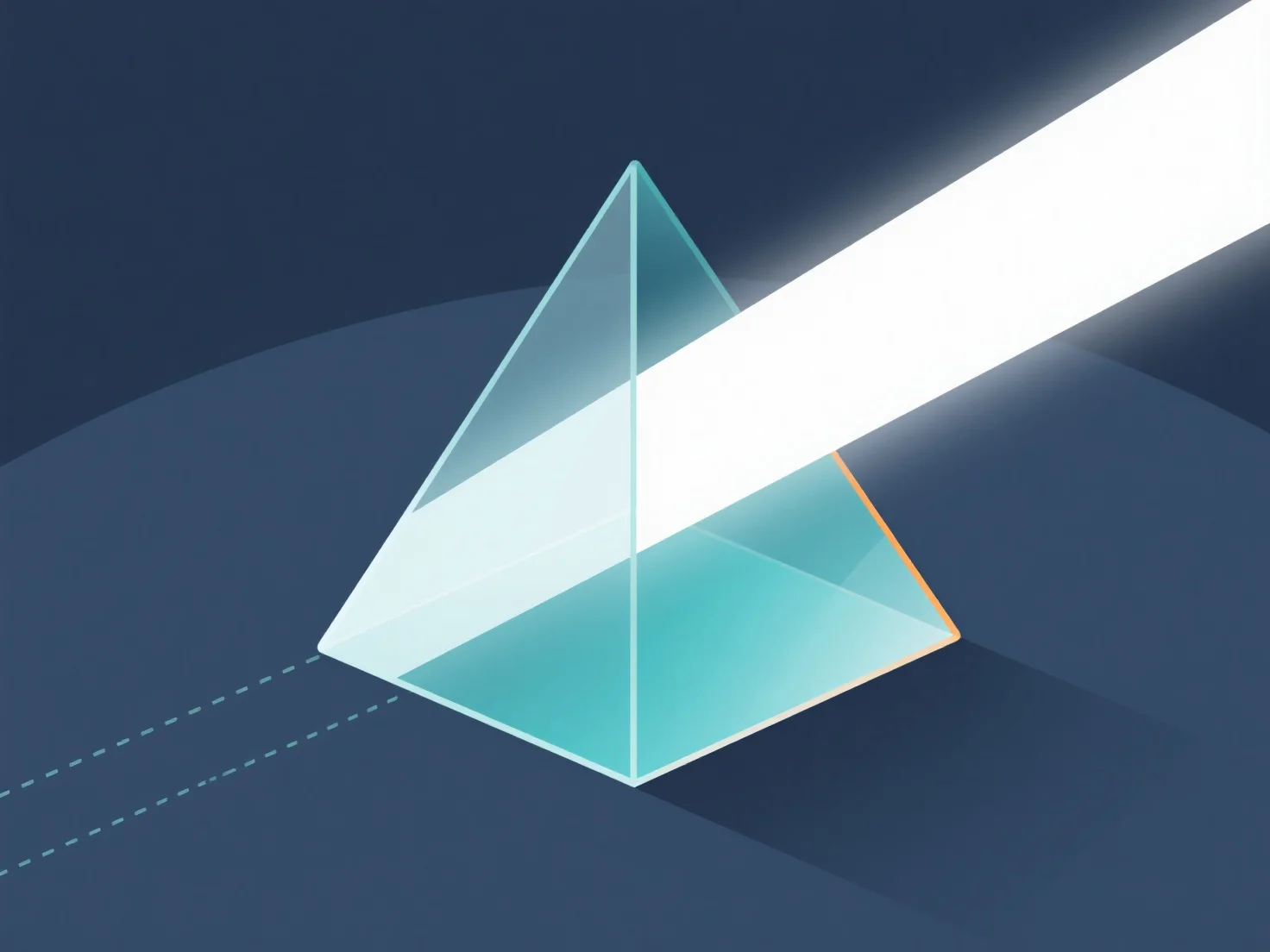
La gestion de la réfraction de la lumière à travers les matériaux dans les modèles 3D est principalement effectuée en définissant les propriétés du matériau.
- **Définir l'indice de réfraction (IR) :** L'IR détermine l'angle de flexion de la lumière. Valeurs courantes : verre ~1,5, eau ~1,33, air ~1,0. Attribuer un IR dans les paramètres du matériau pour définir la force de réfraction. - **Utiliser des techniques de rendu :** Le lancer de rayons trace les chemins de la lumière à travers les matériaux ; le PBR exploite la physique du monde réel. Les deux permettent une simulation précise de la réfraction. - **Ajuster les paramètres du logiciel :** Dans les outils 3D, activez la réfraction dans les paramètres de rendu, attribuez un IR au matériau, et ajustez la brillance/l'opacité pour affiner les effets.
Ce processus imite le comportement de la lumière dans le monde réel, créant des effets de matériaux transparents/translucides réalistes dans les modèles 3D.