


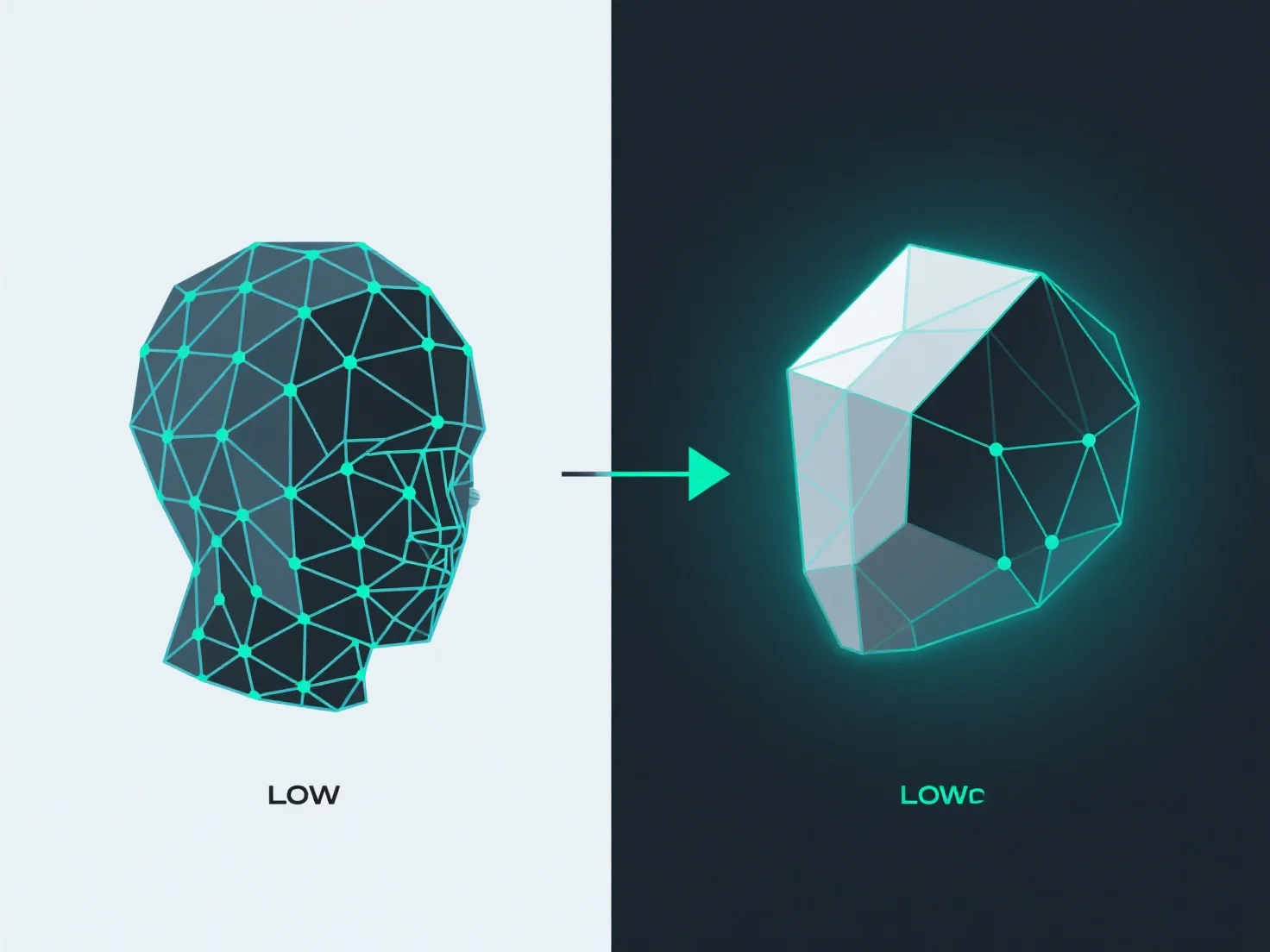
Pour convertir un modèle hautement polygonisé en un modèle faiblement polygonisé tout en conservant les détails, la clé consiste à combiner une géométrie simplifiée (retopologie) avec un transfert de détails via le baking des textures.
Retopology crée un maillage à faible polygonalité avec un flux d'arêtes propre et optimisé, réduisant le nombre de sommets/faces tout en préservant la forme principale du modèle. Des outils tels que Retopoflow de Blender ou Quad Draw de Maya simplifient cette tâche en permettant aux utilisateurs de reconstruire les maillages manuellement ou de manière semi-automatique, assurant ainsi une topologie efficace.
La cuisson transfère les détails de surface haute polygonalité.
Ensemble, la retopologie et le baking équilibrent la réduction des polygones et la conservation des détails : le maillage low-poly reste efficace, tandis que les textures baking maintiennent l'illusion d'un niveau de détail élevé.