


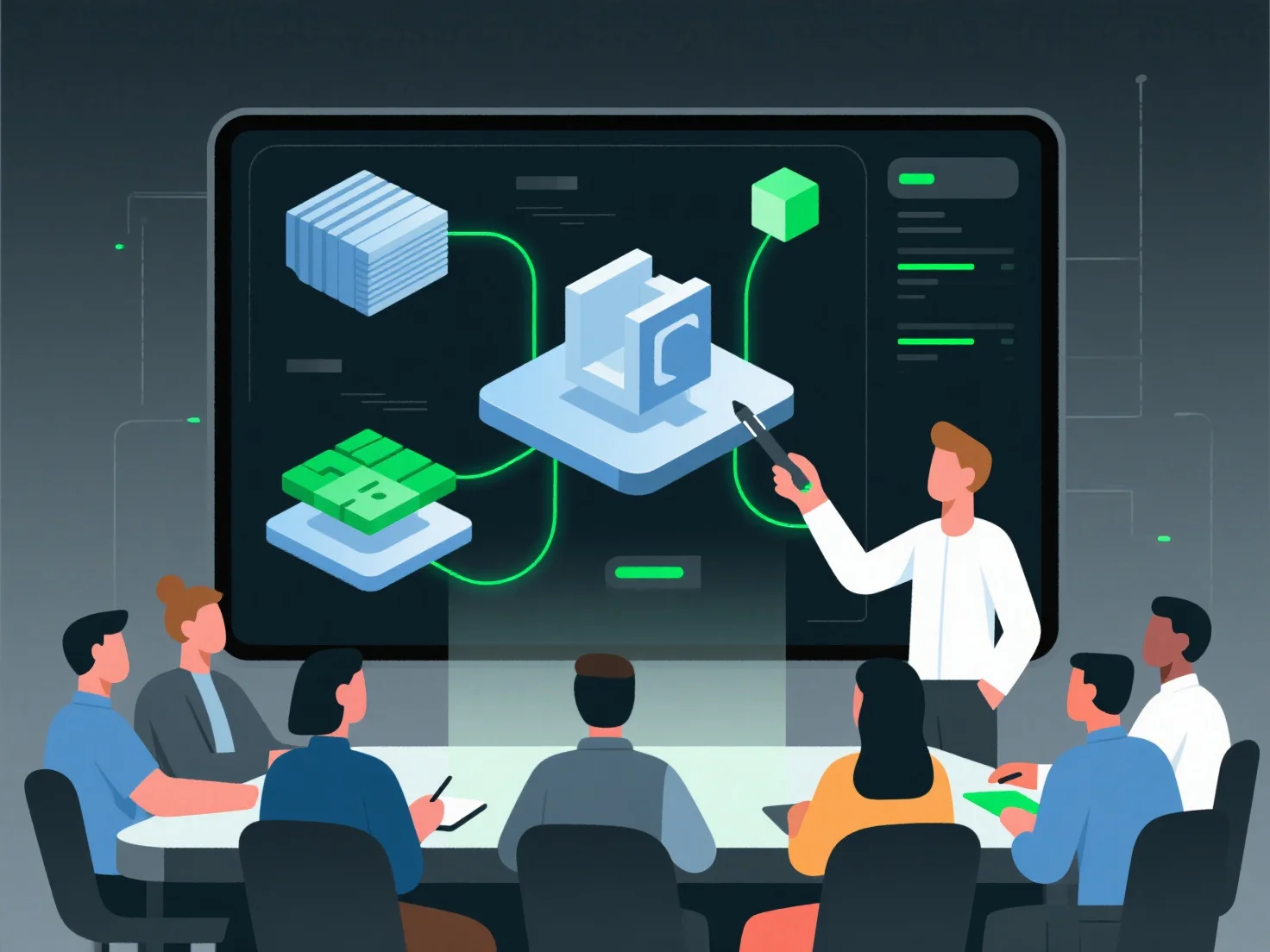
Les membres de l'équipe intègrent des éléments dans un projet de design 3D final grâce à un flux de travail systématique afin d'assurer la cohésion et l'optimisation.
Les étapes clés incluent : - Valider la compatibilité des ressources : Vérifier les formats de fichiers, l'échelle, la résolution des textures et le nombre de polygones pour les aligner sur les normes du projet (par exemple, s'assurer que l'échelle d'un modèle de personnage correspond à celle de l'environnement). - Utiliser le contrôle de version : Suivre les mises à jour des ressources (par exemple, les révisions des animations ou les ajustements des matériaux) pour éviter les conflits et maintenir la cohérence entre les contributions de l'équipe. - Assembler dans la scène principale : Importer les ressources approuvées (modèles, matériaux, animations) et ajuster l'éclairage, les angles de caméra et les effets pour répondre aux exigences du projet.
Ce processus structuré fusionne divers éléments 3D en une sortie unifiée et prête à la production, appropriée pour le rendu ou le déploiement.