Accueil/Hitem3D FAQ/How do simulation tools for physics interact with 3D modeling tools?

How do simulation tools for physics interact with 3D modeling tools?

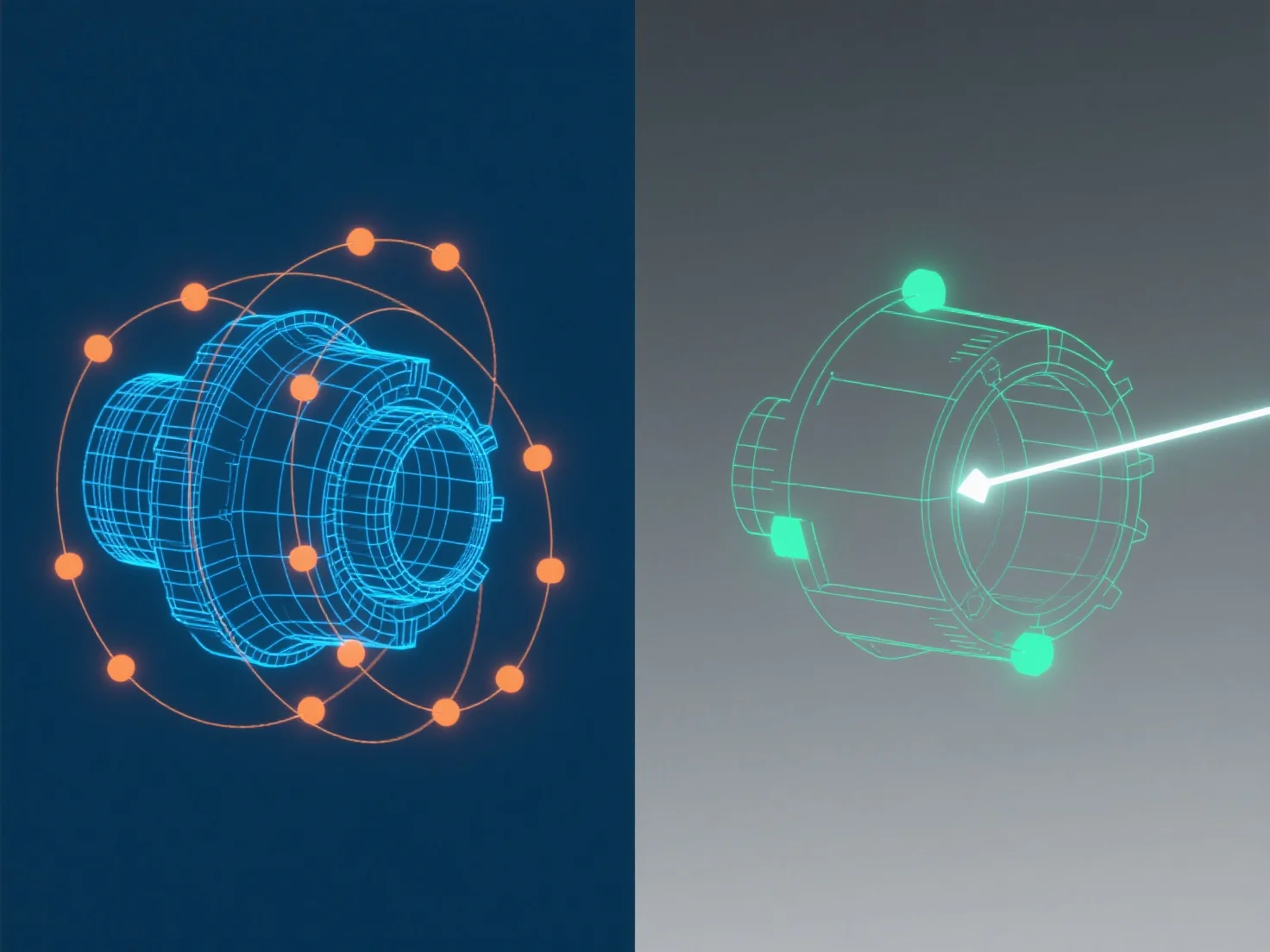
Physics simulation tools use 3D model data to apply realistic physical behaviors, with use cases in games and engineering, requiring clean geometry.

How do simulation tools for physics interact with 3D modeling tools?

Physics simulation tools interact with 3D modeling tools by importing or linking 3D model data to apply realistic physical behaviors like movement, collision, or deformation.

3D modeling tools first create the object’s geometric structure (e.g., shape, size), providing foundational data. Physics simulators then use this data to compute physical properties (mass, friction, gravity), making virtual objects behave like real-world counterparts.

Common use cases include game development (e.g., Blender models imported into Unity PhysX for character movement) and engineering (CAD models linked to simulators for stress testing).

To ensure accuracy, 3D models should have clean geometry (non-overlapping meshes) for physics tools to process effectively.

PrécédentSuivant
Produit
Studio Web
Plateforme API
Fonctionnalités
Image vers 3D
Multi‑vue vers 3D
Relief
Segmentation
Modèles
Modèle général
Modèle portrait
Ressources
Blog
FAQ
Docs API
À propos
Tarifs