


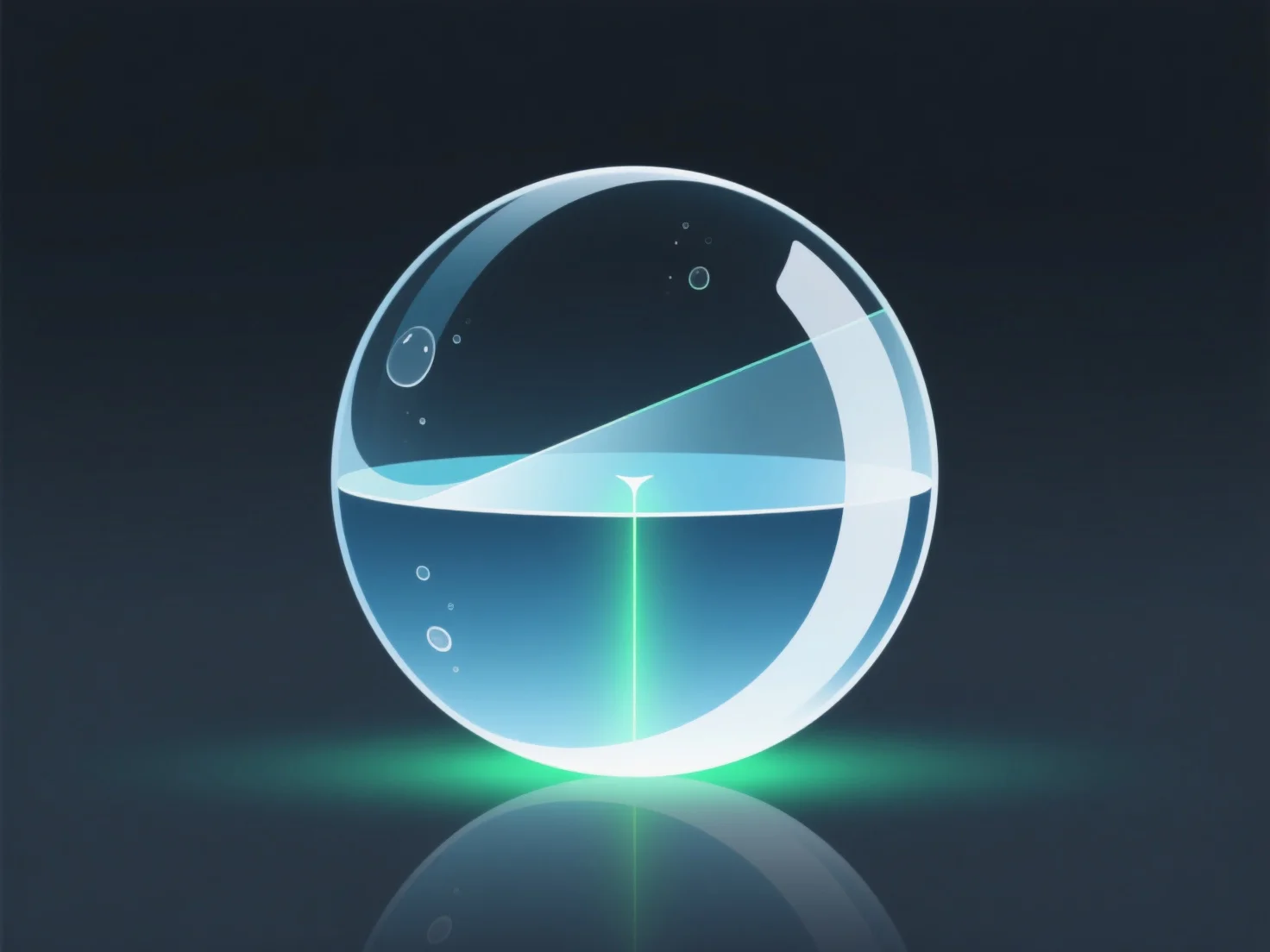
Les réflexions et les réfractions influencent le processus de rendu en simulant les interactions entre la lumière et la surface, nécessitant un lancer de rayons pour représenter la lumière qui rebondit (réflexions) ou se courbe (réfractions), améliorant le réalisme mais augmentant la complexité computationnelle.
- **Amélioration du réalisme** : Ils imitent le comportement de la lumière dans le monde réel. Les réflexions créent des surfaces miroir ou brillantes (par exemple, métal, miroirs), tandis que les réfractions simulent des effets transparents/translucides (par exemple, verre, eau), rendant les scènes plus réalistes. - **Exigences de calcul** : Le rendu de ces effets nécessite le traçage de multiples chemins de lumière, car chaque réflexion/réfraction fait rebondir la lumière dans de nouvelles directions, augmentant le nombre de rayons traités et donc le temps de rendu.
Globalement, ils sont essentiels pour des visuels réalistes, mais nécessitent un traitement supplémentaire pour rendre les interactions de la lumière avec précision.