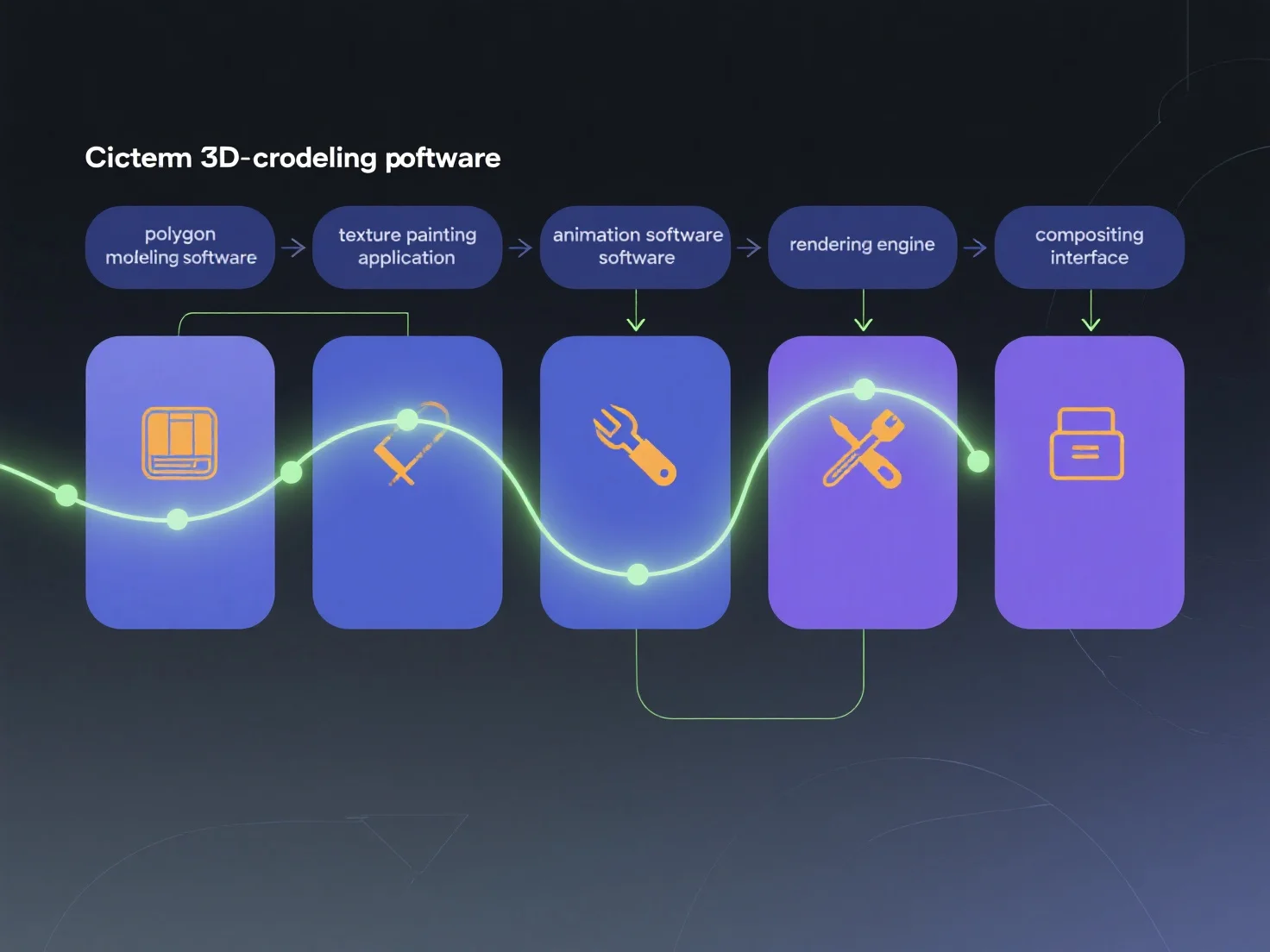
Divers outils s'intègrent dans les pipelines de contenu 3D cinématique en se spécialisant dans différentes étapes de production et en échangeant des données standardisées, assurant ainsi une continuité de workflow sans heurts. Chaque outil se concentre sur une tâche spécifique : la modélisation 3D (par exemple, Blender, Maya) crée des actifs de base ; la texturation (par exemple, Substance Painter) ajoute des détails de surface ; l'animation (par exemple, MotionBuilder) anime les mouvements ; le rendu (par exemple, Arnold) génère les visuels finaux. Ces étapes sont connectées via des formats universels tels que FBX ou USD, transférant les données des étapes en amont (art conceptuel) vers les étapes en aval (compositing). Pour optimiser l'intégration, mappez les outils aux étapes.


Comment différents outils s'intègrent-ils dans le pipeline de création de contenu 3D cinématique ?
Les pipelines 3D cinématiques utilisent des outils spécialisés pour les différentes étapes, et échangent les données via des formats standard pour un flux de travail sans heurts.