


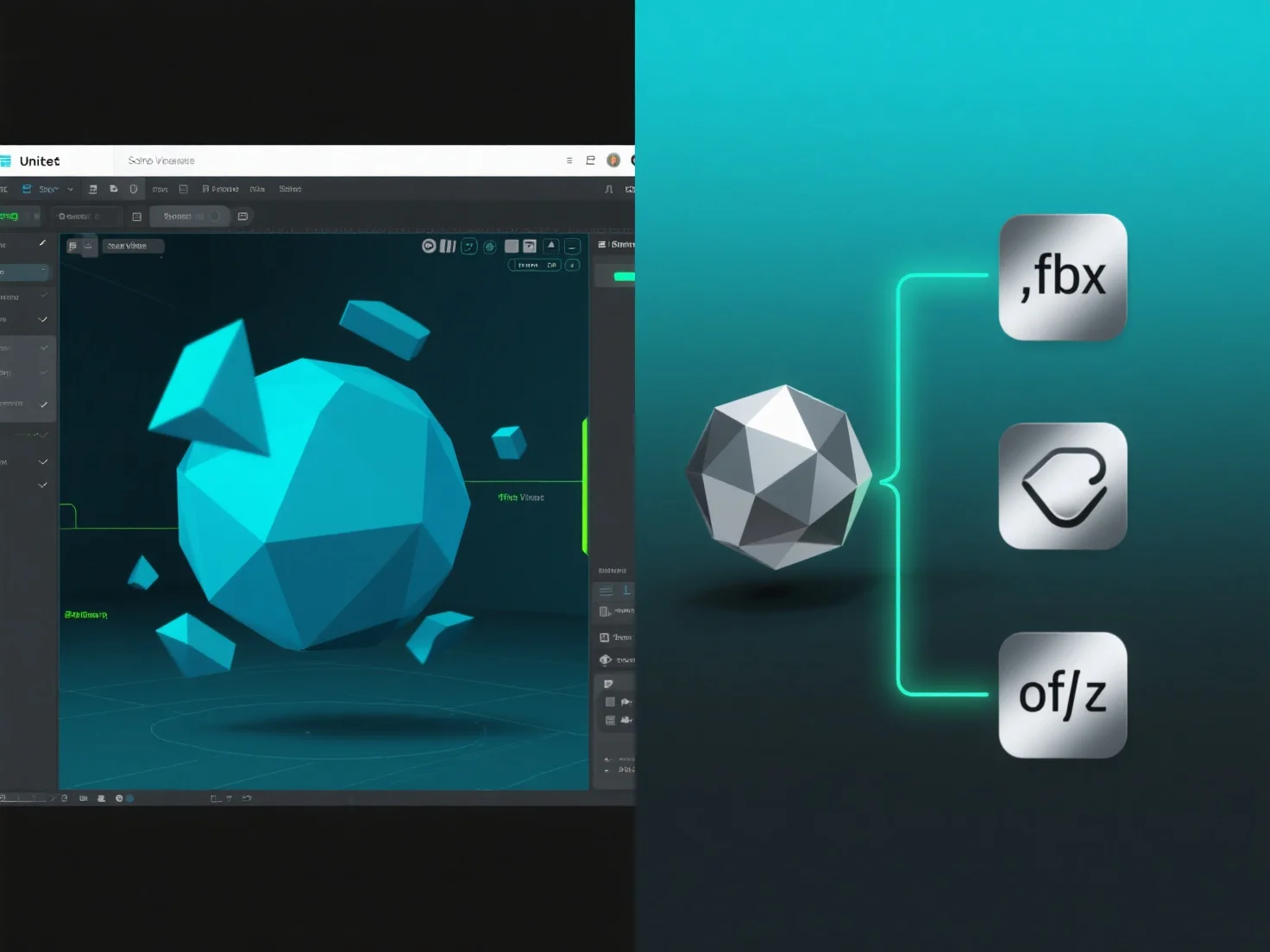
Les modèles 3D dans Unity utilisent les formats .fbx ou .obj en les important en tant que fichiers d'actifs, ce qui permet d'intégrer la géométrie 3D, les textures et les animations dans le projet.
Le pipeline d'importation d'Unity traite ces fichiers lors de l'importation, en extrayant les données du maillage (sommets, polygones) et les références aux matériaux, qui sont essentielles pour le rendu.
Pour les fichiers .fbx, des clips d'animation supplémentaires.
Une fois importés, les modèles deviennent des ressources éditable, utilisables dans des scènes, des préfabriqués ou en tant que composants d'objets de jeu, ce qui simplifie les flux de travail de développement.
Cette méthode d'importation garantit que les modèles .fbx et .obj sont intégrés de manière transparente dans Unity, offrant une flexibilité pour la création de contenu 3D.