


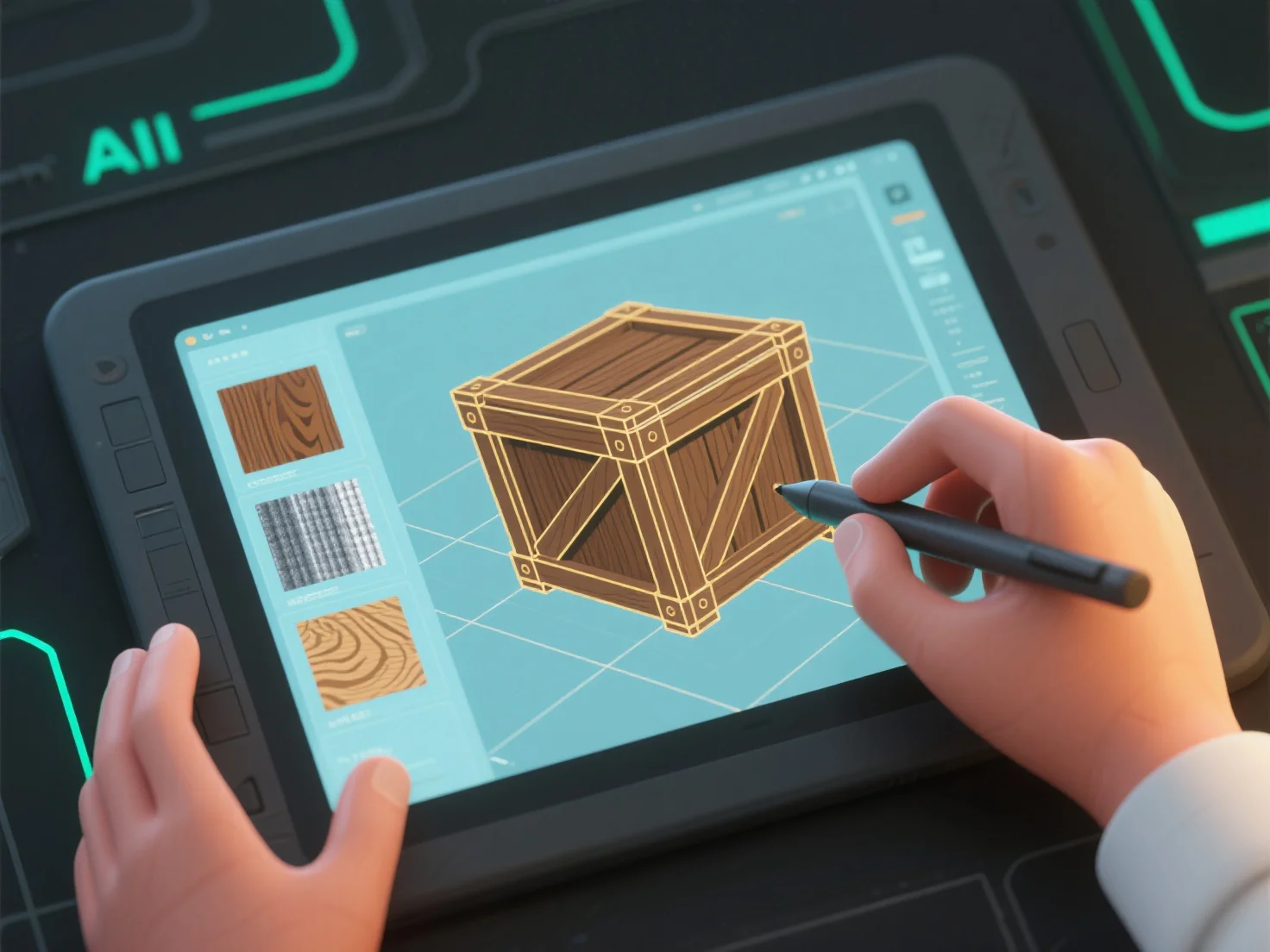
Les modélisateurs 3D créent des textures et des matériaux en combinant la conception de textures 2D.
Tout d'abord, la création de textures : Concevez des cartes 2D (diffuses, normales, rugueuses) pour ajouter des détails de surface tels que des pores, des rayures ou des motifs, qui sont appliqués à la surface du modèle.
Deuxièmement, la définition du matériau : Définissez des attributs tels que l'albédo (couleur de base), le métallique ou la rugosité pour contrôler l'interaction de la lumière, en simulant des finitions telles que mat, brillant ou métallique.
Troisièmement, l'intégration des outils : des logiciels tels que Substance Painter (peinture de textures) ou Blender (nœuds de matériaux) combinent les cartes de textures et les paramètres de matériaux pour obtenir des résultats cohérents.
Les débutants peuvent commencer avec des bibliothèques de textures préfabriquées et ajuster les propriétés de base.