


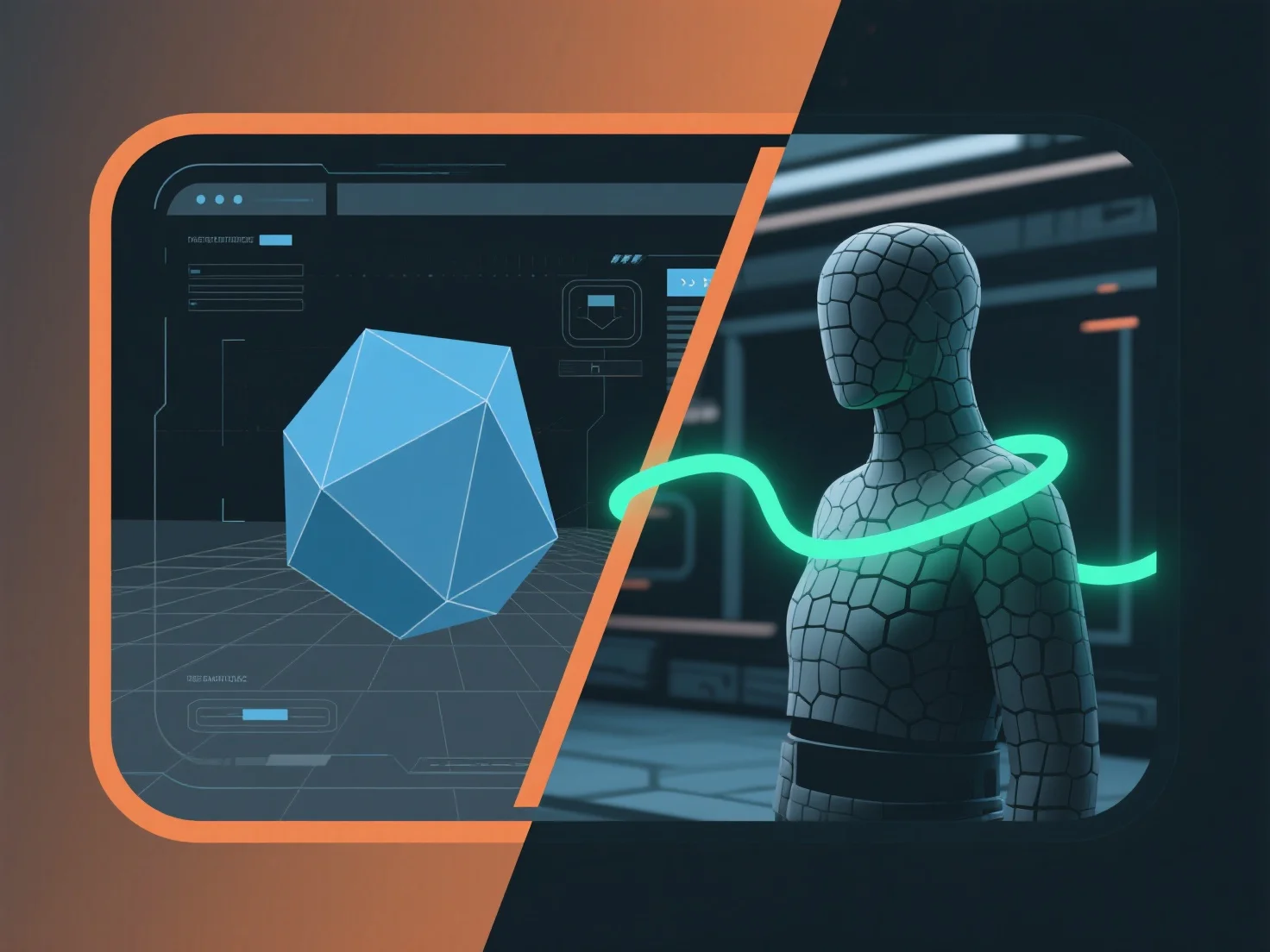
L'intégration d'un outil de modélisation 3D avec un moteur de jeu pour des applications en temps réel implique l'établissement d'un pipeline d'actifs compatible pour transférer des modèles, des textures et des animations en toute fluidité, assurant ainsi une optimisation du rendu en temps réel.
- **Exportation d'actifs** : Exportez les actifs 3D de l'outil de modélisation en utilisant les formats pris en charge par le moteur de jeu (par exemple, FBX, GLB) afin de conserver des données critiques telles que les cartes UV, les animations et les références de matériaux. - **Importation et compatibilité** : Utilisez des plugins spécifiques au moteur (par exemple, les plugins Unity/Unreal de Blender) ou des fonctions d'importation intégrées pour charger les actifs, en vérifiant la cohérence des shaders et des matériaux afin d'éviter les erreurs de rendu. - **Optimisation en temps réel** : Réduisez le nombre de polygones, compressez les textures et activez les prévisualisations en temps réel pendant le développement pour s'assurer que les actifs répondent aux exigences de performance du moteur.
Ce pipeline simplifié garantit que les ressources fonctionnent efficacement en temps réel, en équilibrant la qualité visuelle et les performances du moteur pour des applications telles que des jeux ou des simulations interactives.