


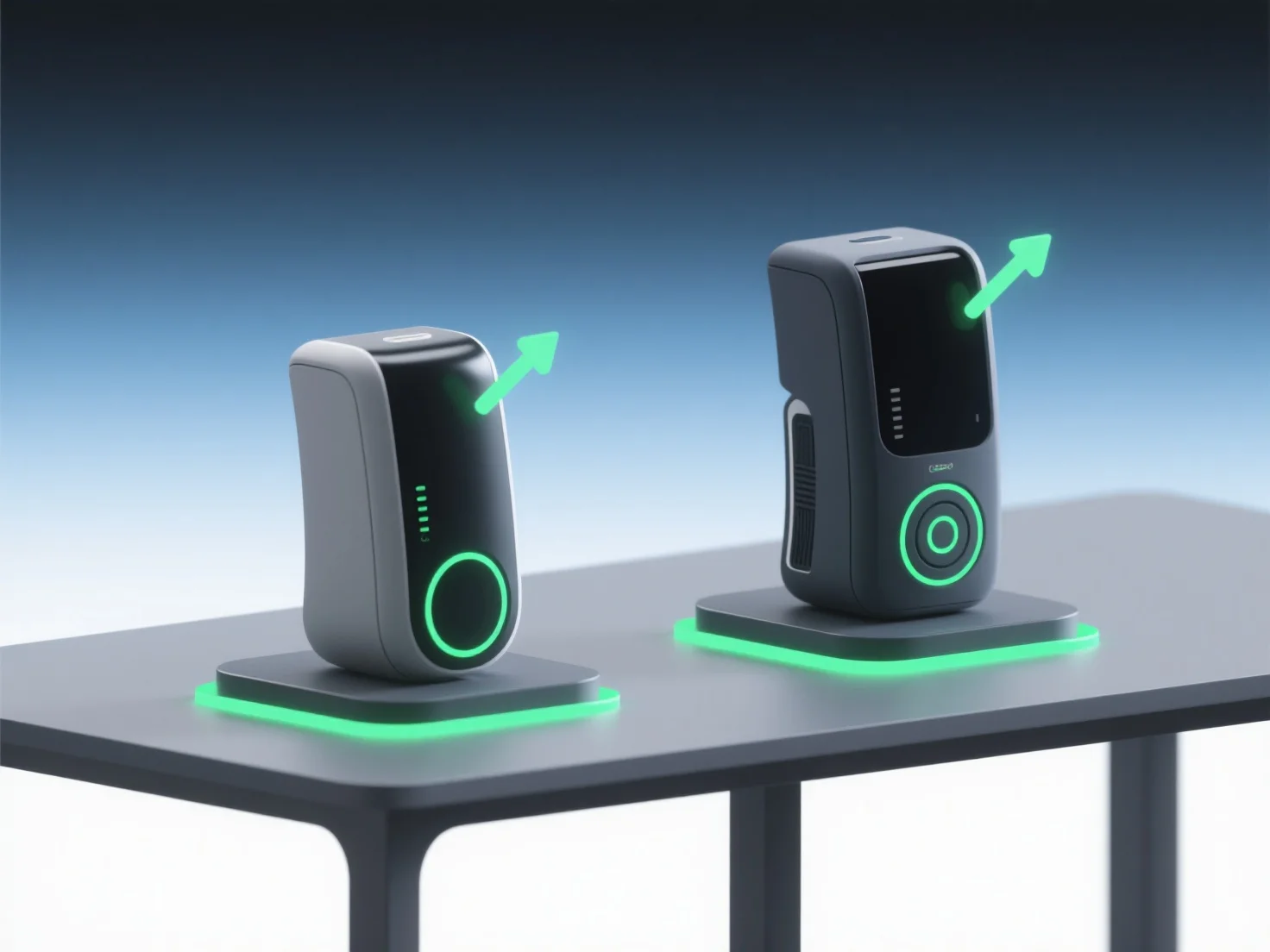
Les modèles 3D permettent une comparaison efficace des concepts de design lors des présentations de pitch en mettant en évidence de manière visuelle et interactive les différences de structure, d'échelle et de fonctionnalité, ce qui facilite la compréhension des principales distinctions par les parties prenantes.
- **Clarté visuelle** : Ils remplacent les dessins 2D abstraits ou les descriptions verbales, permettant aux parties prenantes de voir les relations spatiales, les textures des matériaux et les détails esthétiques de manière réaliste et intuitive. - **Comparaison dynamique** : Utilisez des rendus 3D côte à côte ou des animations pour comparer les différentes versions. Par exemple, en montrant les variations de la façade ou les différences ergonomiques, vous aidez l'auditoire à repérer rapidement les nuances. - **Engagement interactif** : Les modèles 3D interactifs permettent aux spectateurs de zoomer, de faire pivoter ou de basculer les fonctions, favorisant une compréhension plus approfondie et un alignement sur les concepts préférés.
En combinant le réalisme visuel, le contraste dynamique et l'interactivité, les modèles 3D simplifient l'évaluation des concepts, en assurant que l'audience se connecte et sélectionne le meilleur design efficacement.