


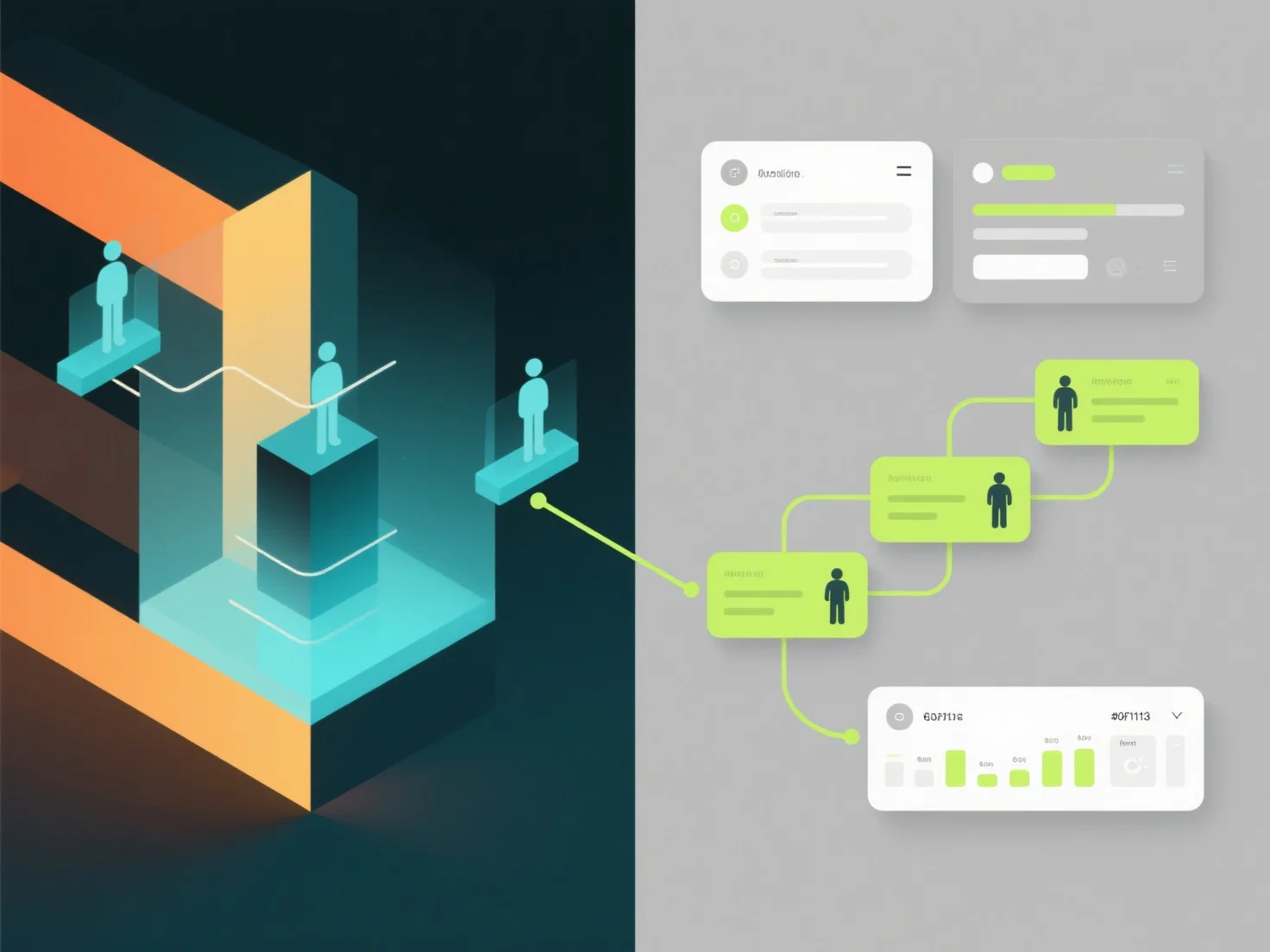
L'intégration d'un logiciel de modélisation 3D avec des outils de gestion de projet unifie les flux de travail de conception et de projet en synchronisant les mises à jour du modèle, en suivant la progression des tâches et en centralisant les commentaires, améliorant ainsi la collaboration au sein de l'équipe.
Les méthodes d'intégration clés comprennent : - Lier les versions de modèles 3D aux calendriers de projet, en assurant que les étapes de conception correspondent aux délais. - Intégrer les révisions de conception dans les tâches, permettant aux membres de l'équipe de commenter les modèles directement dans l'outil de projet. - Synchroniser les bibliothèques d'actifs.
Pour une mise en œuvre sans heurts, utilisez des outils basés sur le cloud avec des plugins pré-construits.