


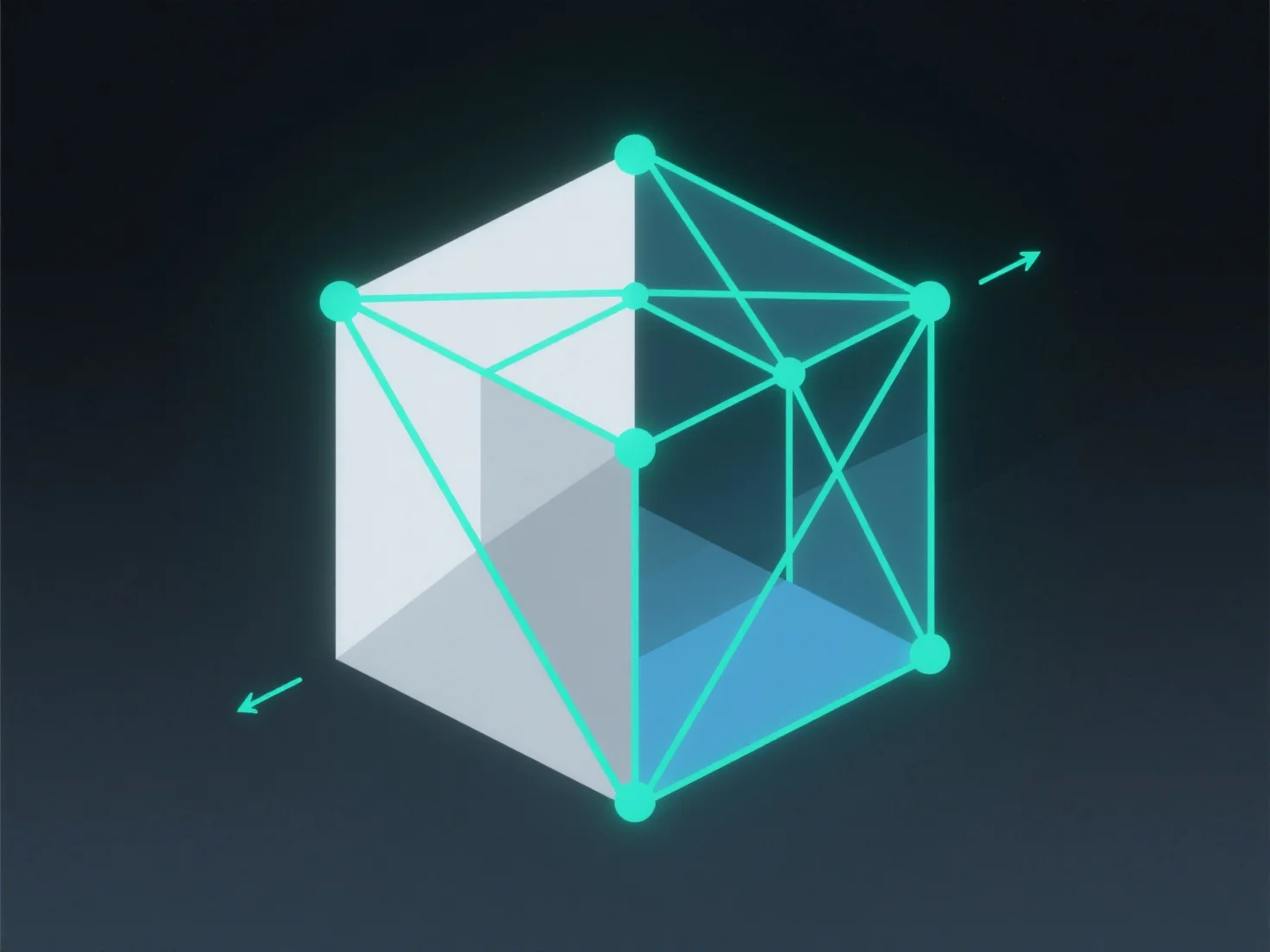
Dans la modélisation 3D, les arêtes sont des lignes droites reliant deux sommets, et les faces sont des surfaces planes ou courbes délimitées par des arêtes.
- **Les arêtes** : Elles agissent comme des lignes structurelles de base, reliant les sommets pour former la structure du modèle. Elles définissent le contour et la forme, servant de limites pour les faces. - **Les faces** : Elles sont généralement polygonales.
Ensemble, les arêtes et les faces construisent la surface du modèle 3D, permettant sa forme 3D cohérente.