


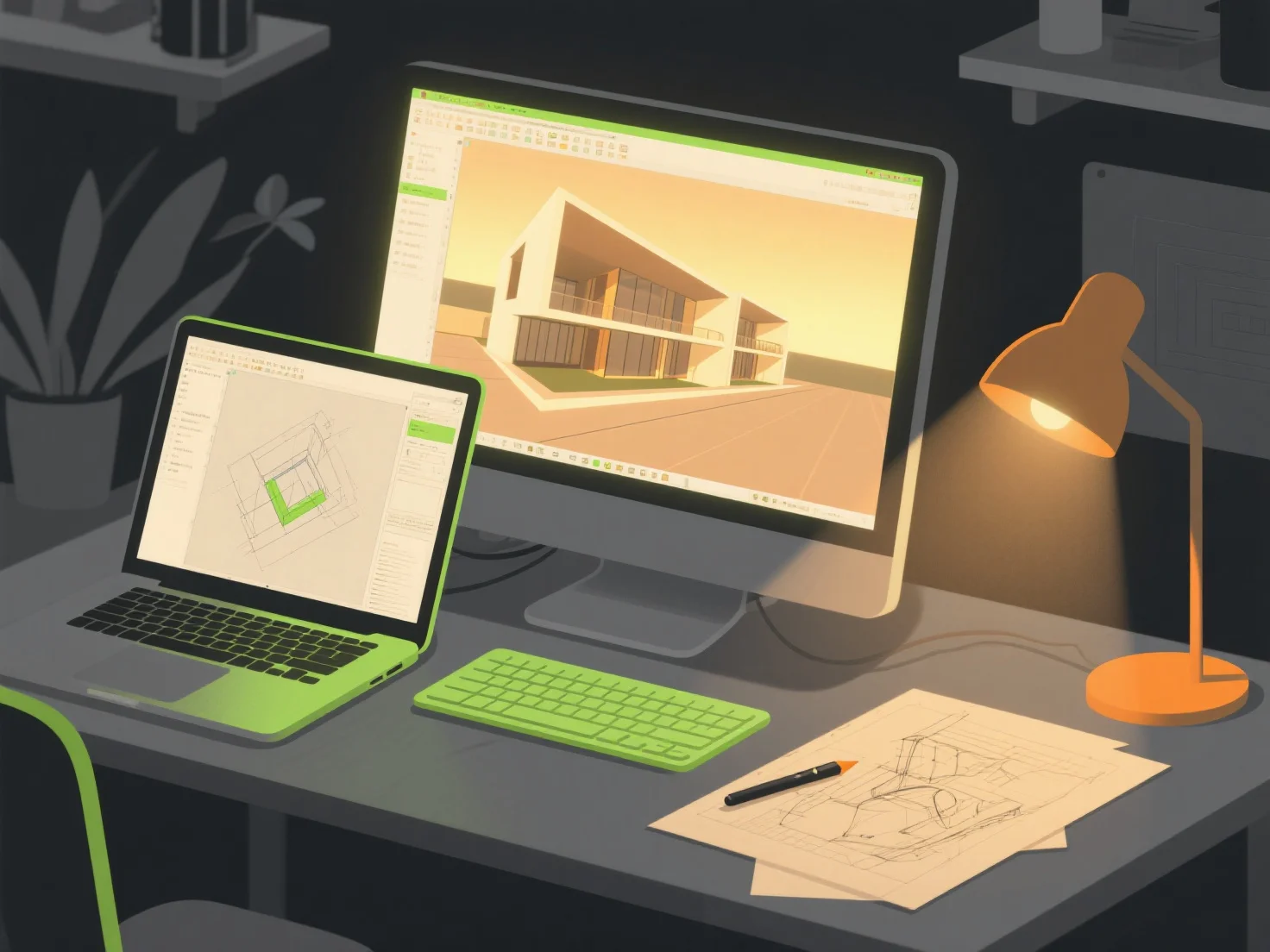
Al crear entornos fotorrealistas para visualizaciones arquitectónicas, las combinaciones de herramientas clave incluyen software de modelado 3D, motores de renderizado y bibliotecas de texturas/activos. Estas colaboran para construir estructuras detalladas, aplicar materiales realistas y simular efectos de iluminación realistas.
Las herramientas de modelado 3D como SketchUp o Blender primero construyen la geometría arquitectónica básica, proporcionando formas fundamentales precisas para el entorno.
Luego, los motores de renderizado como V-Ray o Enscape se encargan de la simulación de materiales e iluminación, generando sombras, reflejos y gradientes de color realistas para mejorar el realismo.
Las bibliotecas de texturas/activos como Quixel Megascans agregan detalles de superficie de alta calidad.
Para principiantes, los pares integrados como SketchUp con Enscape simplifican los flujos de trabajo, ofreciendo vistas previas en tiempo real y edición intuitiva para simplificar el proceso de creación.