


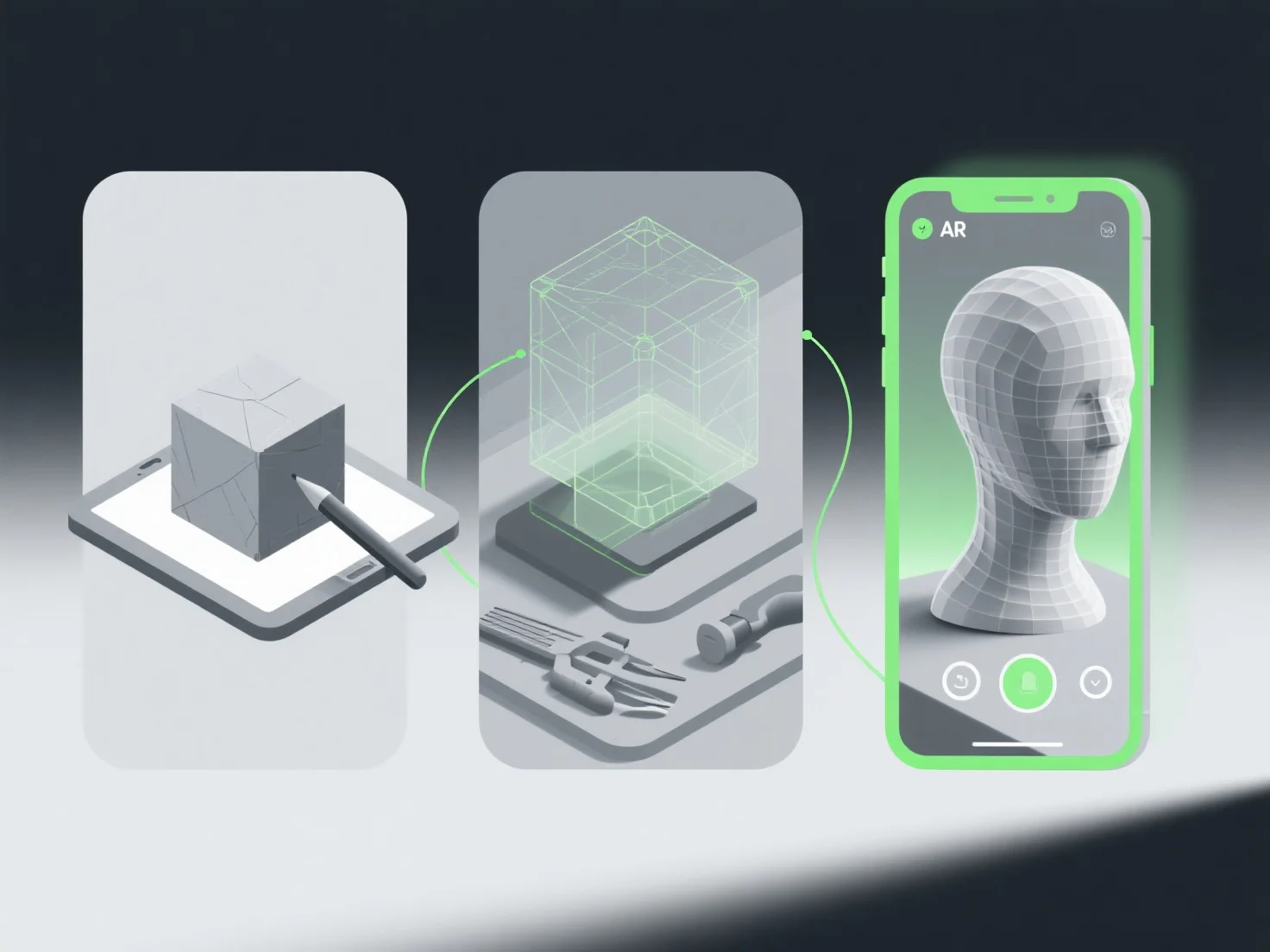
El flujo de trabajo óptimo para crear modelos 3D para experiencias de realidad aumentada (RA) implica definir requisitos, modelado eficiente, optimización en tiempo real, integración específica de RA y pruebas rigurosas para garantizar la compatibilidad y el rendimiento.
Primero, define los casos de uso de AR y las restricciones técnicas: Aclara la plataforma objetivo.
A continuación, crea modelos de baja poligonización: utiliza herramientas como Blender o Maya para construir una geometría ligera, evitando polígonos excesivos que ralentizan el renderizado.
Luego, optimiza las texturas y los materiales: Aplica texturas comprimidas y de alta eficiencia.
Integrar elementos de seguimiento de RA: Añadir marcadores o puntos de características.
Finalmente, prueba en los dispositivos objetivo: Valida en el hardware de AR real para detectar retrasos, fallos o compatibilidad, iterando para refinar el modelo.
Este flujo de trabajo garantiza que los modelos de RA sean ligeros, visualmente consistentes y funcionen sin problemas, mejorando la inmersión del usuario y reduciendo los obstáculos técnicos.