


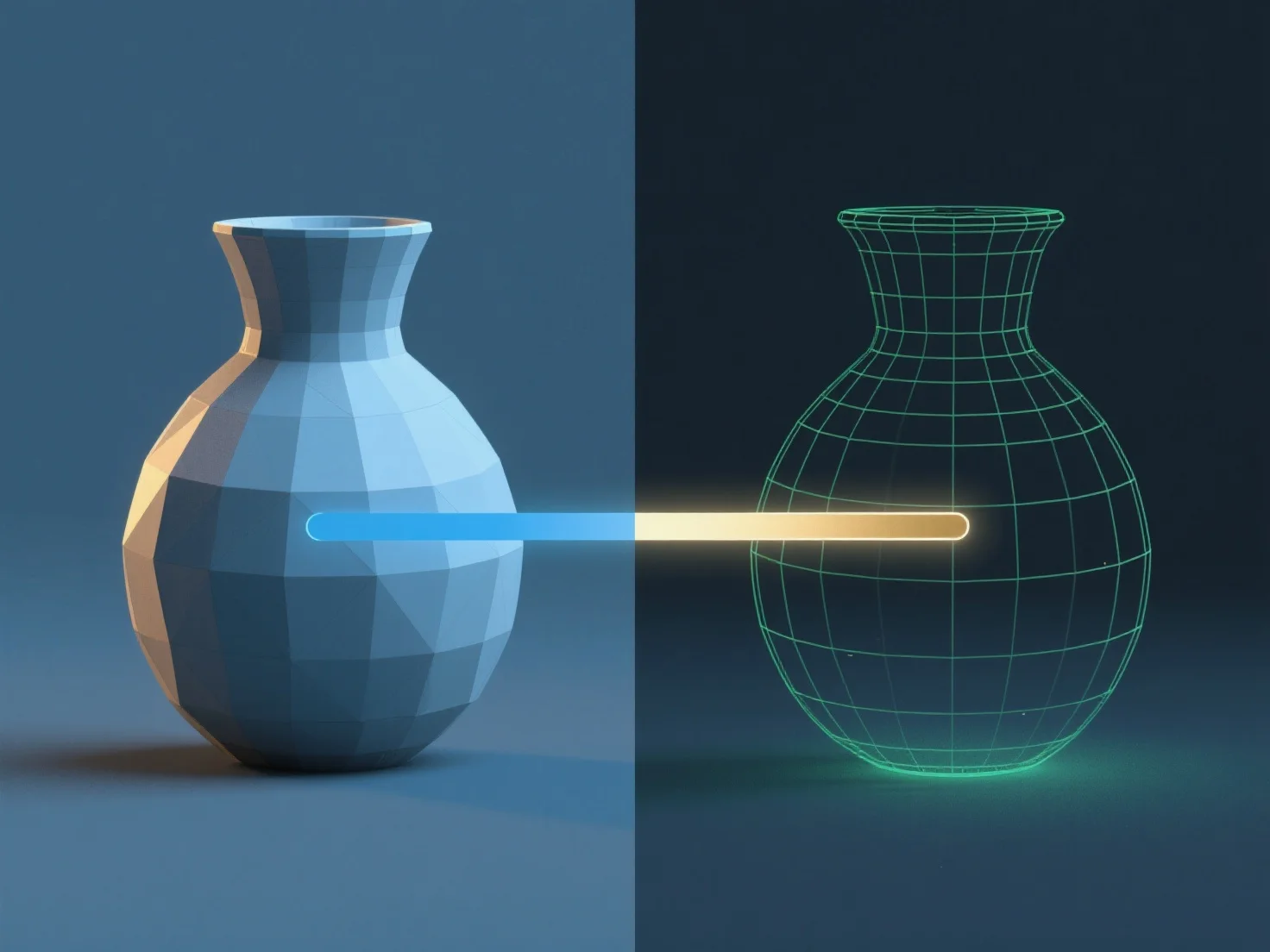
El renderizado en modelado 3D es el proceso de convertir modelos 3D en imágenes o animaciones 2D mediante la simulación de luz, materiales y texturas para producir visuales realistas o estilizados.
Para hacerlo: - Configurar la iluminación: Definir fuentes de luz (por ejemplo, ambiente, direccional) para imitar la iluminación, afectando las sombras y el brillo. - Definir las propiedades del material: Asignar atributos como color, reflectividad o transparencia a las superficies para determinar la interacción de la luz. - Posicionar cámaras virtuales: Ajustar los ángulos, la distancia focal y la profundidad de campo para enmarcar la escena. - Usar motores de renderizado: Herramientas.
El software común como Blender o Maya integra estos pasos. Los principiantes pueden comenzar con ajustes preestablecidos para comprender el flujo de trabajo antes de ajustar la configuración avanzada.