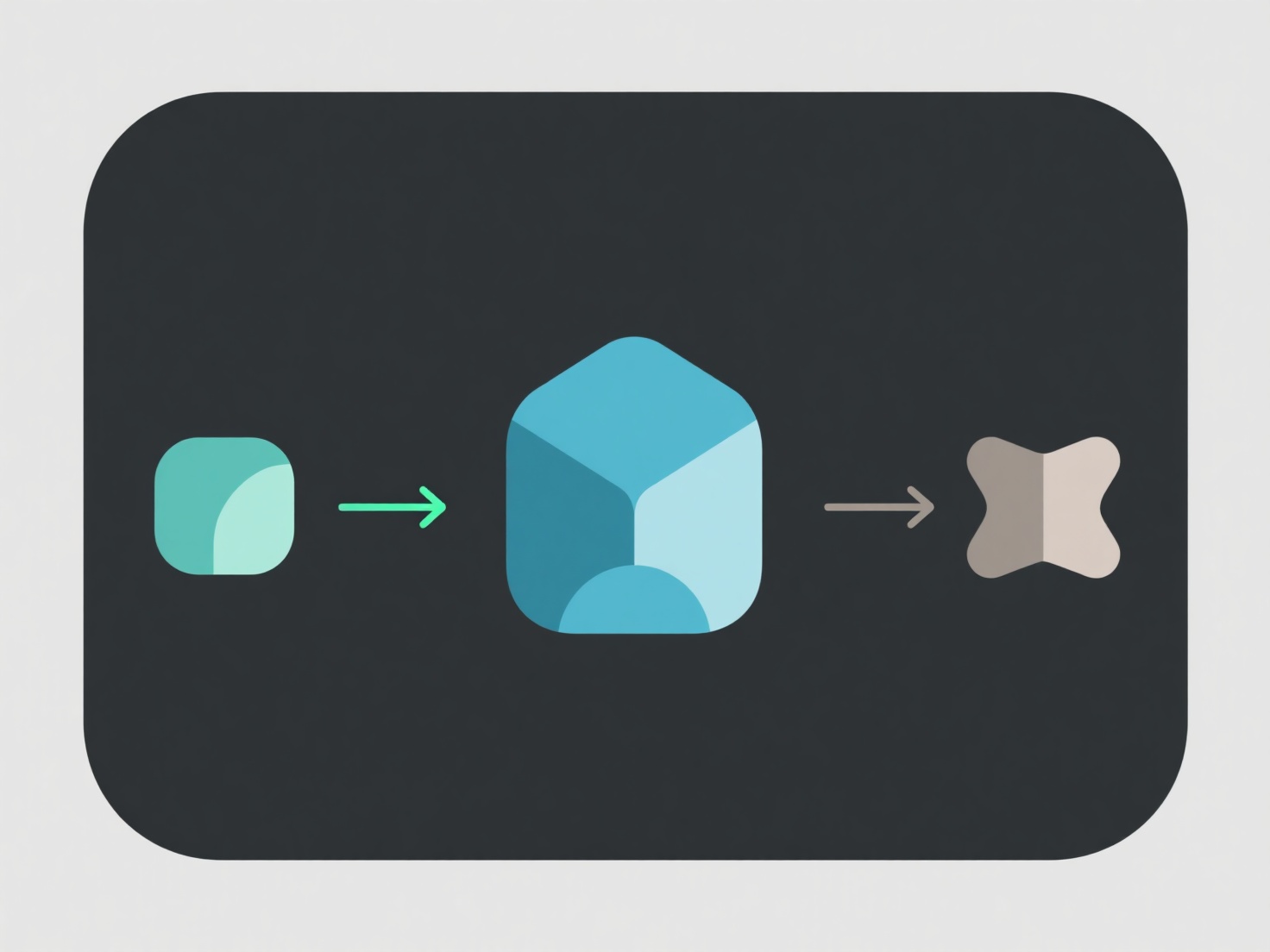
For beginners, processing a depth map 3D model uses user-friendly tools (like MeshLab, Blender, or free online converters) to turn depth data into a 3D mesh, then simplify and clean the model. First, import the depth map (and often a matching color image) into the tool and use auto-mesh features to build the 3D shape. Next, remove noise (stray points) or adjust resolution to make it smoother—good for 3D printing or simple visuals. If you’re new, start with an online converter (e.g., Convertio)—it guides you through mesh generation and basic edits without complex software.
How to process a depth map 3D model for beginners?
For beginners, processing a depth map 3D model uses user-friendly tools (like MeshLab, Blender, or free online converters) to turn depth data into a 3