


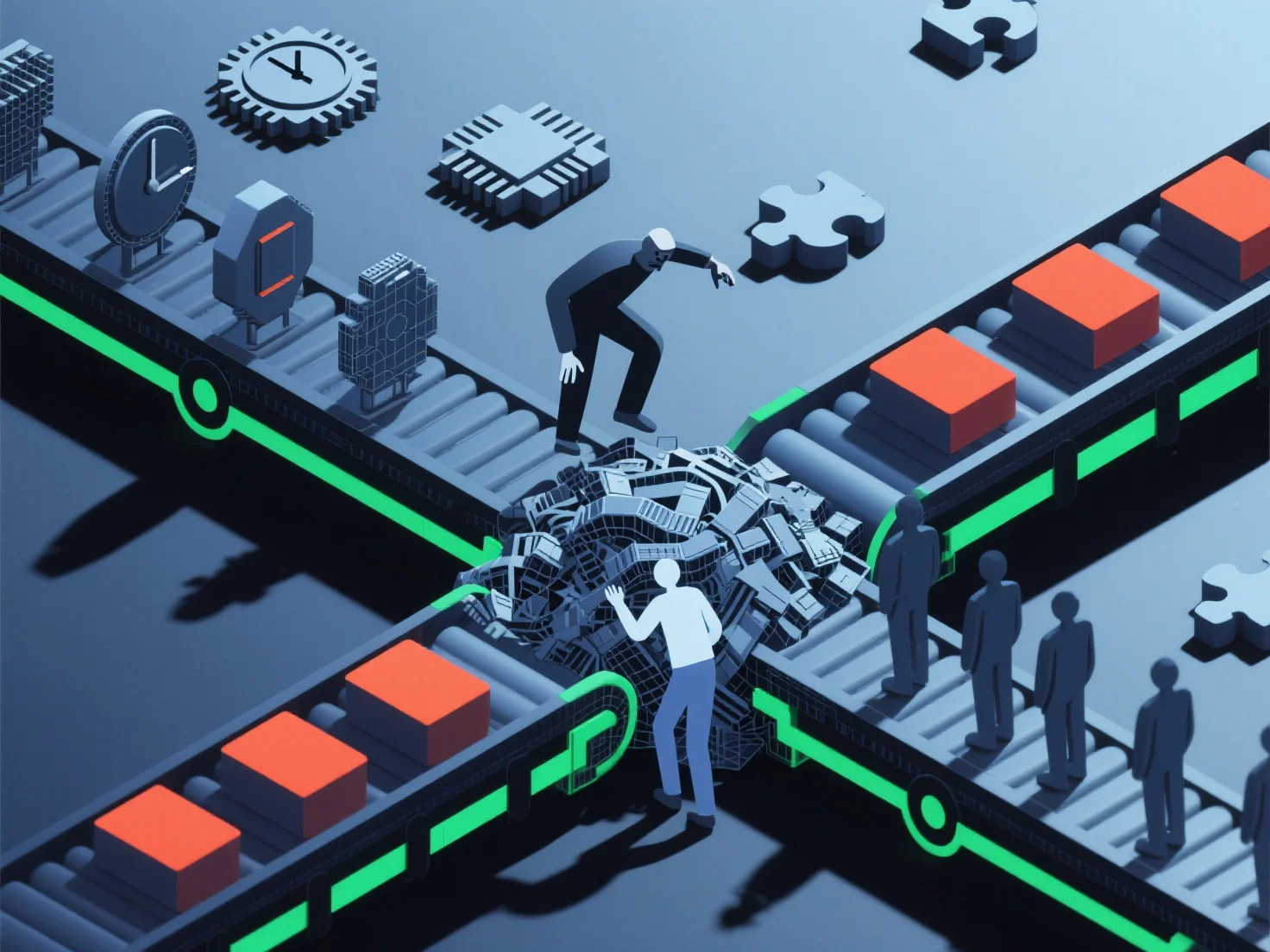
El desequilibrio de habilidades ralentiza los flujos de trabajo 3D al crear cuellos de botella debido a la desigual competencia en etapas críticas como el modelado, la texturización o el rigging, lo que interrumpe el progreso de la tarea y aumenta los retrasos.
- **Retrasos en las tareas**: Los miembros del equipo menos cualificados a menudo tardan más en completar las tareas o requieren revisiones frecuentes, lo que retrasa los plazos del proyecto. - **Mala asignación de recursos**: Los miembros cualificados pueden estar sobrecargados con la corrección de errores o la cobertura de lagunas, mientras que las habilidades infrautilizadas conducen a ineficiencias. - **Desconexiones entre etapas**: Brechas en las habilidades entre etapas.
Este desequilibrio interrumpe el flujo fluido desde el diseño hasta el resultado final, reduciendo significativamente la eficiencia del flujo de trabajo.