


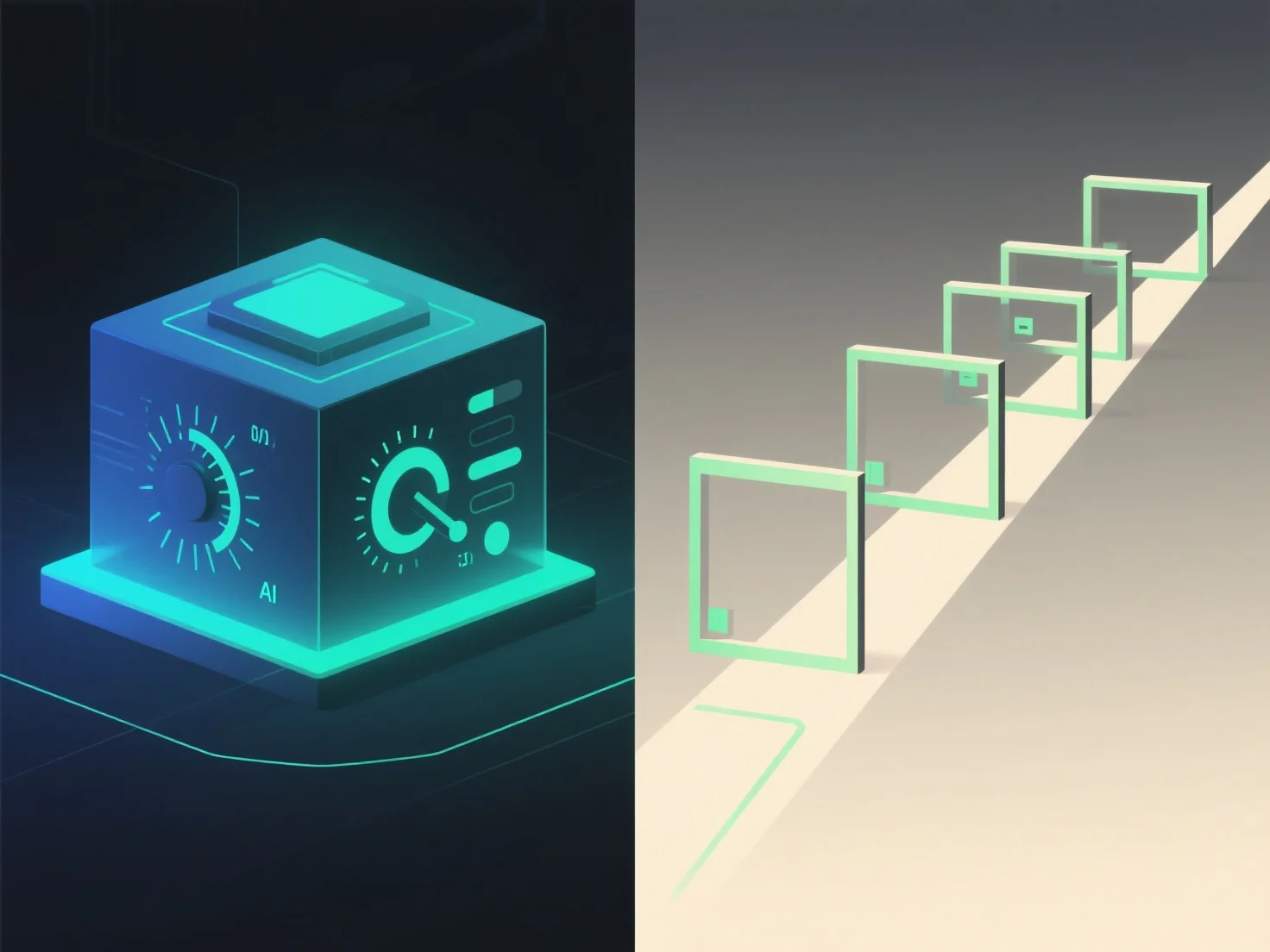
Las presentaciones en 3D con control del usuario y las presentaciones guiadas difieren principalmente en interacción y control sobre la experiencia. El 3D controlado por el usuario permite a los espectadores navegar, rotar o hacer zoom en el contenido 3D de forma independiente, mientras que las presentaciones guiadas siguen una secuencia predefinida dirigida por el presentador.
Nivel de interactividad: El control del usuario permite a los espectadores explorar a su propio ritmo, centrándose en las áreas de interés. Ideal para inspecciones detalladas o aprendizaje personalizado. Las presentaciones guiadas, por el contrario, mantienen un flujo estructurado, asegurando que los mensajes clave se entreguen en un orden específico.
Aplicaciones ideales: escenarios de trajes 3D controlados por el usuario, como demostraciones de productos.
En resumen, el 3D controlado por el usuario ofrece libertad exploratoria, mientras que las presentaciones guiadas aseguran una comunicación estructurada e intencional.