Home/Hitem3D FAQ/How do you use lightmaps to optimize lighting performance in 3D models?

How do you use lightmaps to optimize lighting performance in 3D models?

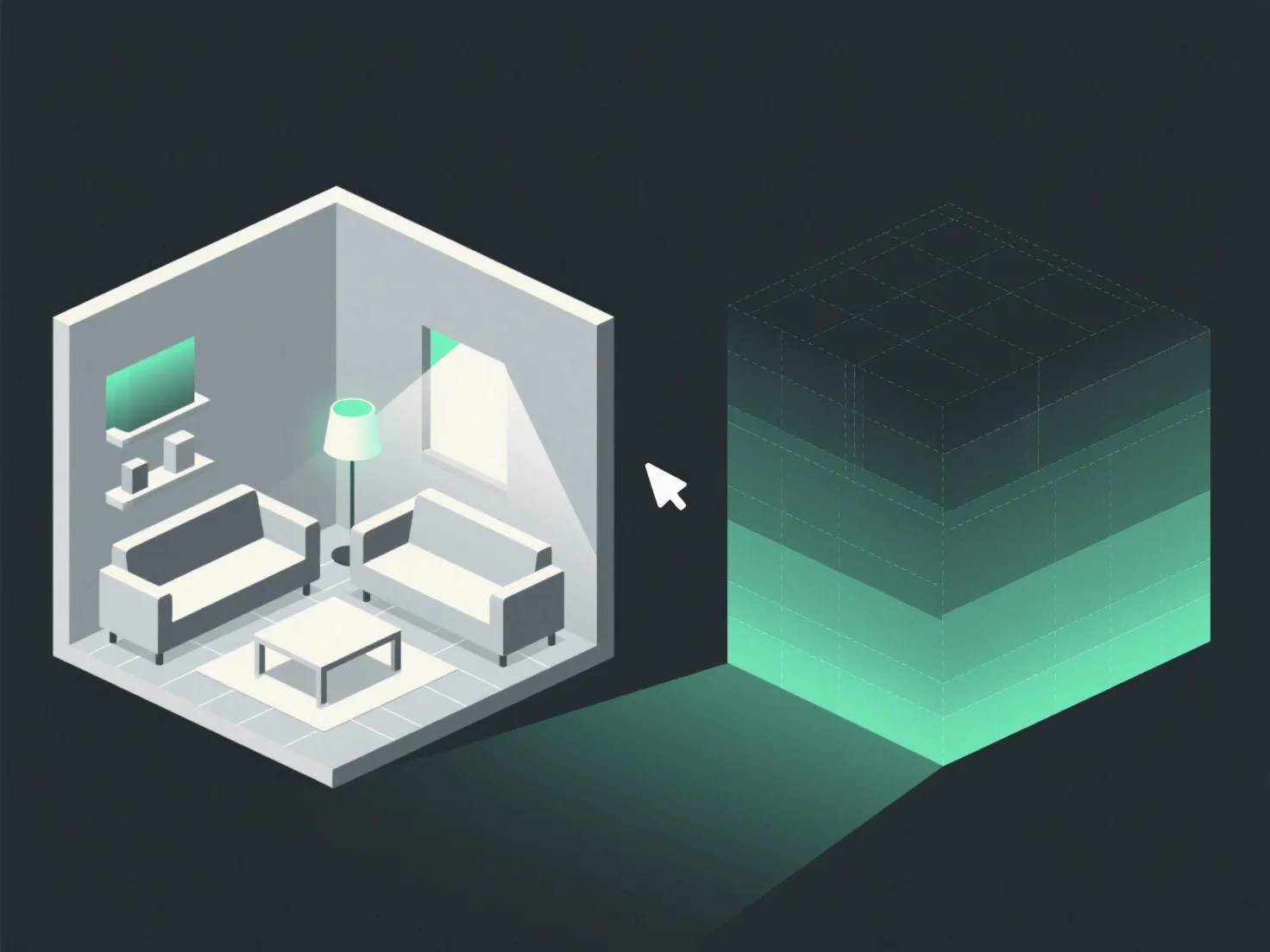
Lightmaps precompute static lighting data onto textures for 3D models, optimizing rendering in static scenes by saving GPU resources.

How do you use lightmaps to optimize lighting performance in 3D models?

Lightmaps optimize lighting performance in 3D models by precomputing static lighting data onto textures, reducing real-time rendering calculations.

They store pre-rendered lighting effects (e.g., shadows, ambient occlusion) for static objects. During rendering, these textures are applied directly, eliminating the need for real-time light calculations—saving GPU resources significantly.

Ideal for static scenes (e.g., video games, architectural visualizations) where lighting doesn’t change. To implement, bake lightmaps using tools like Unity or Blender, balancing visual quality and rendering efficiency.

PreviousNext
Producto
Web Studio
Plataforma API
Funciones
Imagen a 3D
Multivista a 3D
Relieve
Segmentación
Modelos
Modelo general
Modelo de retrato
Recursos
Blog
Preguntas frecuentes
Documentación API
Acerca de nosotros
Precios