


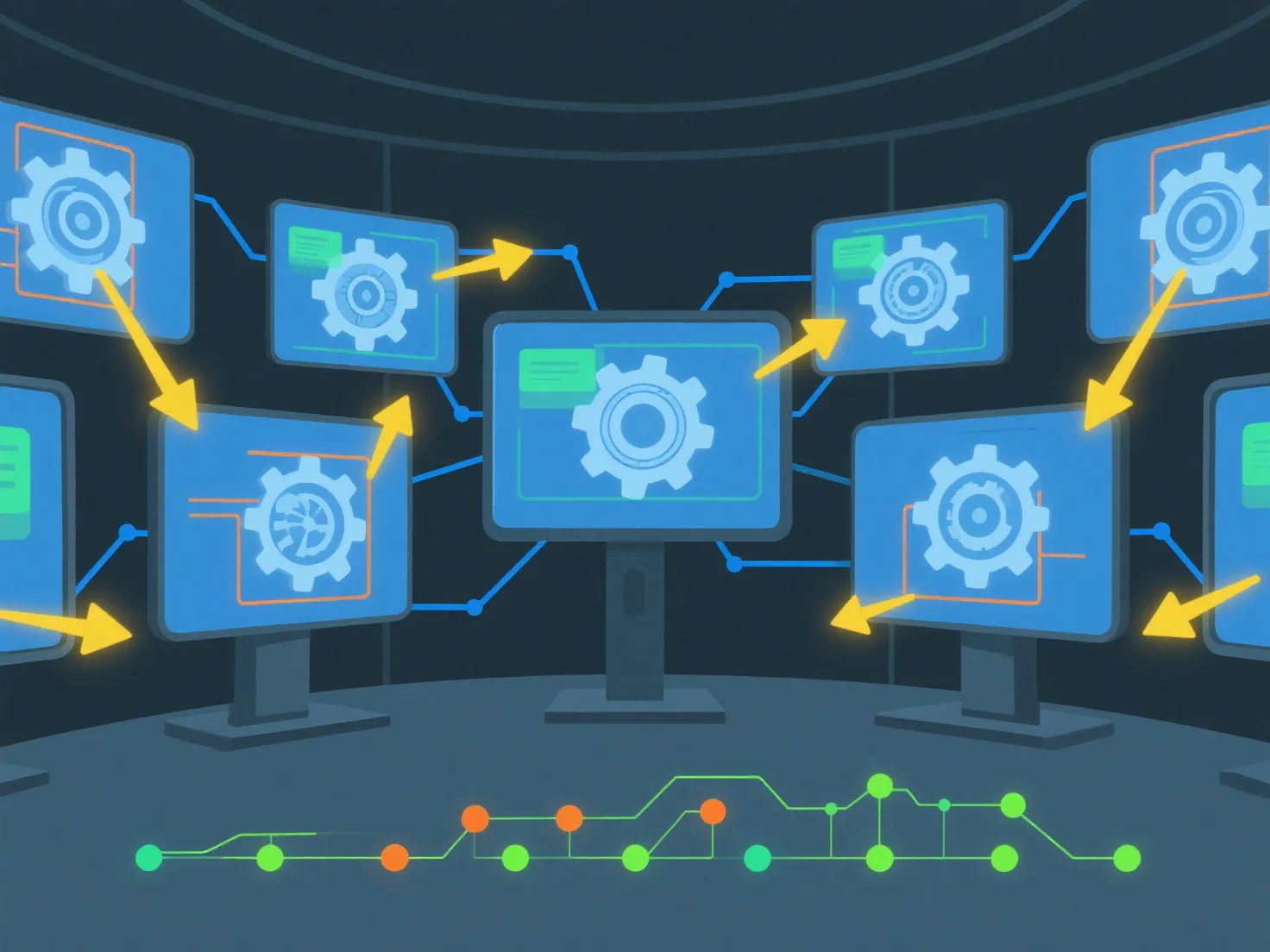
Para compartir activos 3D y realizar un seguimiento de los cambios en tiempo real utilizando software colaborativo, comience por cargar archivos 3D en un espacio de trabajo en la nube compartido y configurar los permisos de acceso del equipo. Esta configuración permite la visualización/edición simultánea y registra automáticamente el historial de cambios para garantizar la transparencia.
Primero, carga y configura el acceso: Añade archivos 3D.
A continuación, habilite la colaboración en tiempo real: utilice herramientas con sincronización en vivo para permitir que múltiples usuarios trabajen en el mismo activo al mismo tiempo, evitando conflictos de versión.
Finalmente, realice un seguimiento de los cambios automáticamente: el software registra las ediciones con el usuario, la marca de tiempo y los detalles de la modificación, para que los equipos puedan revisar el historial o restaurar versiones fácilmente.
Esto garantiza un intercambio sin problemas, actualizaciones en tiempo real y una trazabilidad clara de los cambios para un trabajo en equipo eficiente en activos 3D.