


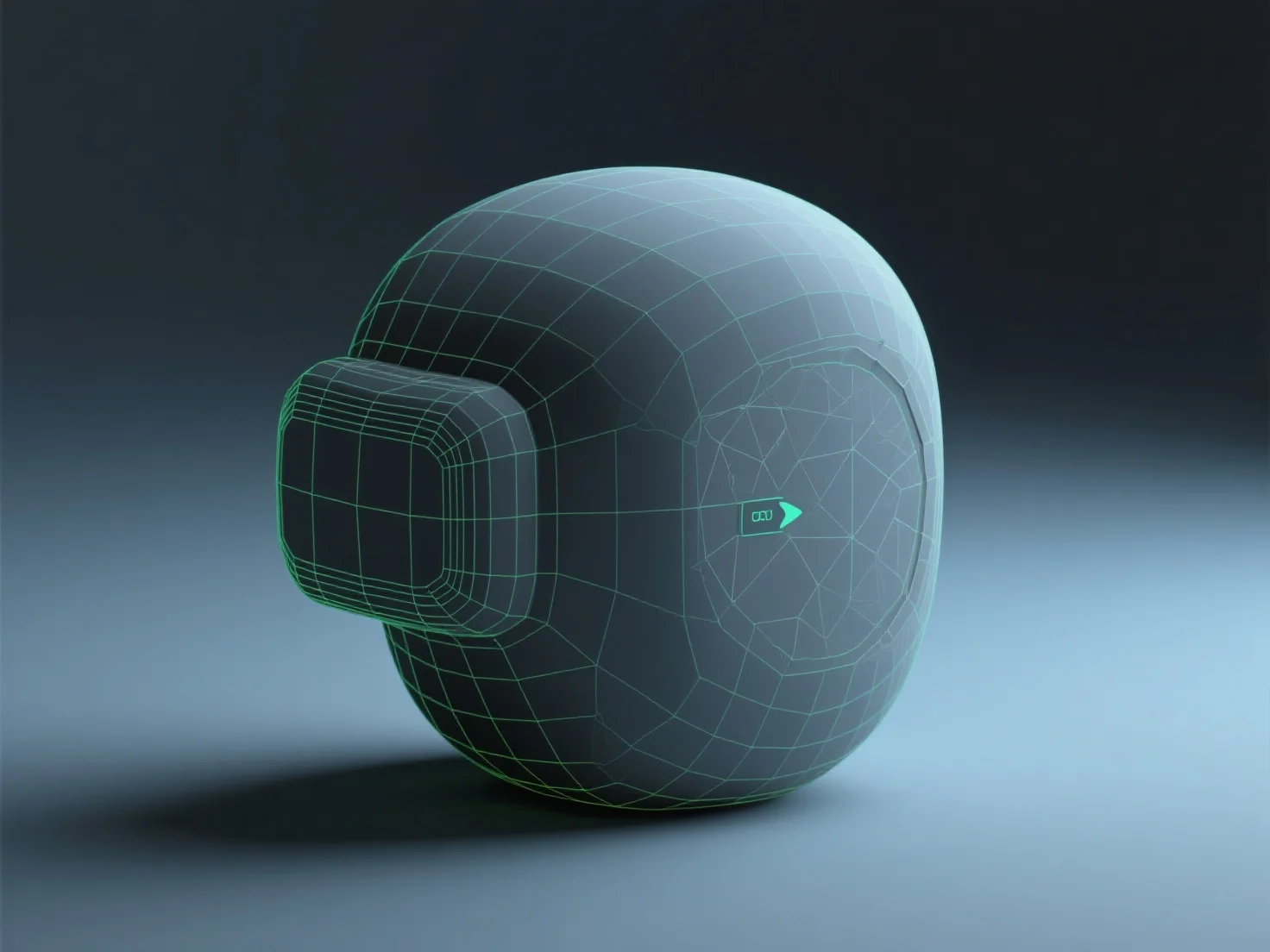
Preparar un modelo 3D para motores en tiempo real como Unity o Unreal implica optimizar la geometría, texturizar de manera eficiente, realizar el rigging (si es animado), exportar en formatos compatibles y realizar pruebas en el motor. Esto equilibra la calidad visual con el rendimiento para una renderización fluida en tiempo real.
La optimización geométrica reduce el número de polígonos para disminuir la carga de la GPU, eliminando detalles innecesarios y preservando las formas clave para mantener el modelo ligero.
La texturización utiliza materiales PBR (rendering basado en física) para imitar la iluminación del mundo real, con mapas comprimidos (albedo, normal, metálico) para un renderizado eficiente.
El rigging (para modelos animados) establece una estructura ósea alineada con los puntos de movimiento naturales, lo que permite animaciones suaves sin una complejidad excesiva.
Exportar en formatos compatibles con el motor, como FBX o GLB, evitando archivos propietarios para garantizar una importación sin problemas en Unity o Unreal.
Las pruebas en el motor permiten ajustar el LOD (Nivel de Detalle) o la configuración de los materiales, afinando el rendimiento y la apariencia para obtener resultados óptimos en tiempo real.